

One of the most stressful aspects of starting a new business can be thinking about all of the different tools and platforms you need to invest in. We’ve been there!
You want to take advantage of the latest and greatest systems, but you don’t want to invest too much money. What if your business doesn’t work out? Or what if things do work out but you realize you wasted a bunch of money on things you didn’t actually need?
Not to mention, every platform out there tells you that you NEED to invest in them to be successful. It’s overwhelming at best and downright daunting at worst.
But it doesn’t have to be so scary! That’s why we’ve put in the work over the years to compile a list of platforms that will actually help you (discovered through our own trial and error) and that won’t break the bank. Some can even be used for free 🙌
The platforms in this list will help you grow your business, manage everyday tasks and even DIY creative projects without the fuss of complicated systems. We promise that you won’t be disappointed investing your time and money in these business tools.
Let’s dive in!
Squarespace
Investment: Starting at $16/month (if you pay annually)
Use For: Everything (your website, blogging, e-commerce, email marketing, courses, scheduling, etc.)
Obviously we have to start with our all time favorite platform, Squarespace!
And while Squarespace isn’t free (some might even say it’s not “cheap”), its all-in-one capabilities make it an essential business tool. Plus, it’s the one tool that will make you by far the most money in return. So the price you pay for a subscription is 100% worth it in the end.
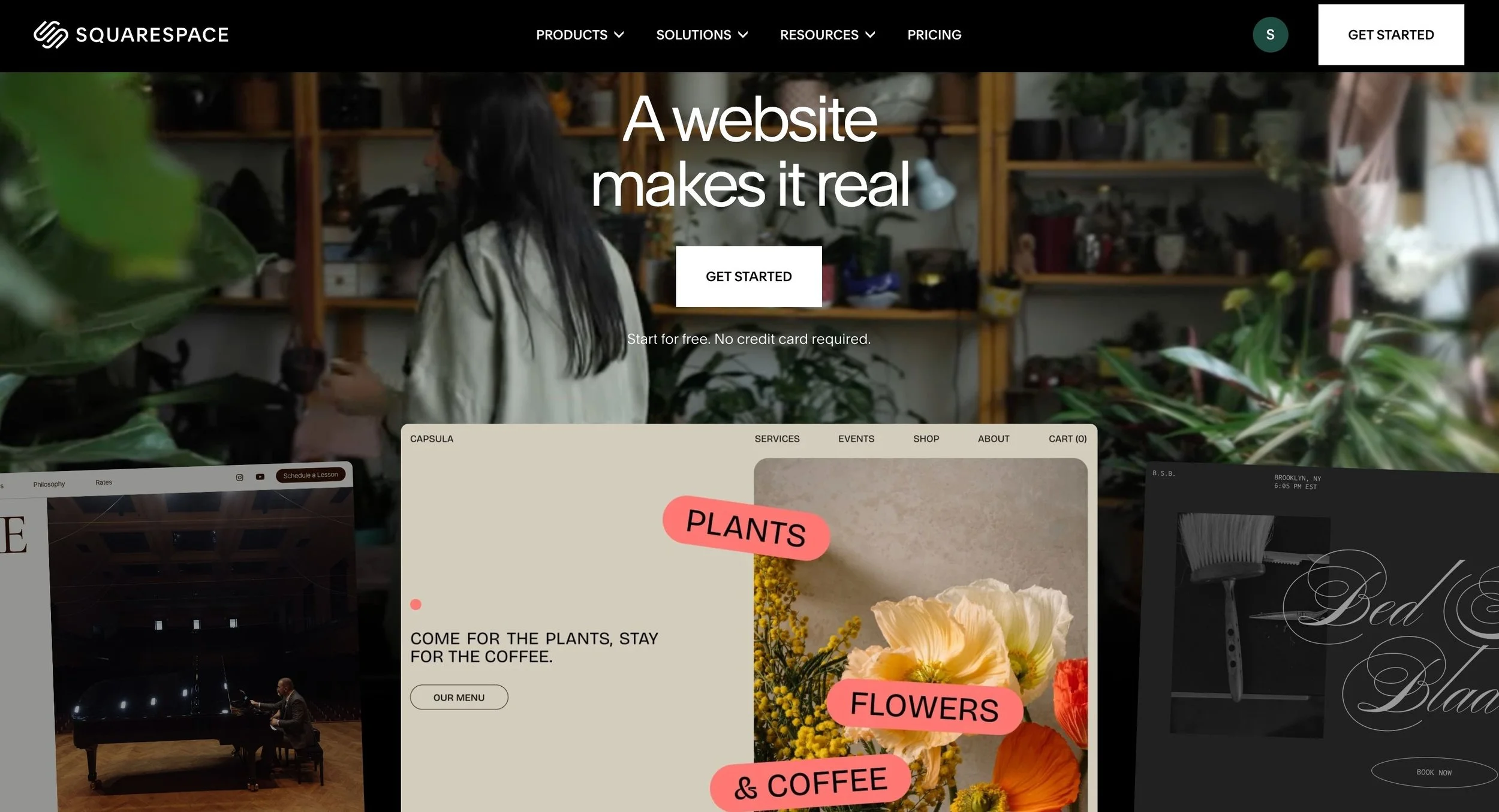
Squarespace is a website hosting platform that caters directly to DIYers and small business owners. It’s easy to get started with and is so streamlined and intuitive that you’ll be feeling like a web design pro after only a few days.
Having a killer website is important for any business, but it’s especially crucial if your business is solely online. You need a home that’s reliable and built to grow with you so that you don’t need to worry about switching things up after a year.
And the great thing is that, in addition to being a top-tier web design platform, Squarespace also offers so many built-in tools like:
And more! You can practically do everything within this one platform which means, you might not even need to invest in anything else.
Squarespace's plans start at $16/month if you're paying annually and can go up to around $99/month for super advanced needs like complex e-commerce stores. And even though they don't offer a free plan, every website gets a 14-day free trial which is great for getting to know the platform before fully committing.
👉 View all of Squarespace's pricing details here
And if DIYing your own website sounds like the last thing you want to be doing, you always have the option to use a pre-designed template like our Premium Squarespace Templates. Our templates are strategically designed with DIYers in mind so you can quickly and easily get a beautiful and functional site launched for your biz. Check them out here.
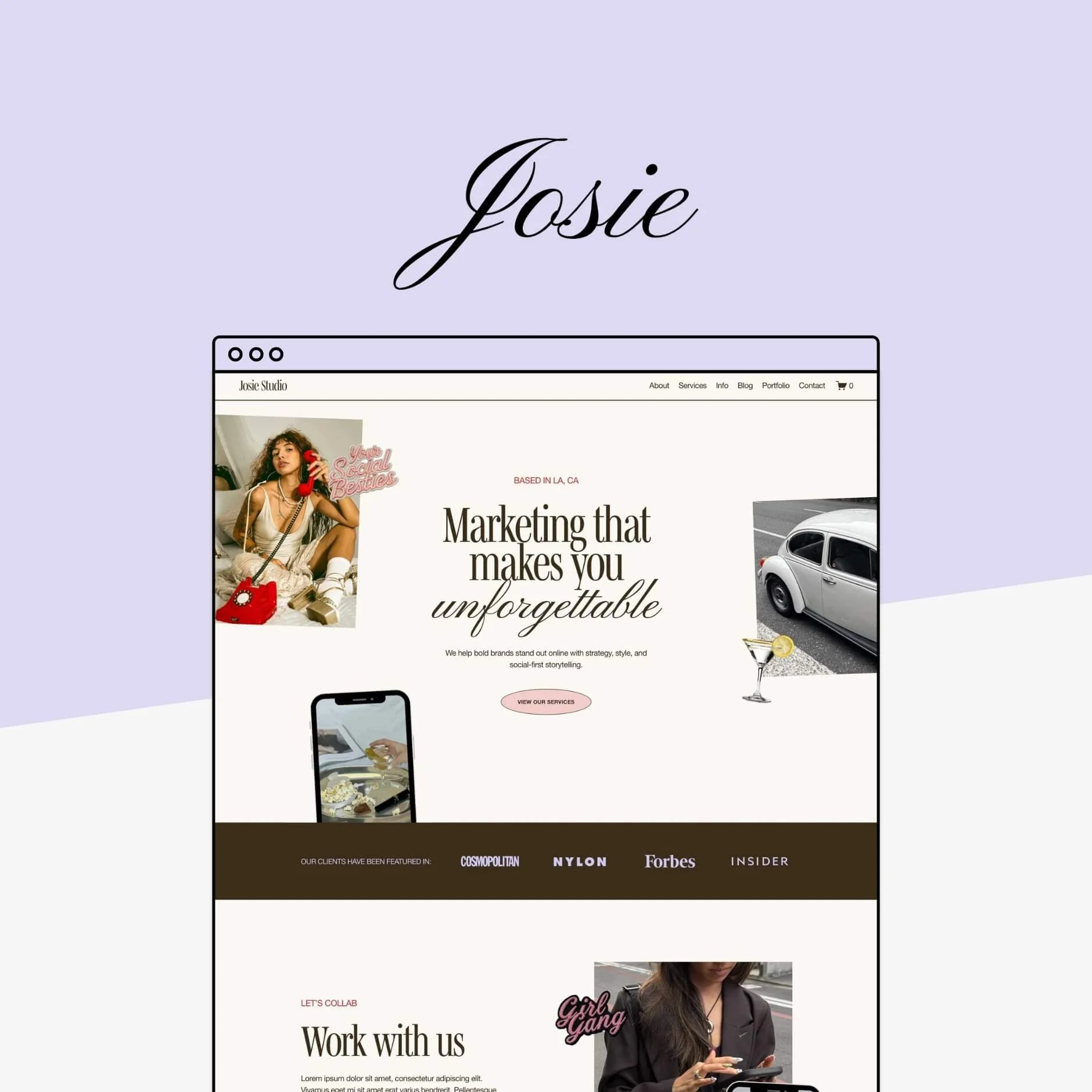
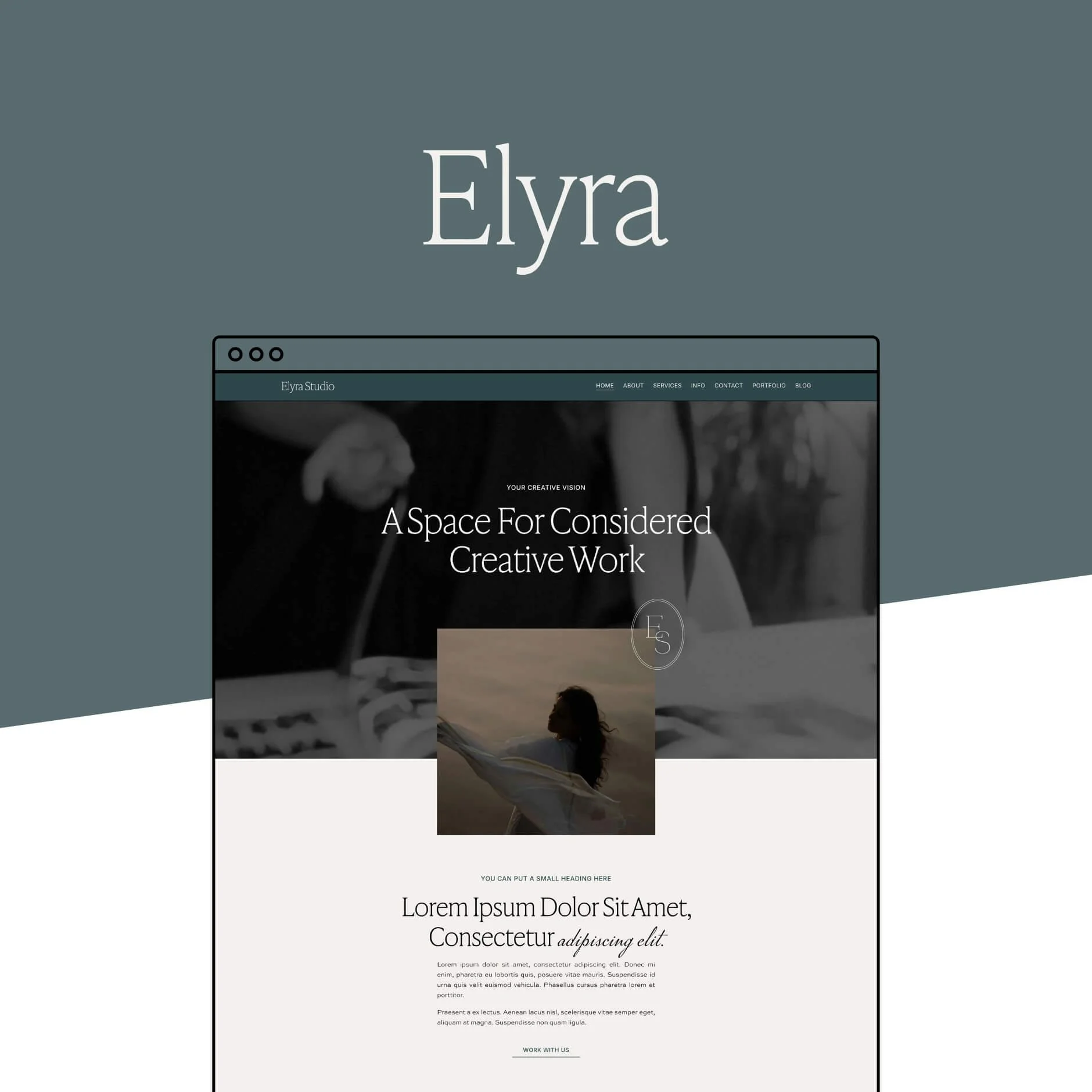
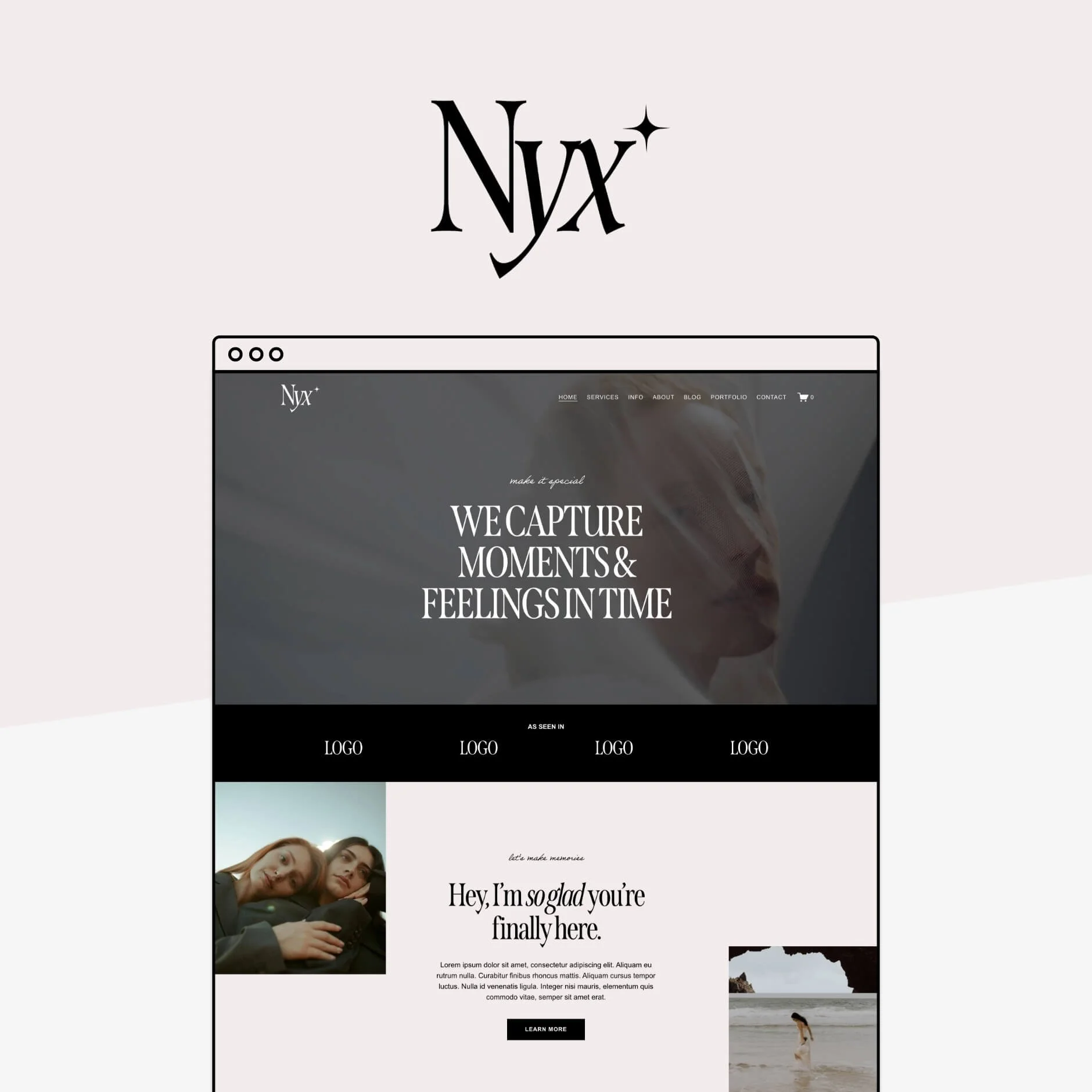
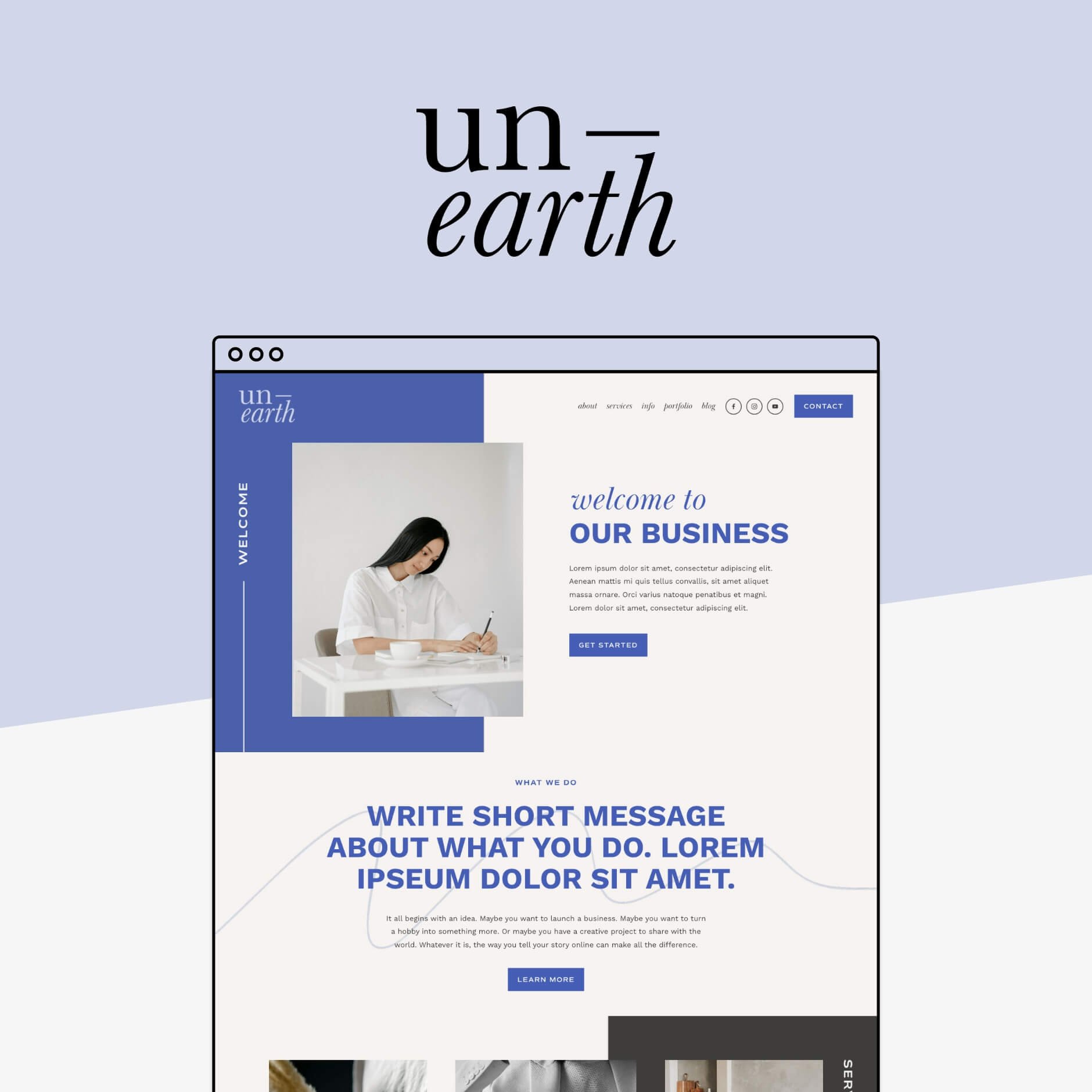


Honestly, if there’s one thing you take away from this post, let it be this - if you can only invest in one thing for your business, a great website is where it’s at!
Kit
Investment: Limited Free w/ Paid Options
Use For: Email Marketing
Kit is the platform that we currently use for our email marketing and we love it!
The platform is designed to help you send beautiful emails, grow your subscriber count, and automate your work so that you can earn more money on autopilot. It’s definitely a more robust email marketing platform, but it also feels accessible and manageable so you won't find yourself wasting time on a crazy complicated system.

Kit's main offers include:
Excellent deliverability
In-depth segmentation and automated sequences
Vast design capability
Analytics
Great support
And even more features that you’ll find invaluable for an email marketing strategy.
They do offer a free plan, but you should keep in mind that it’s on the limited side. You can be on Free up to 10,000 subscribers but you only get access to a small amount of automations, are required to display Kit branding, and miss out on other more advanced analytics and insights.
The Kit Free plan is perfect, however, for new business owners just getting started and hopefully by the time you need to move up to a paid plan, you’ll be raking in the money!
Flodesk
Investment: Limited Free w/ Paid Options
Use For: Email Marketing
In comparison to the other email marketing platforms out there, Flodesk is fairly new, but it's most well known for its stunning and design-forward email templates.
It also has a really simplified and easy to use interface making it a great choice for new business owners and DIYers who don’t want to deal with anything too techy! It’s the perfect platform to get started with or to use if you don’t ever plan on needing complex automations or super advanced features.

We actually love Flodesk and are keeping it on this list (in addition to Kit) because it’s really the best option for those looking to impress visually with their emails. The templates that they offer are already beautiful on their own but the editing software gives you plenty of room to customize according to your brand and vibe.
Plus, Flodesk also includes:
Basic analytics
Plenty of support and resources
Segmentation options
Embeddable forms
And other basic features like light e-commerce capabilities.
Flodesk does have a free plan that allows you to create forms, add subscribers, and customize templates, but you can’t actually send any emails out on this plan. This makes it a really great starting point for growing your list and getting familiar with the platform, but when it’s time to start blasting out emails, you’ll need to upgrade!
👉 View all of Flodesk’s pricing details here
👉 Flodesk vs Squarespace Email Campaigns: Which Is Best for Your Business?
Clickup
Investment: Free w/ Paid Options
Use For: Project Management
Clickup is your one stop shop for all things project management!
With Clickup, gone are the days of utilizing 10 different tools to manage the day-to-day responsibilities that fall on you and your team. With this one platform, you can easily
Manage all of your projects and documents in one place
Create automated updates and reporting
Utilize the power of AI to manage tasks and deadlines without even being at your computer
Instantly communicate and collaborate with your team
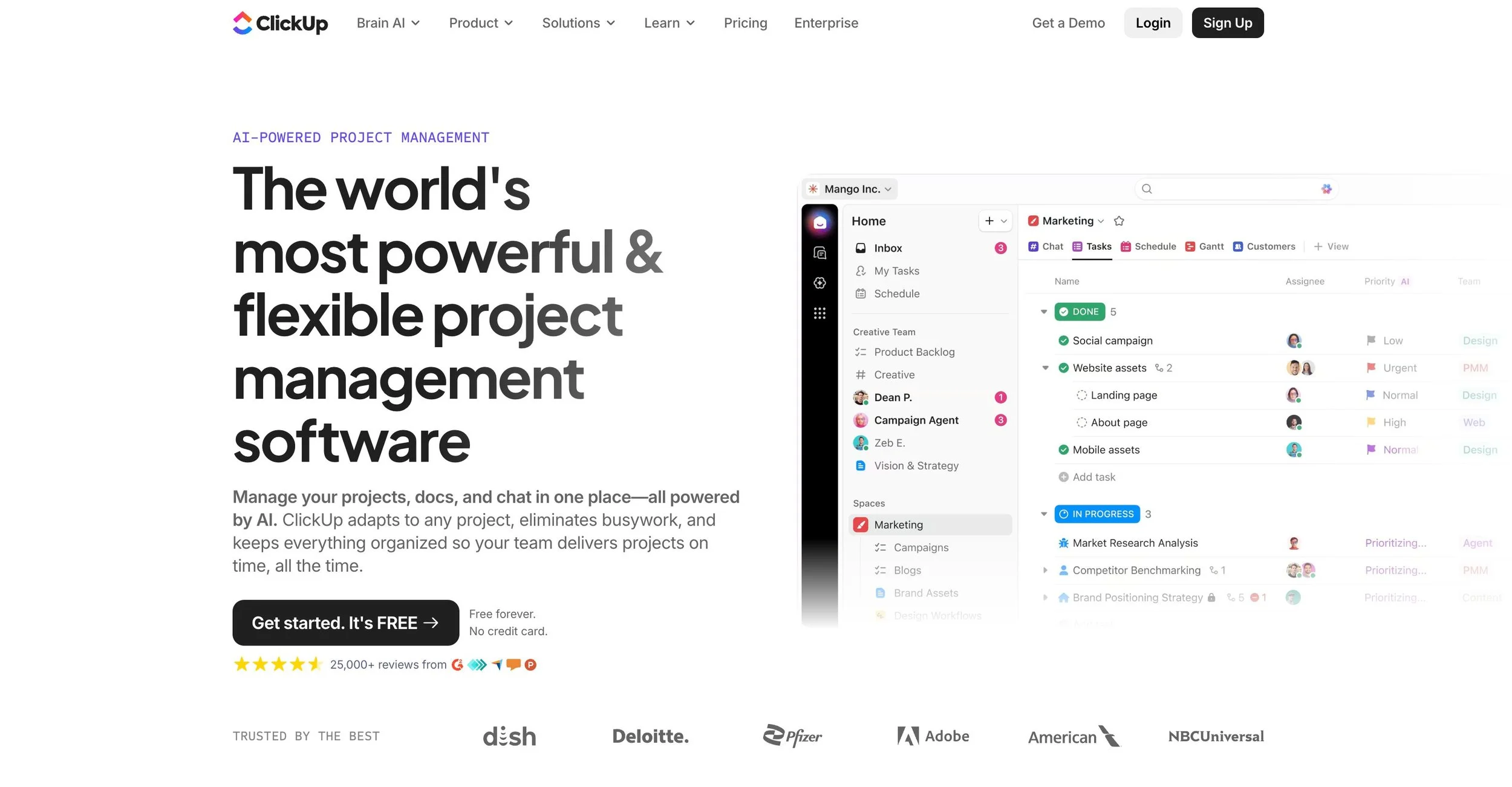
At Big Cat Creative, we use Clickup every single day and could not function without it! It’s where we plan content, draft copy, schedule our month, store documents and SOPs, and manage any miscellaneous things that come our way.
And the best part is, Clickup can be useful for even the teeny tiniest business. With their Free Foreverplan, you can create task lists, collaborate on docs, create a calendar and even add team members when the time comes. Having access to tools like this for free is so invaluable for a new business owner and it’s definitely something you should take advantage of!
And if (or when) you decide it’s time to upgrade, the Clickup paid plans are super reasonable, especially for the amount of tools you gain access to.
Kitchen
Investment: Free w/ Paid Options
Use For: Client Portals
This one is for businesses who regularly work one-on-onewith clients! Kitchen is a client portal software that allows you to manage your client based projects all in one place.
We’re talking:
Upload documents
Create task lists
Embed forms and Google docs
Communicate instantly via chat
And so much more. If you’re looking for a platform that’s clear and easy to use, simple for onboarding, and comprehensive enough to tackle robust projects, Kitchen is for you.
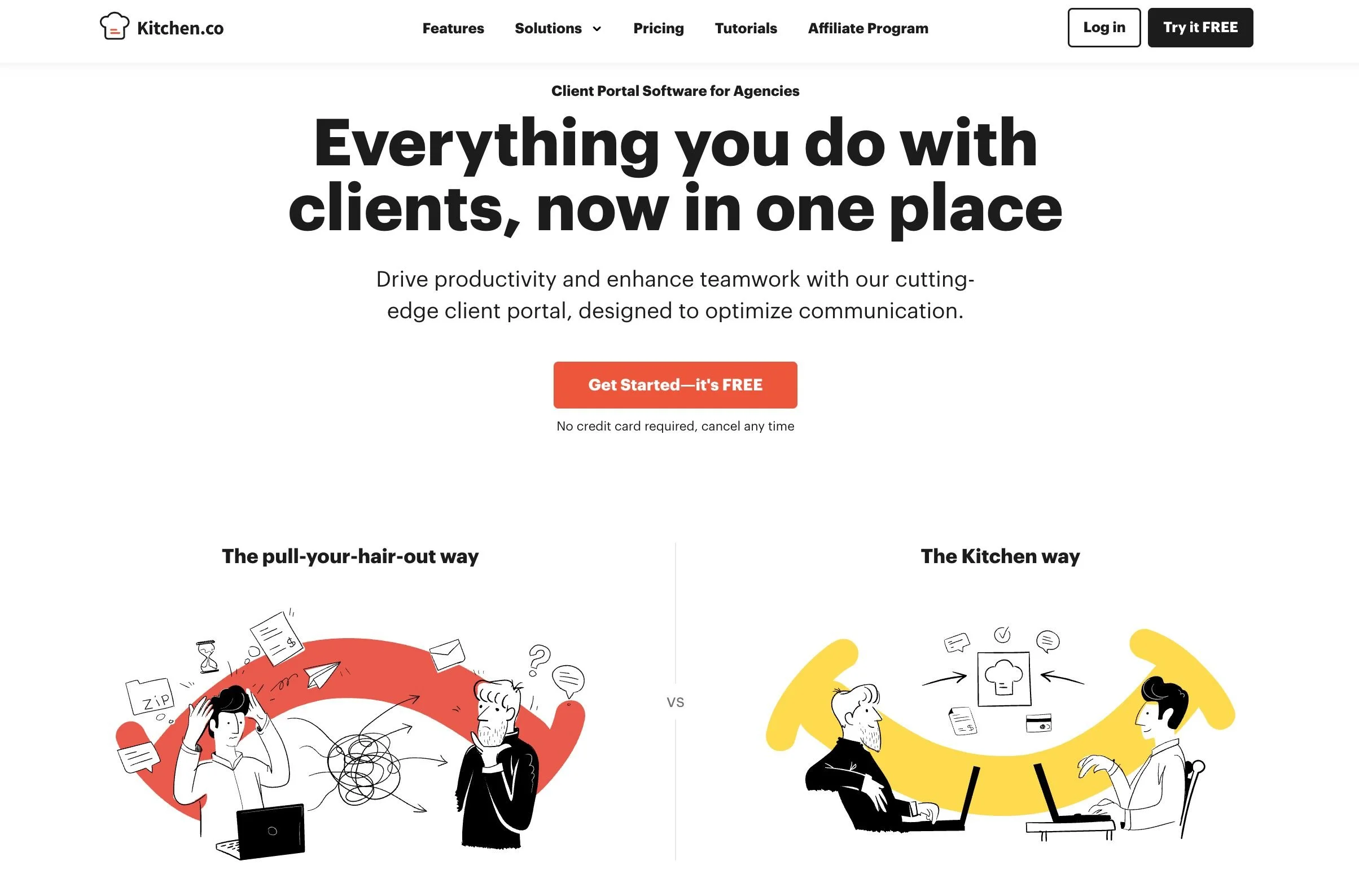
And when it comes your clients, Kitchen makes things crazy streamlined. You get to choose what clients have access to and how they'll receive notifications. Plus, they’ll be able to access the portal on their end securely and for completely free! So you don’t need to worry about weird account sharing or complicated processes for them to follow.
Kitchen offers a Free Foreverplan where you can add unlimited clients and create unlimited projects which is super awesome. You only get a max of 2 internal users on this free plan though, so that’s something to keep an eye out on if you plan to grow your team quickly.
Then, if you ever need to, they make it really straightforward to upgrade with a middle tier plan and a flat fee advanced plan where you pay one amount for lifetime use of the platform (yeah, pretty cool).
Canva
Investment: Free w/ Paid Options
Use For: Online Graphic Design
If you aren’t familiar with Canva, you need to get familiar ASAP because it is one of our favorite platforms ever!
Canva is an online graphic design platform that makes creating social media graphics, website graphics, animations, workbooks, and more SO easy and fun. The platform allows you to DIY your own designs utilizing
Templates
Unique fonts
Colors
Design elements like shapes, illustrations, graphics, and stickers
Uploaded images
And other tools that allow you to feel like a true professional.

We love to use Canva to add interest to images, create shareable templates, design small icons, and collaborate with our entire team on design projects!
And if you’re just starting out and don’t have a big budget, don't worry because you can use Canva completely free for as long as you want. And honestly, their free plan is totally acceptable to use long term.
Besides some premium fonts and design elements, you receive access to the complete Canva platform on the free plan and can create some really beautiful designs without worrying about breaking the bank.
👉 View all of Canva’s pricing details here
If you want to uplevel your design game and create show stopping graphics for your business, Canva is the place to be.
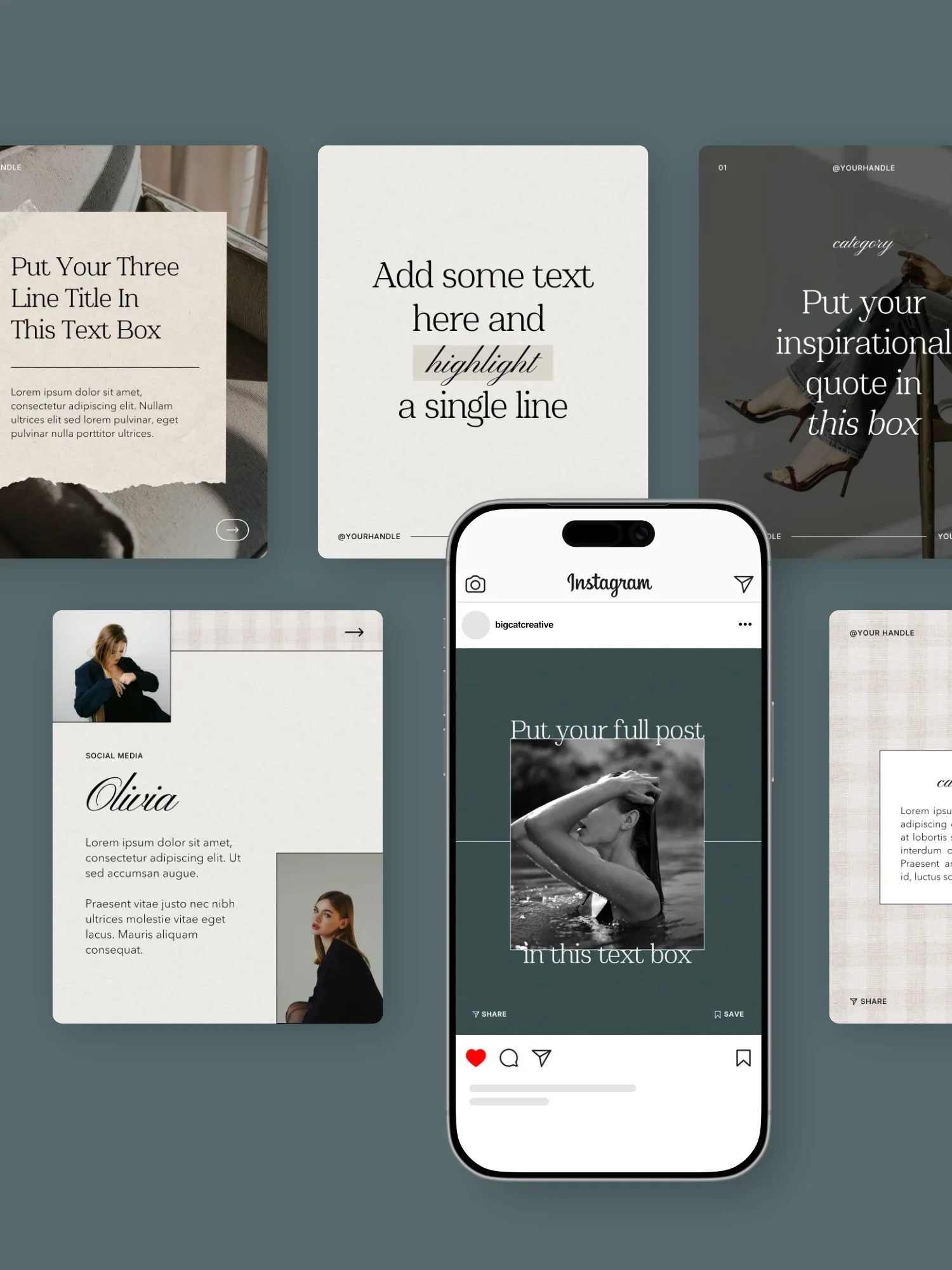
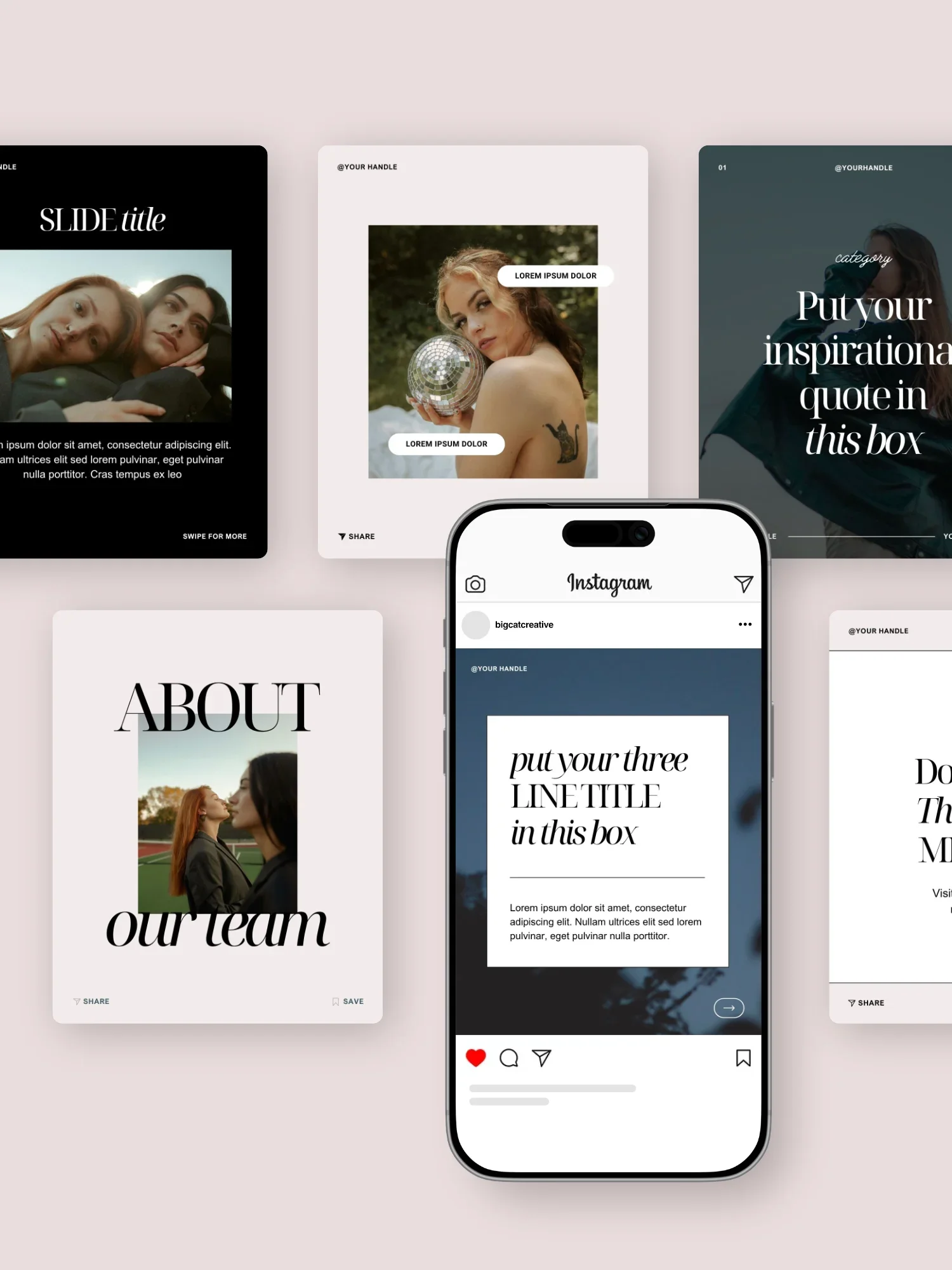
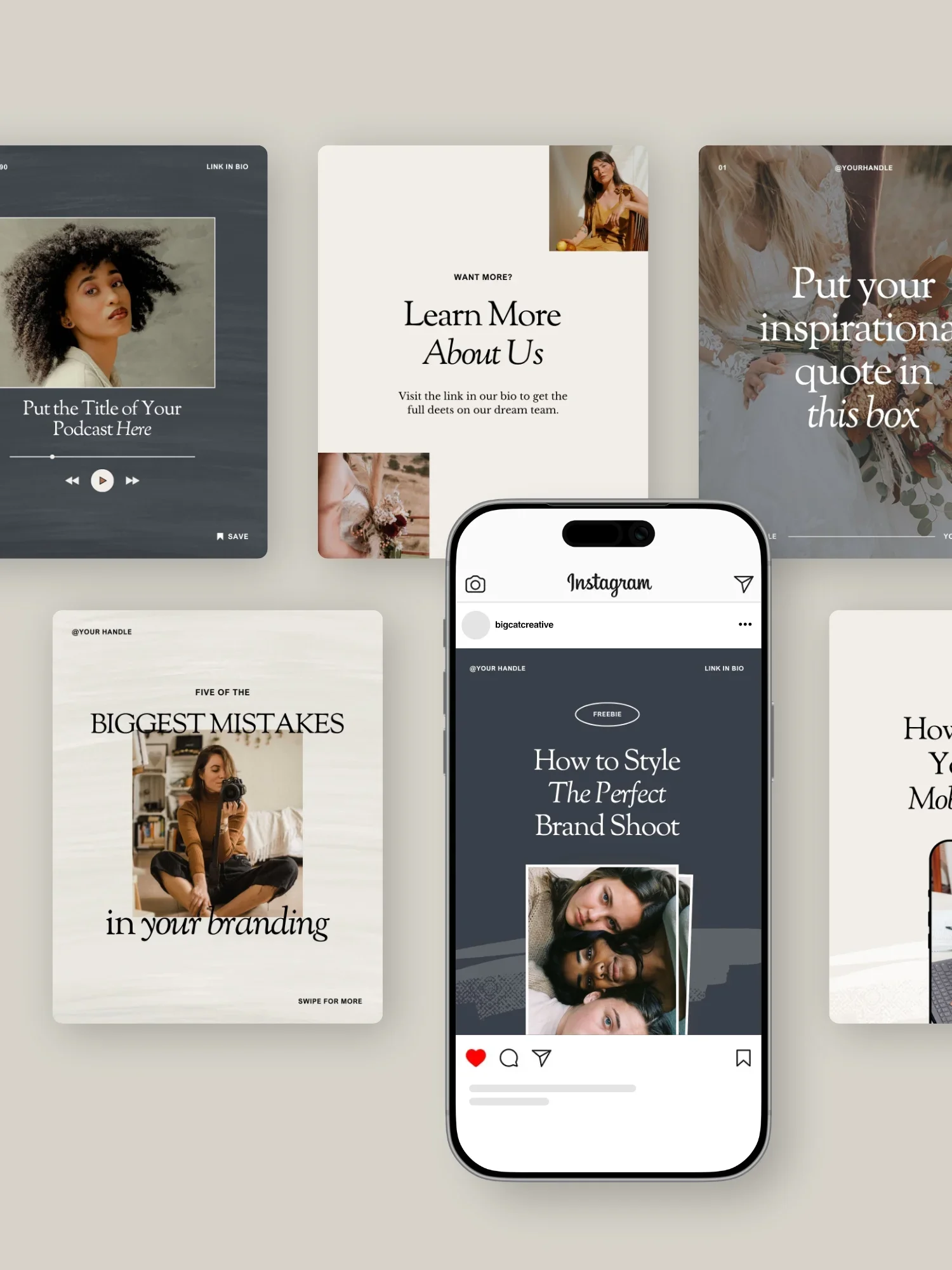
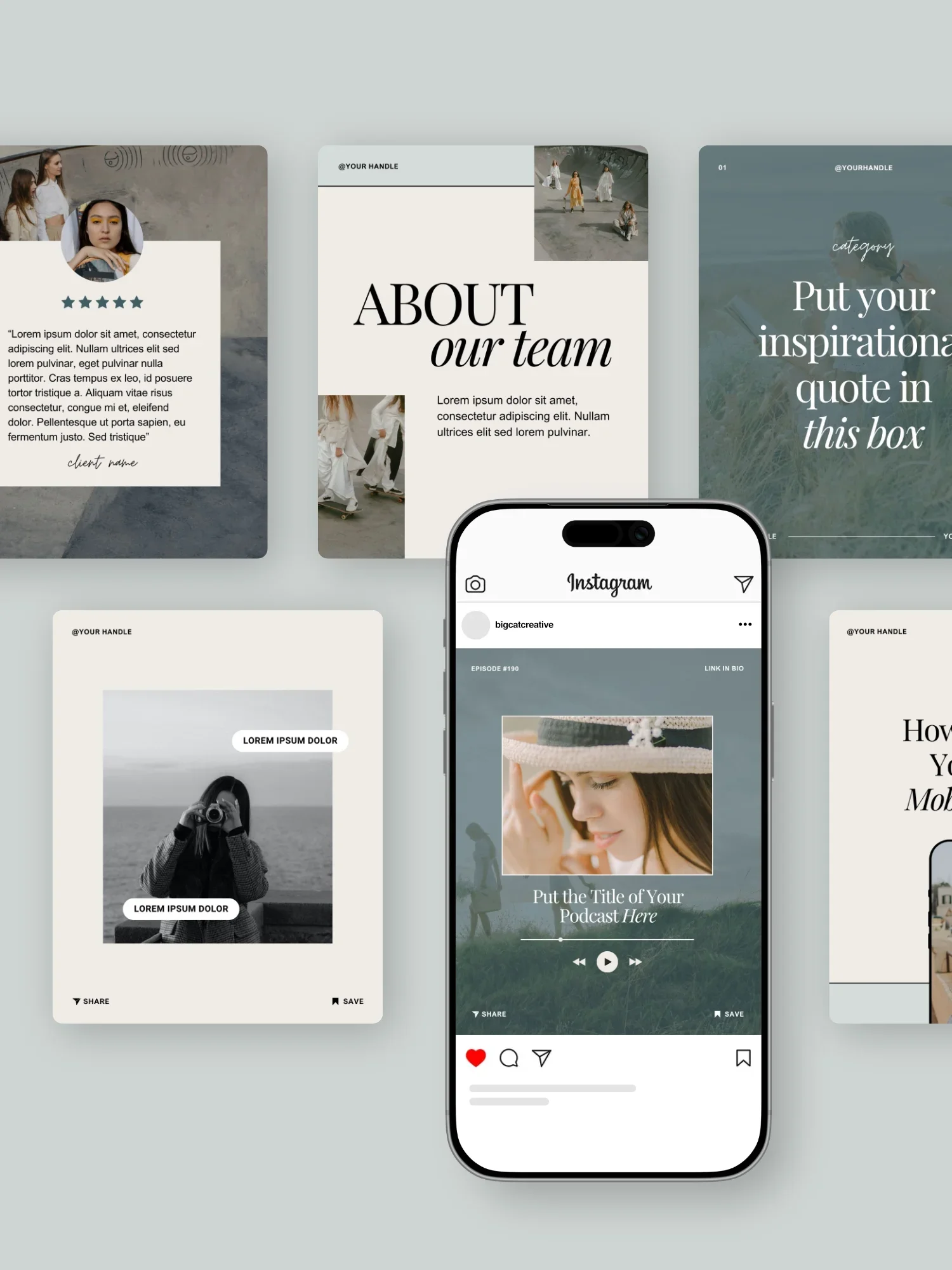
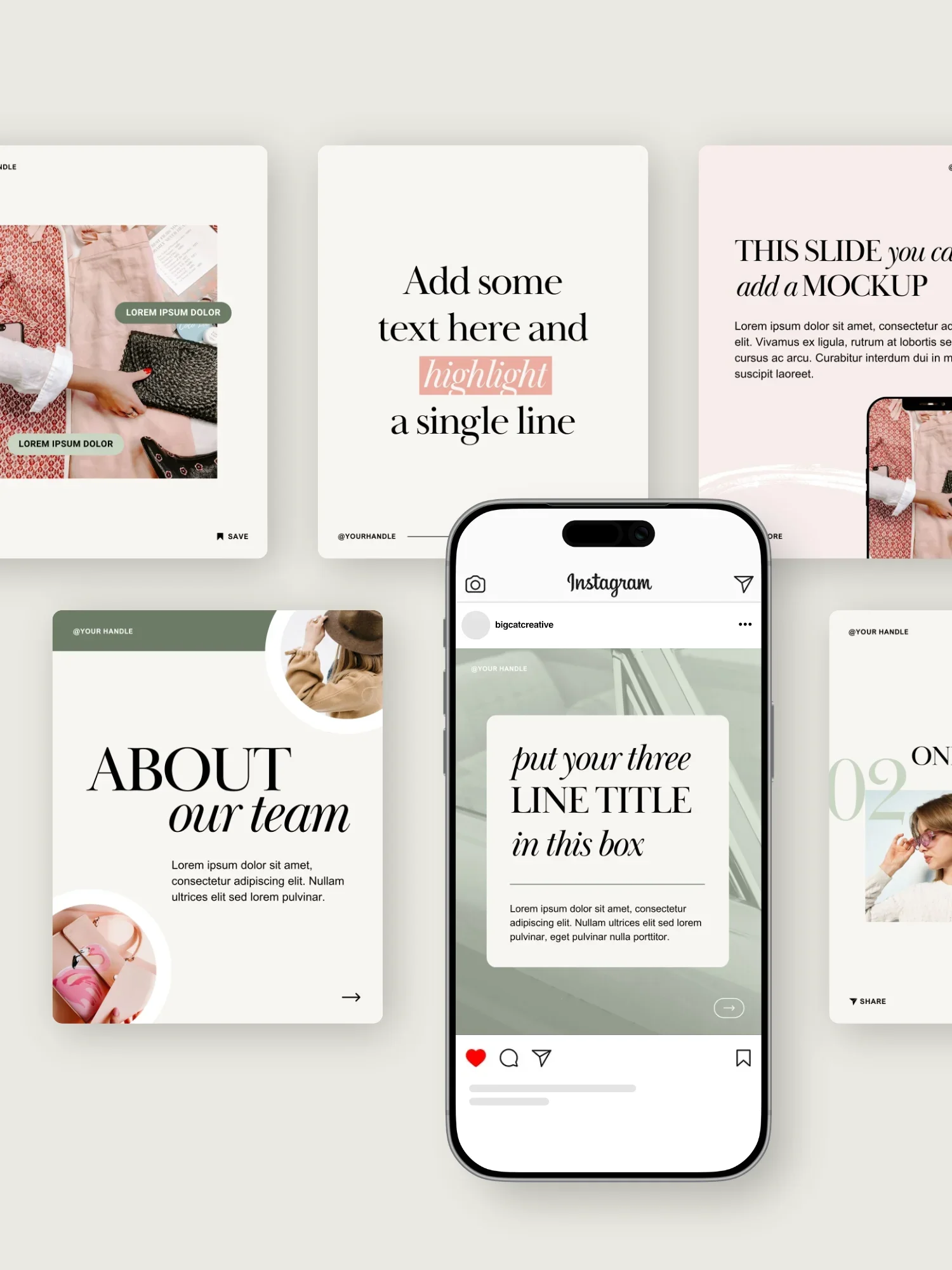
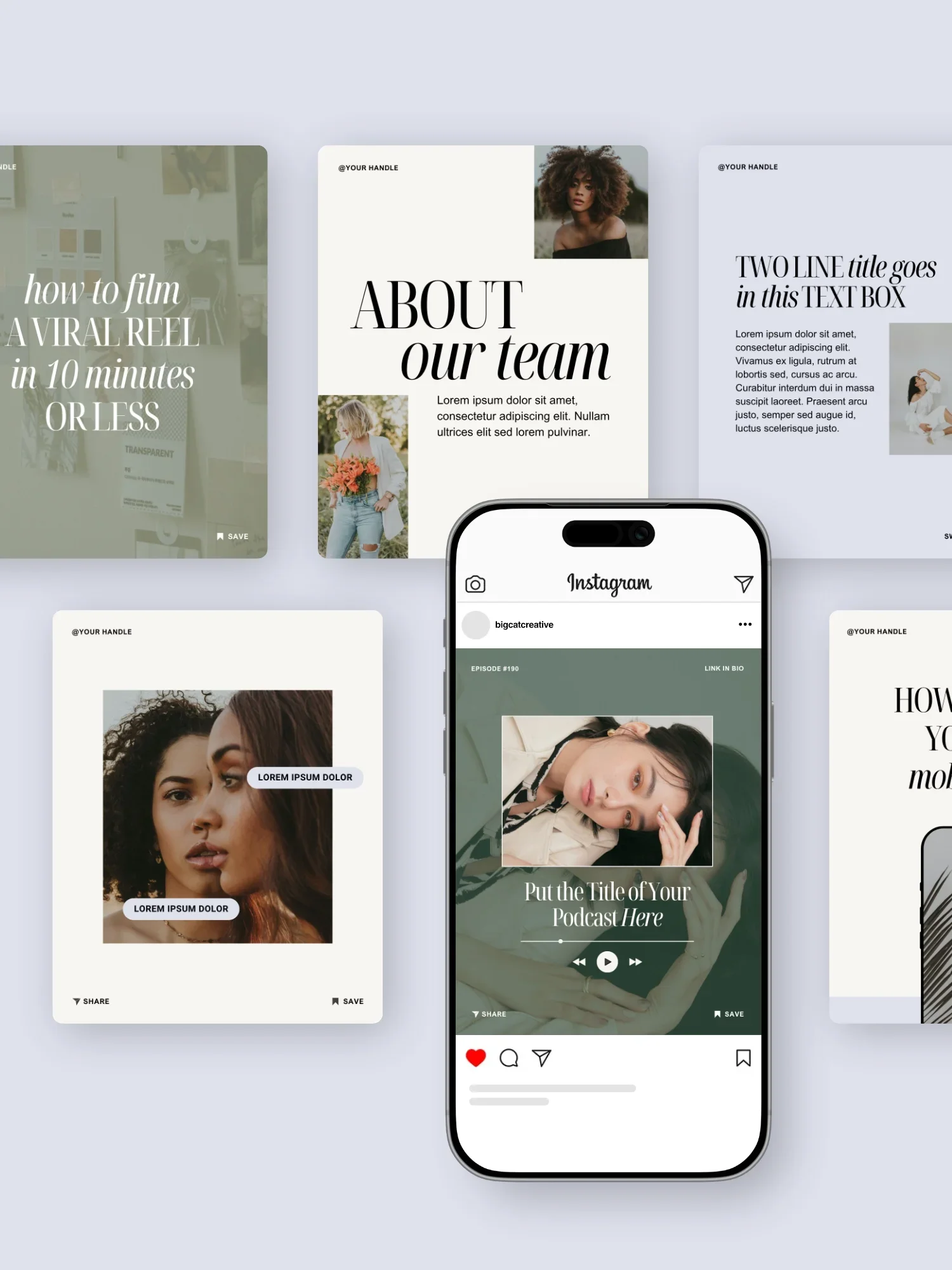
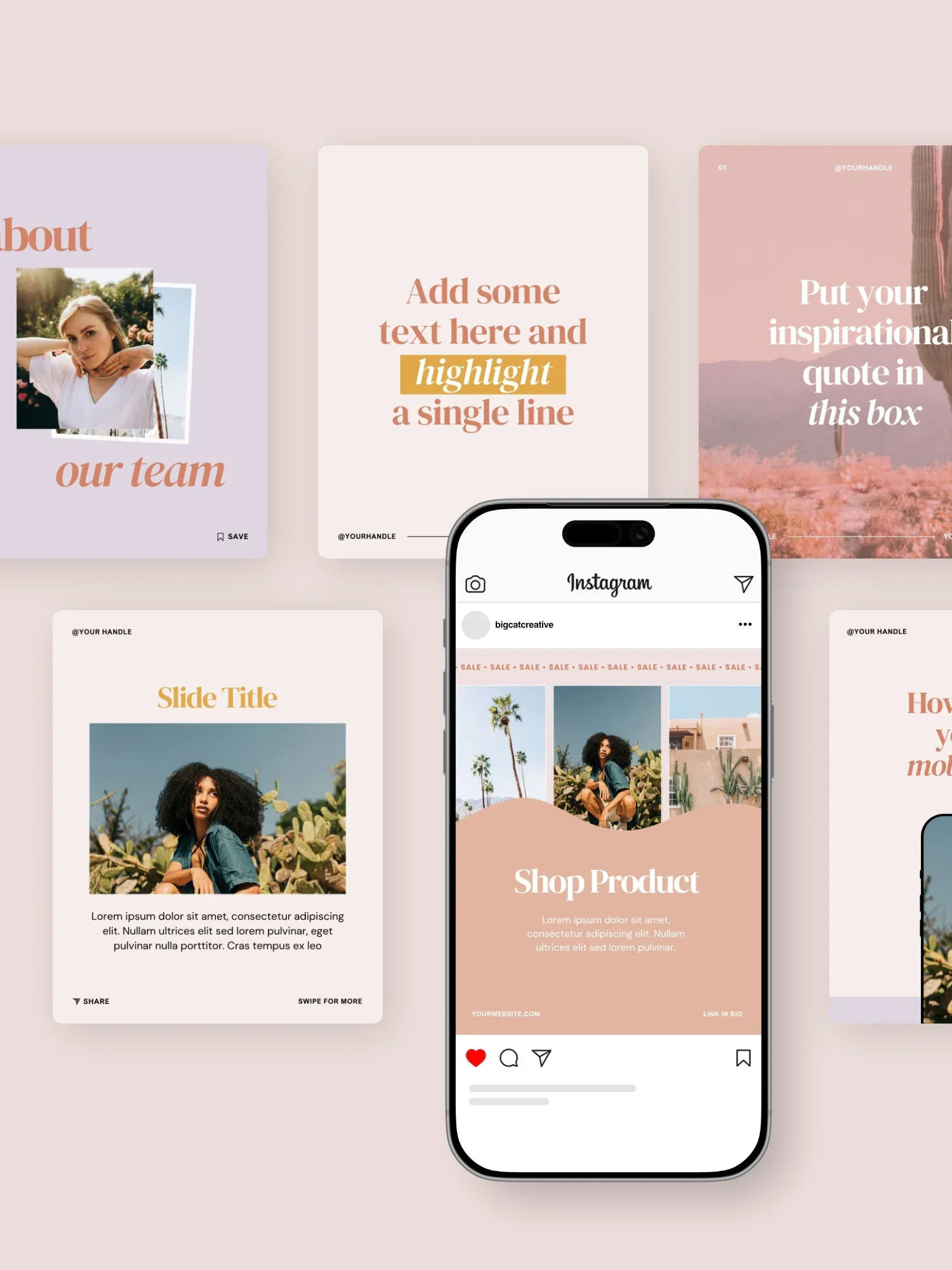
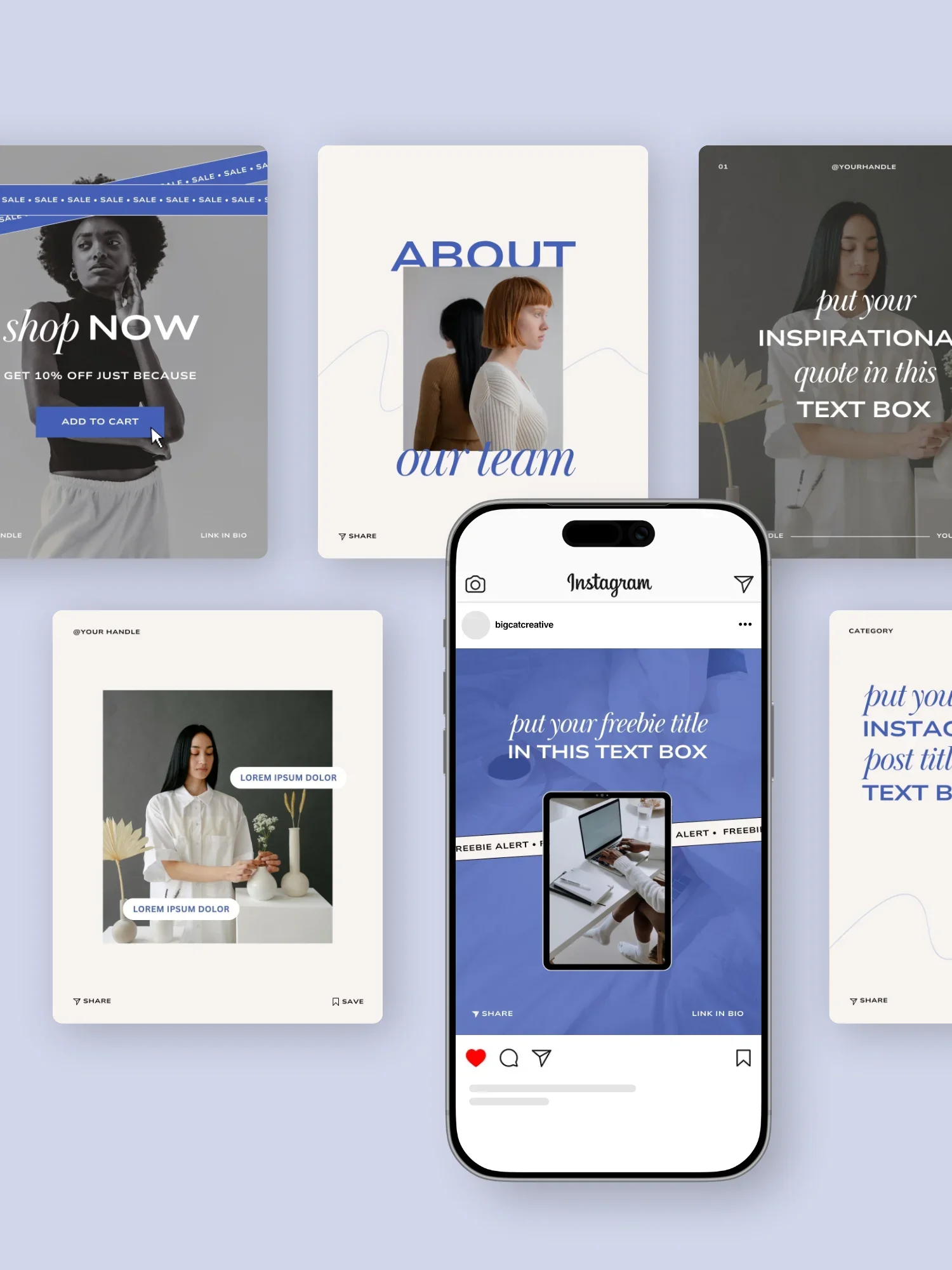
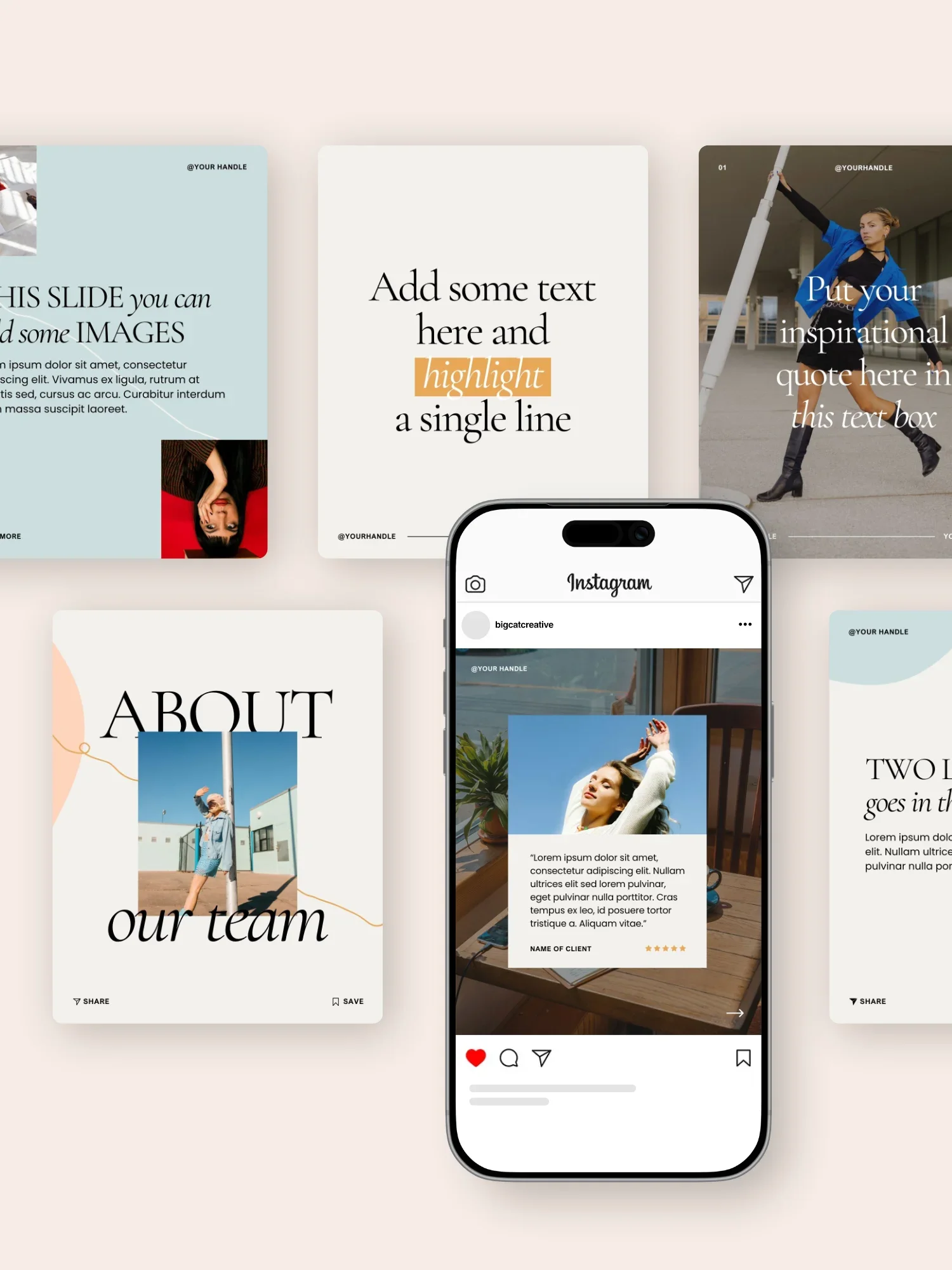
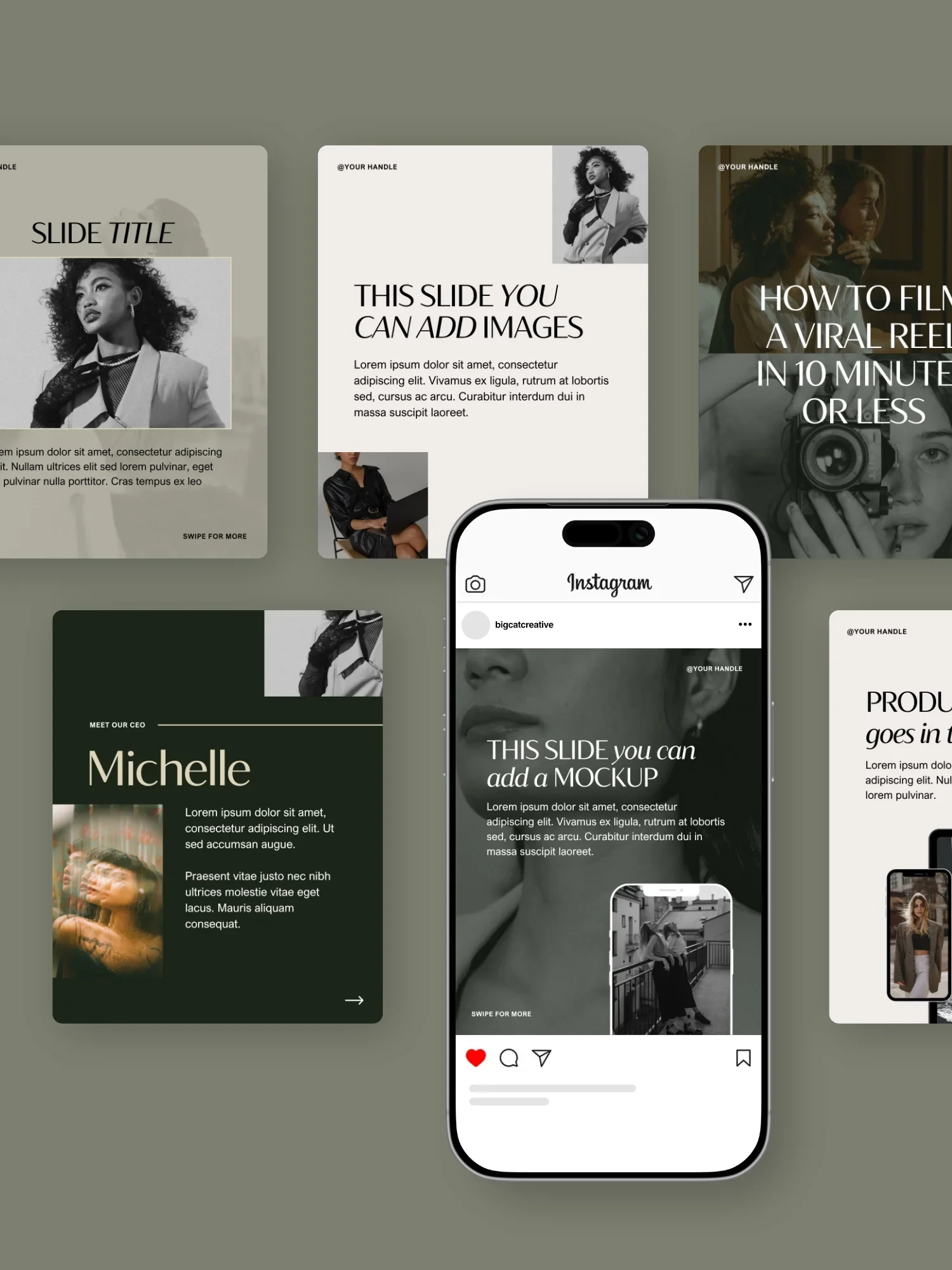
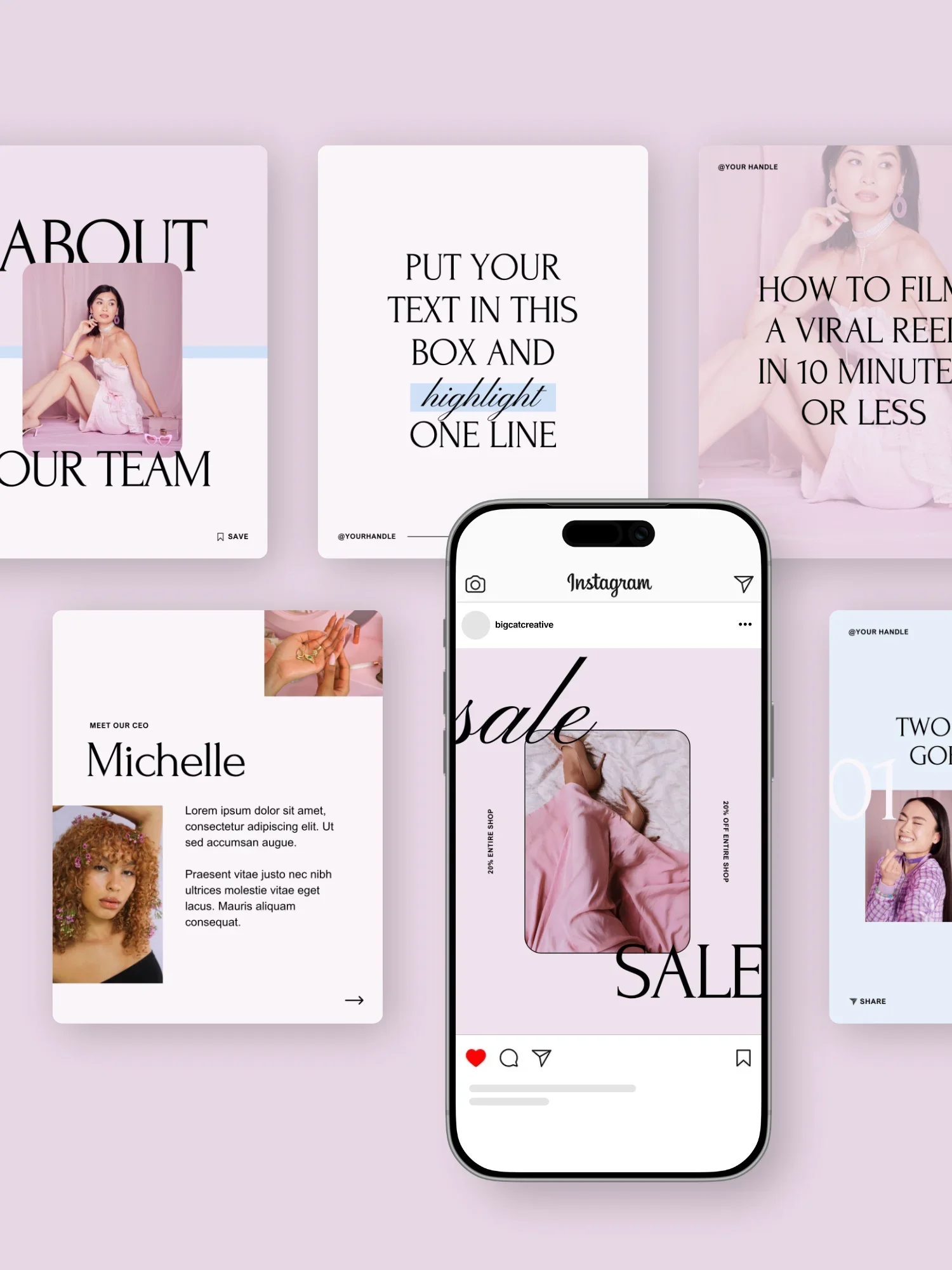
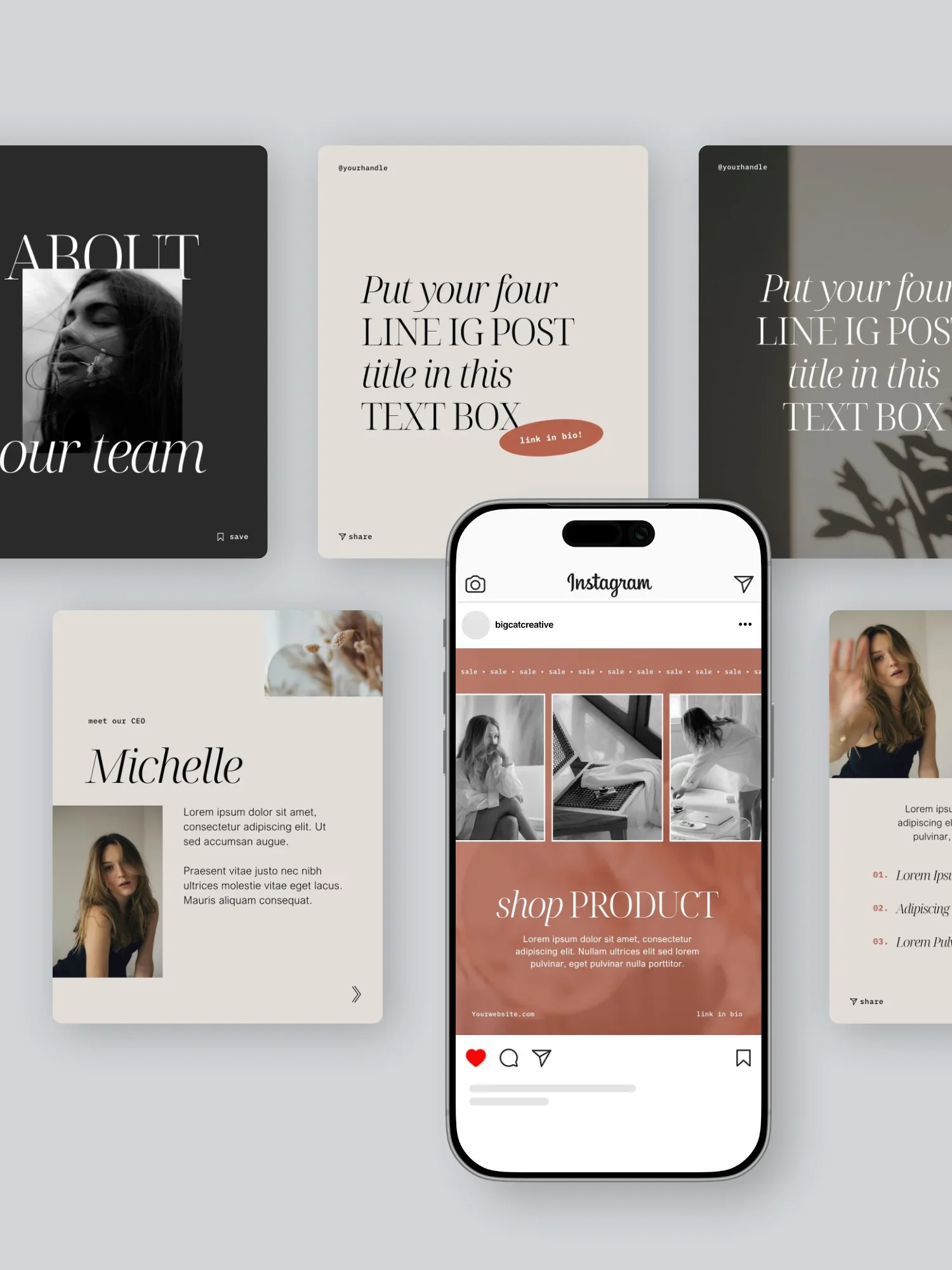
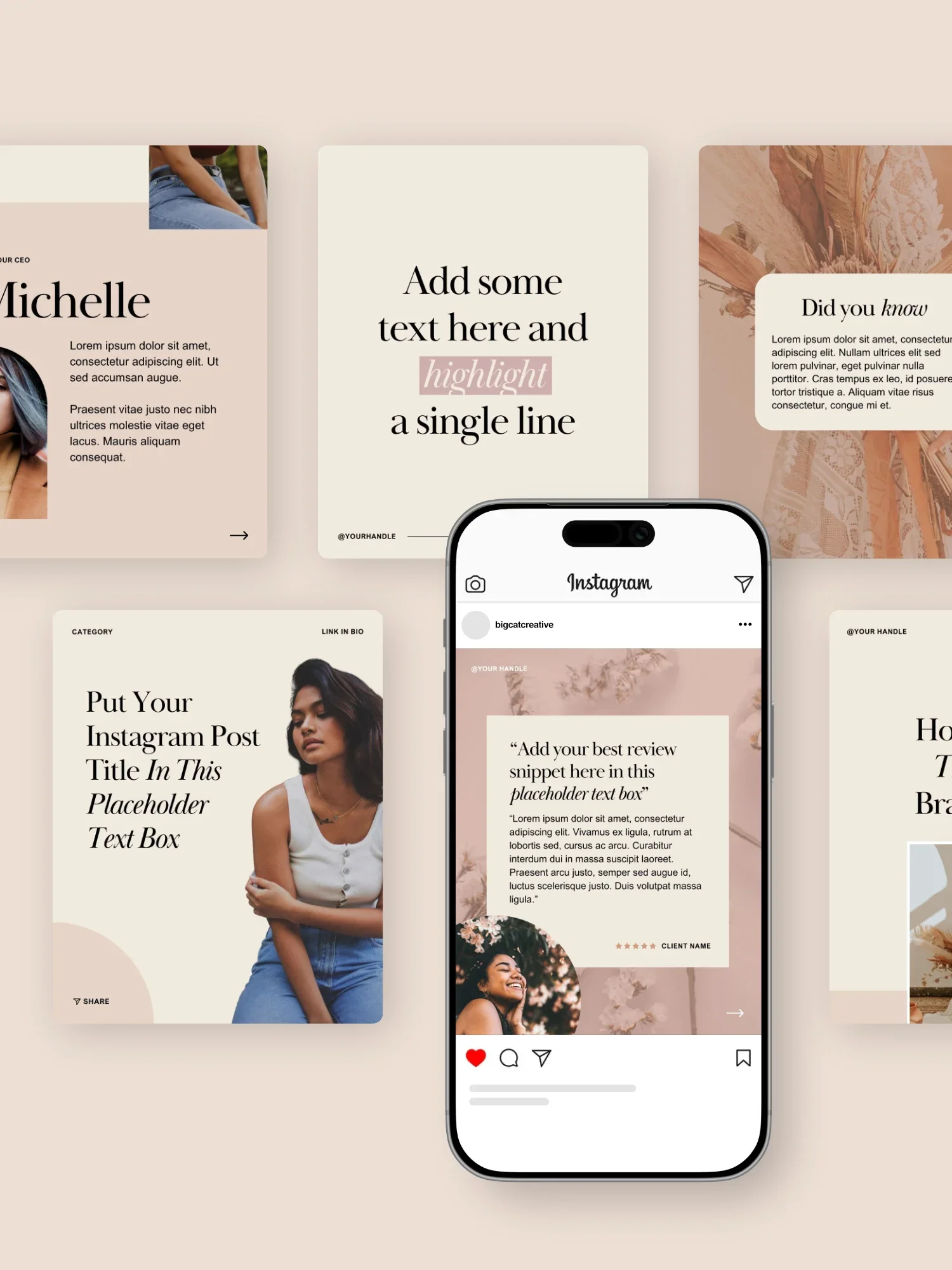
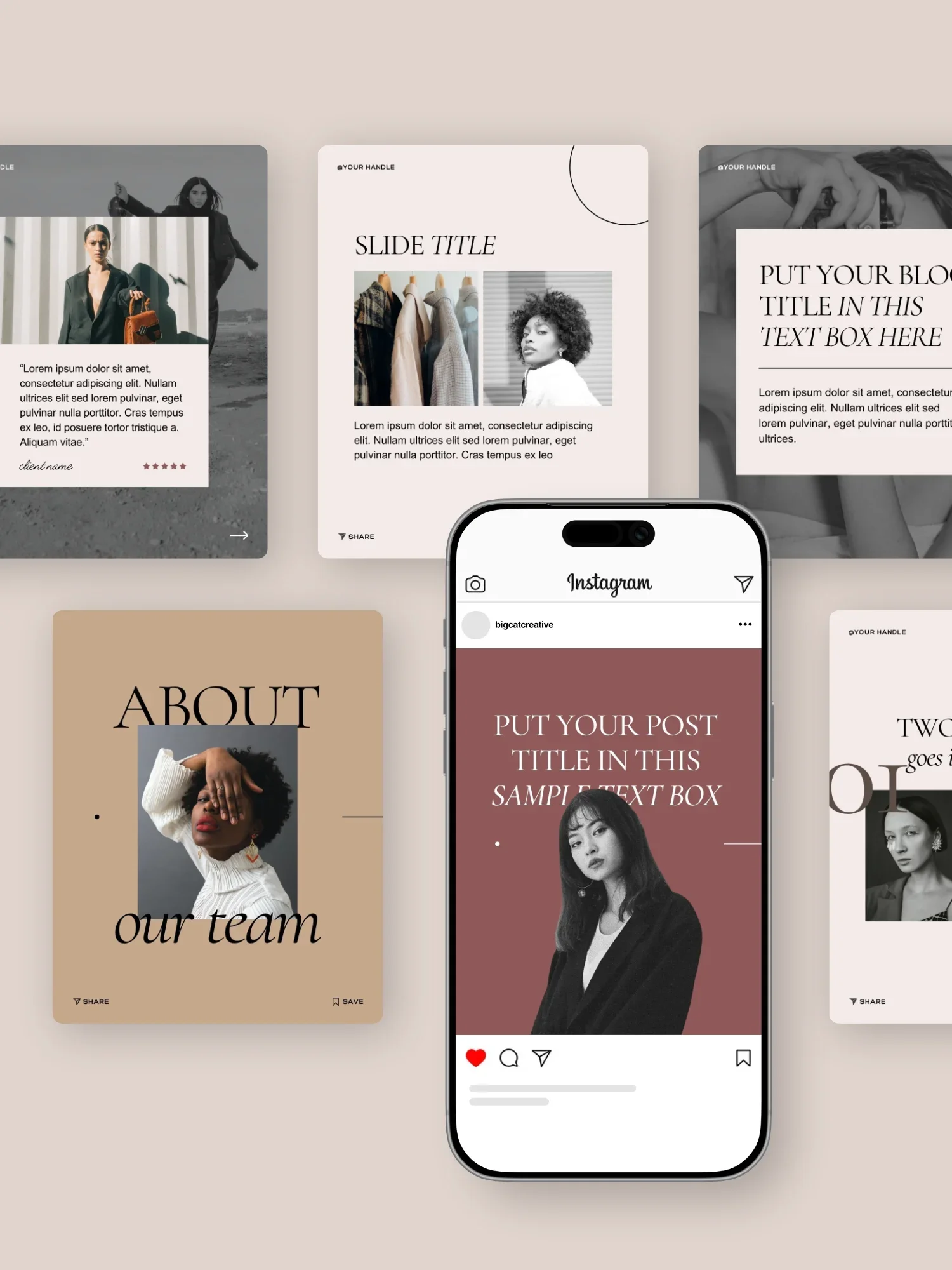
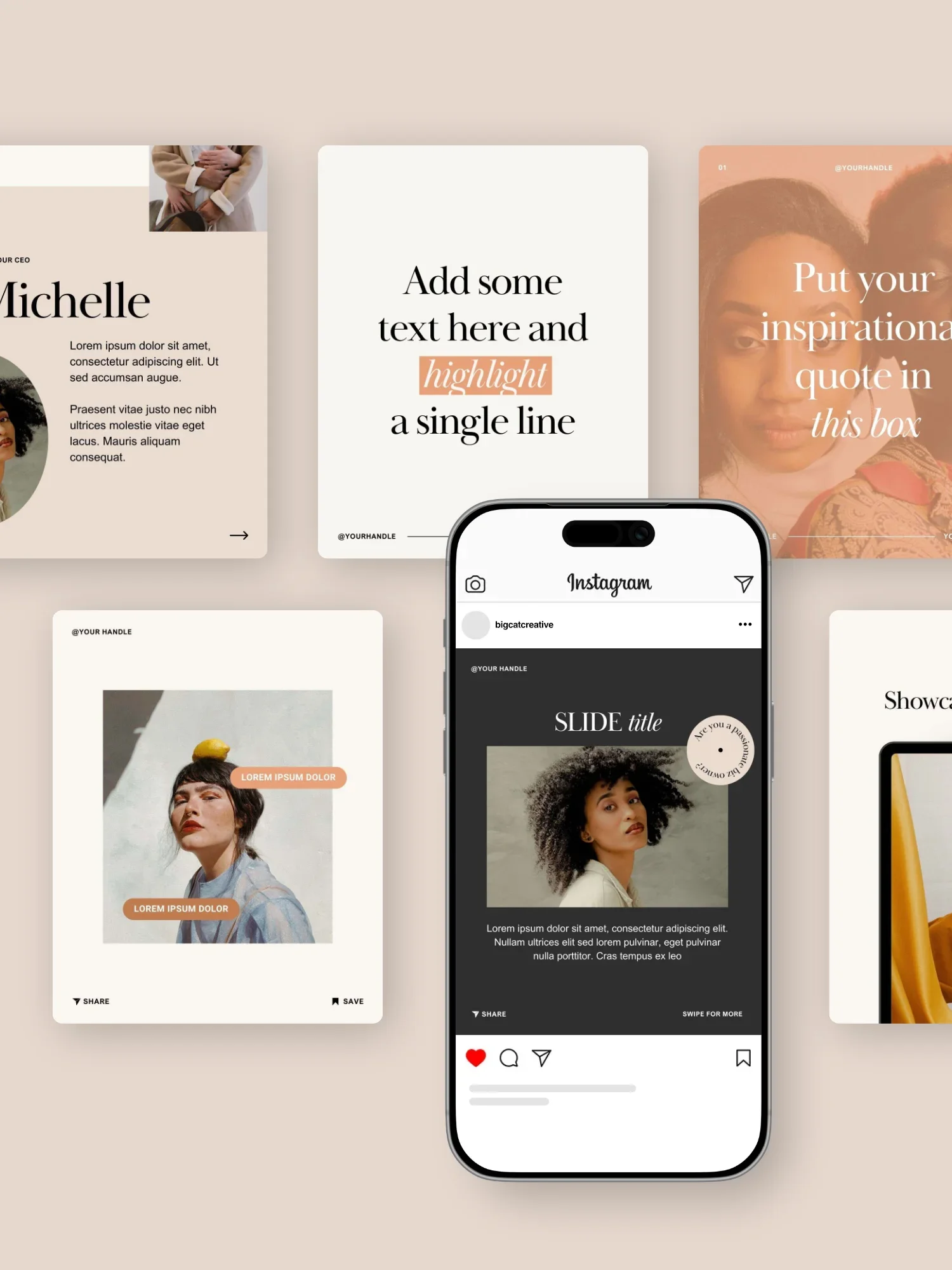
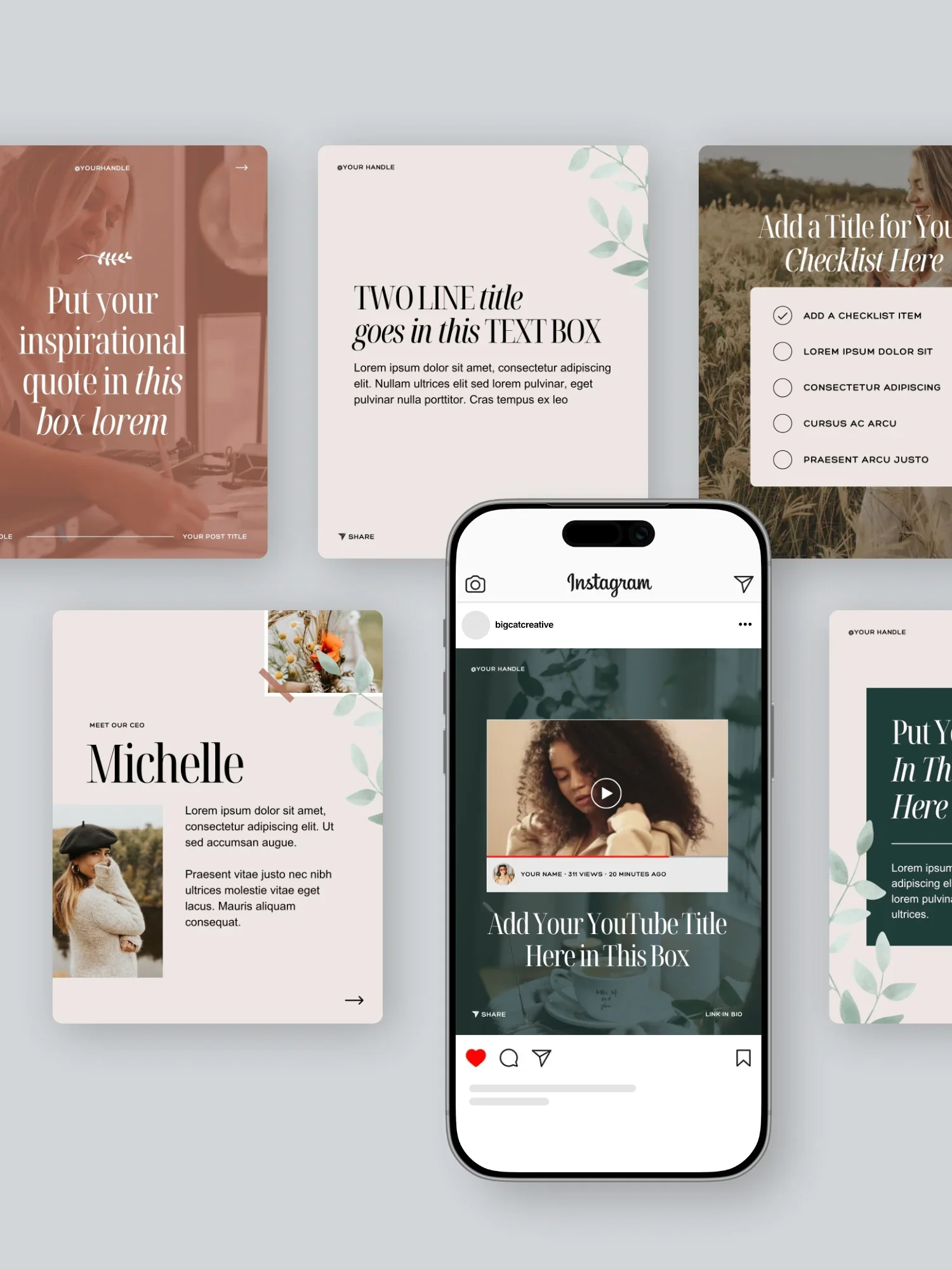
P.S. We offer beautiful Social Media Templates (to match each of our Squarespace Templates) that you can easily customize in Canva and use to promote any type of content you’d like. Just another reason to take advantage of this platform!
Loom
Investment: Limited Free w/ Paid Options
Use For: Screen Recording
Loom is an awesome platform that allows you to easily record and share videos with team members and clients!
It doesn’t require any recording experience, making it super helpful for new business owners or those who don’t want to deal with tech heavy platforms. All you need to do is install the app, click record, and you can film quick tutorials, walkthroughs, onboarding intros, and more.

Now, while Loom isn’t really meant for complex recordings, we find that it’s most helpful for quickly sharing small explanation videos with team members and clients for things like:
New SOPs
Editing in Squarespace
Collaborative projects
Platform tutorials
And anything else that might come up in your business!
Within the platform, you can choose whether or not you want to record your entire screen or just a portion, and even add a small box with your face if you want to make videos a bit more personal. Loom also allows you to pause in the middle of recording and do some light editing of your videos before sharing (perfect for ramblers or those who hit record without planning first 👋).
With the Loom Starter plan, you can record 25 videos up to 5 minutes each for free, which is a great way to get started and probably all you’ll need when first getting your business up and running. After that, you can easily upgrade to one of their more advanced plans which come with unlimited recordings and a ton of other features including AI tools and more specialized editing capabilities.
👉 View all of Loom’s pricing details here
If you find that you’re doing a lot of explaining or writing really lengthy emails to walk through a specific topic, Loom is definitely a platform worth looking into!
Descript
Investment: Limited Free w/ Paid Options
Use For: Video Recording and Editing
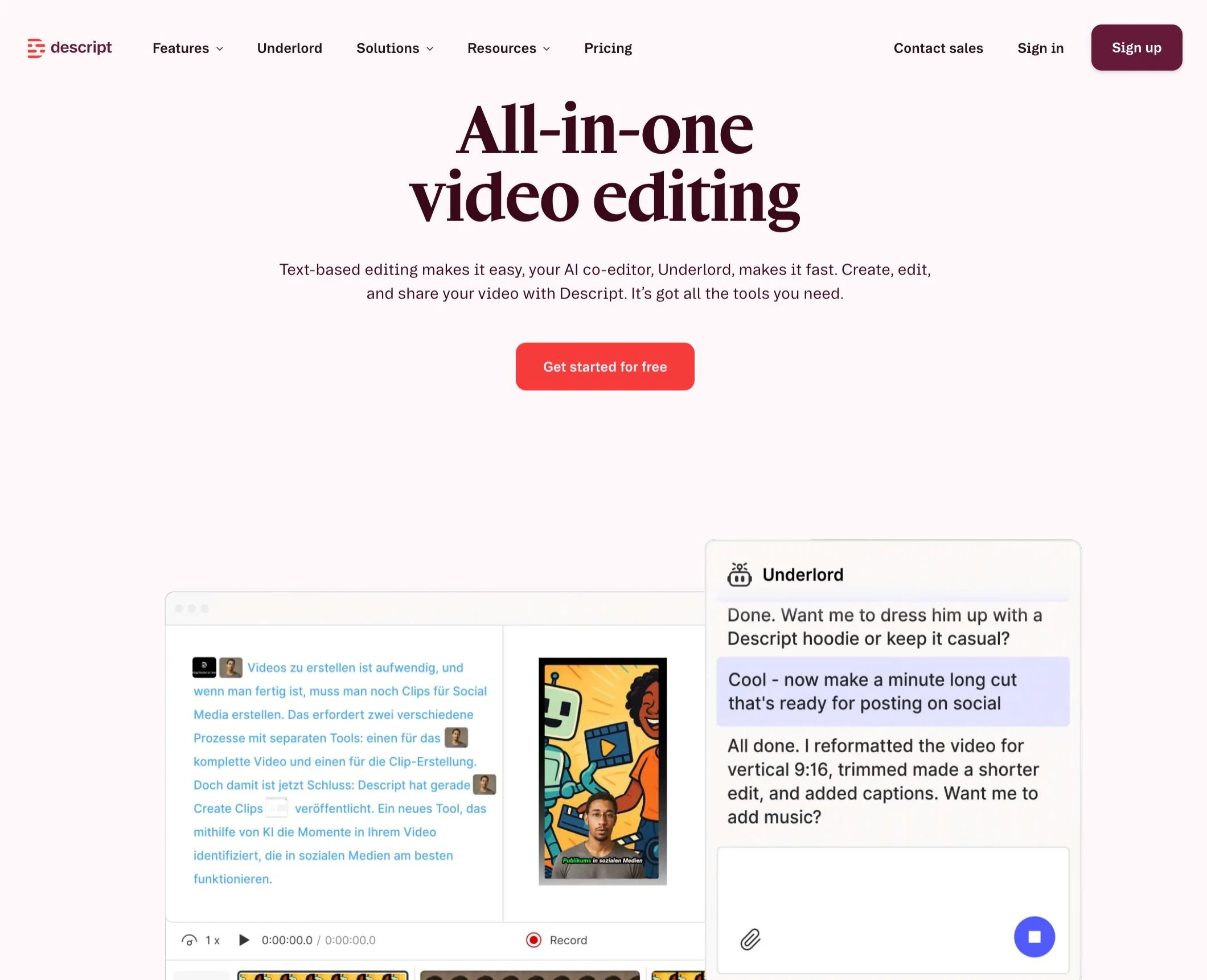
Alright, now if more advanced video recording and editing is what you’re looking for, then Descript is the platform for you!
We LOVE Descript and use it frequently. It’s a video and podcast editor that makes recording, editing, and sharing video and audio an actual piece of cake. The platform allows you to
Record
Transcribe
Edit
Publish
All in one tool and without any previous video editing experience needed.
And when we say you don’t need any editing experience, we truly mean it.
The editor is so easy to learn and use. For example, once your video is transcribed, you can simply delete text from the transcription to automatically delete that portion of the video 🤯. You can also shorten word gaps and delete retakes with the click of a button and add extras into your video like graphics, sounds, and animations.
Descript also makes streamlining your content posting process so simple with the ability to generate shareable links or automatically post videos to Youtube. See, we told you it’s the best!
If you want to get started with Descript, the platform does offer a free option, however it’s fairly restricted if video editing is a major part of your business. You’re only allowed 1 hour of recording time each month and the AI features (which are super useful) are limited.
So, if you’re planning to make videos a staple for your audience, we definitely recommend signing up for one of their paid plans which start around $16/month.
ChatGPT
Investment: Free w/ Paid Options
Use For: AI Assistance
Finally, if you’re looking for a really solid AI assistance platform, we always recommend giving good ol’ ChatGPT a try.

It’s unavoidable these days - AI is taking over so we might as well embrace it! Especially if it's something that can help you get more done in less time (work smarter not harder, right?). We’ve found that ChatGPT can be most helpful for things like:
Blog outlines
Platform or tool comparisons
SEO descriptions
Technical clarifications
Plus really anything miscellaneous that you might not be able to find an answer to.
Now, we don’t generally recommend relying on AI to write full bodies of copy or allowing it to run your business completely (you don’t want to totally take the personality out of your biz), but if you need a little boost, ChatGPT can almost act like a virtual assistant for you!
And the great thing is that the free plan on ChatGPT is actually pretty solid for everyday needs. If you have a small operation going and don’t plan on uploading any large files or needing complex research, then you could probably manage on the free plan for quite some time.
But if you did ever need to upgrade, their paid plans are pretty reasonable, starting at around $8/month for more access and larger memory.
👉 View all of ChatGPT’s pricing details here
👉 How to use ChatGPT for your small business
And there you have it! Those are our top recommended platforms and tools that you can integrate into your business without spending all your money (and maybe even for free).
We also have an entire library of resources (tech tools, software, discounts, and freebies) that we love on our website in case you’re looking for more suggestions. Like this post, we only share products that we love, so you can be confident that you’re getting tried and true recommendations that won’t completely break the bank or send you into meltdown mode.
Now get out there and start investing in YOU and your business!
Want more small business tips? Check out the posts below:
Why Every Business Needs an Email List (And How to Start One)
Where to Promote Your Offers on Your Website (So They Actually Convert)
The Best Platforms for Selling Digital Products in 2026
What you Need to Consider Before Investing in a Website Template
How to Design and Optimize Your Homepage for Better Results


Say hello to your new secret weapon for social! With a few clicks, the Josie Social Media Templates bring a bold, playful energy straight to your feed. With pops of color and fun graphic details, they’re made for creators who want their content to be totally scroll-stopping. Your content + Josie templates = match made in heaven!
What’s included?
81 Portrait Posts (1080x1350)
The perfect designs for Instagram Posts and Carousels. But can also work great for for Facebook Posts and Email graphics!
4 Seamless Carousels (1080x1350)
Specifically for a Instagram Carousels, these designs create a seamless scrolling experience and set a captivating canvas for your content.
84 Stories (1080x1920)
Perfectly crafted for Instagram and Facebook stories, these designs can also be repurposed for Pins, Reels and TikToks.
35 Reel Covers (1080x1920)
Ensuring your design looks good as a Reel Cover and on your Insta feed, these designs are tailor made to make sure you look good across allll of Instagram.
53 Pinterest Pins (1000x1500)
Optimized specifically for Pinterest, you can use these as video, carousel or static Pins.