What you Need to Consider Before Investing in a Website Template
Website templates can feel like the perfect solution to all your small business website problems.
You get a beautiful design.
You save time.
You avoid staring at a blank screen wondering where on earth to start.
Idyllic right? But before you hit "add to cart" on the first template that catches your eye, there's a few things you really need to consider, because truthfully, not every template is going to be the right fit for you.
Every template is built different, caters to different industries, contains different pages and layouts, and comes with different resources. So it only makes sense that not every single one will work quite the same or fit with what your business is about.
Choosing the wrong template can lead to a whole lot of frustration, endless tweaking, and a site that never quite feels finished — kind of defeating the point of using a template in the first place, so you really want to choose right!
Let's dive in!
Choosing the Right Platform (before you even think about templates)
With so many DIY-friendly website platforms all offering template options these days, it's super important to first decide which platform you want to use before you deep dive into finding a template.
It’s a step many people skip, simply because choosing a template is far more exciting and it’s easy to be swayed by a beautiful design. However, your platform choice plays a much bigger role than you might think, shaping everything from customisation and features to design flexibility and long-term growth.
Think of it as your foundation. Everything else sits on top!
Here's a quick summary of what each of the most popular platforms are best for. If you'd like to learn more, check out this post about how to choose the best DIY website builder for your business.
Squarespace → Best for all-in-one simplicity, service-based businesses, portfolios, and DIYers who want minimal tech stress.
Shopify → Best for e-commerce, product-heavy businesses, and brands needing advanced selling features.
Showit → Best for high design freedom and highly visual brands but can be more complex on the back-end.
WordPress → Best for complex, highly customised websites and users comfortable with a more hands-on setup.
Canva Websites → Best for very simple one-page sites or quick landing pages.
✨ Pro tip: If you’re feeling a bit overwhelmed by platform choices, Squarespace is a wonderfully beginner-friendly place to start. It’s easy to use and has most of the features small businesses typically need already built-in!
👉 Get 10% off your Squarespace subscription when you use code BIGCATCREATIVE10 at checkout.
Your Business Goals (not just the vibes)
We love a good vibe but your website isn’t there to just look nice, it actually needs to do something useful for your business!
Before choosing a template, it helps to get clear on what you want your website to achieve. For example:
Is it meant to sell products?
Help clients book services or discovery calls?
Grow your email list?
Educate your audience?
Showcase your work or portfolio?
Different templates are designed with different priorities in mind. What looks amazing in a demo can sometimes feel a bit awkward once you start adding your own content, not because you’re doing anything wrong, but simply because the layout wasn’t designed for your type of business.
For example:
If you're a copywriter, you probably don't want to choose a template for photographers with tons of space to showcase beautiful imagery but maybe not so much to showcase your words.
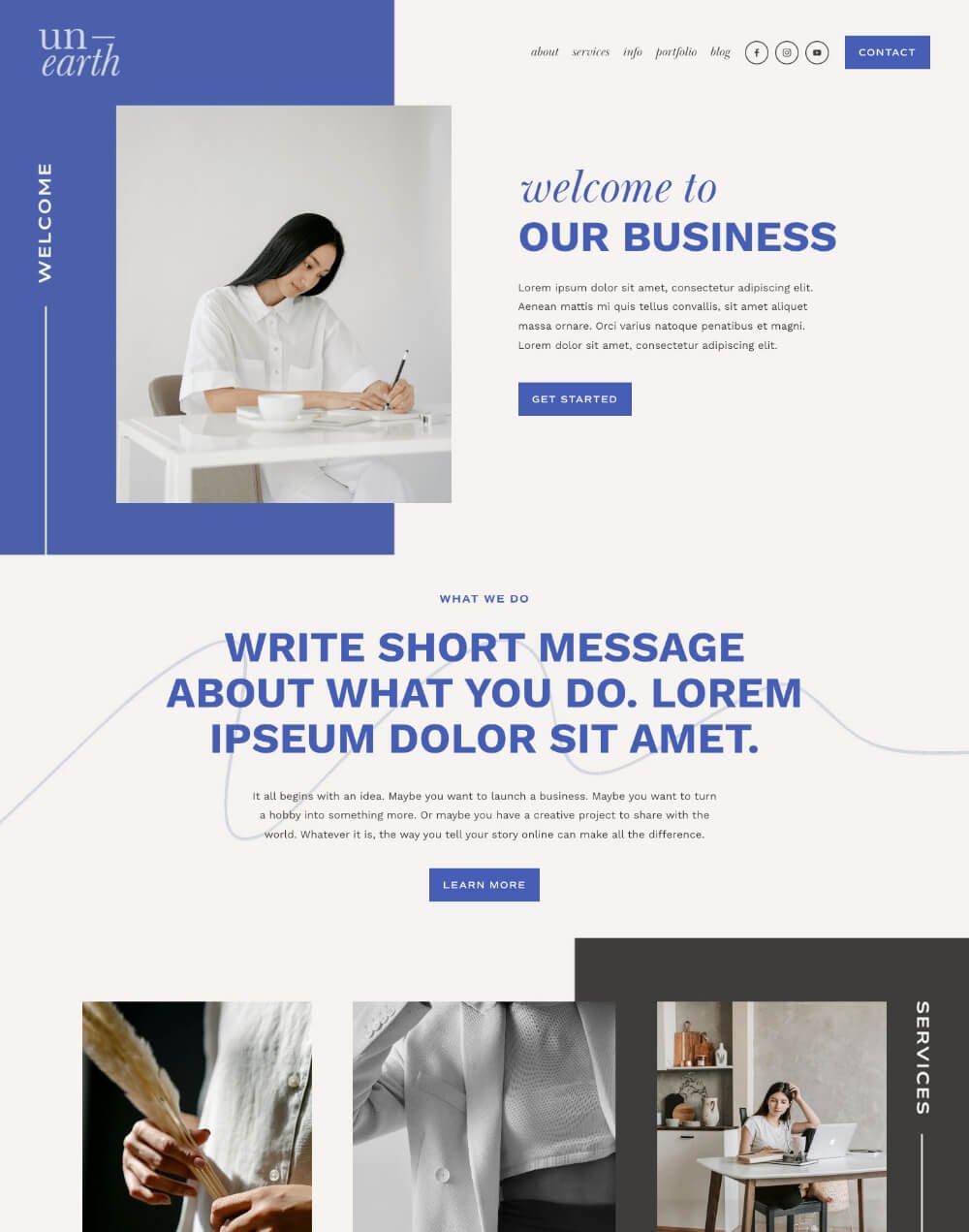
Our Unearth Squarespace Template is more focused on written content.
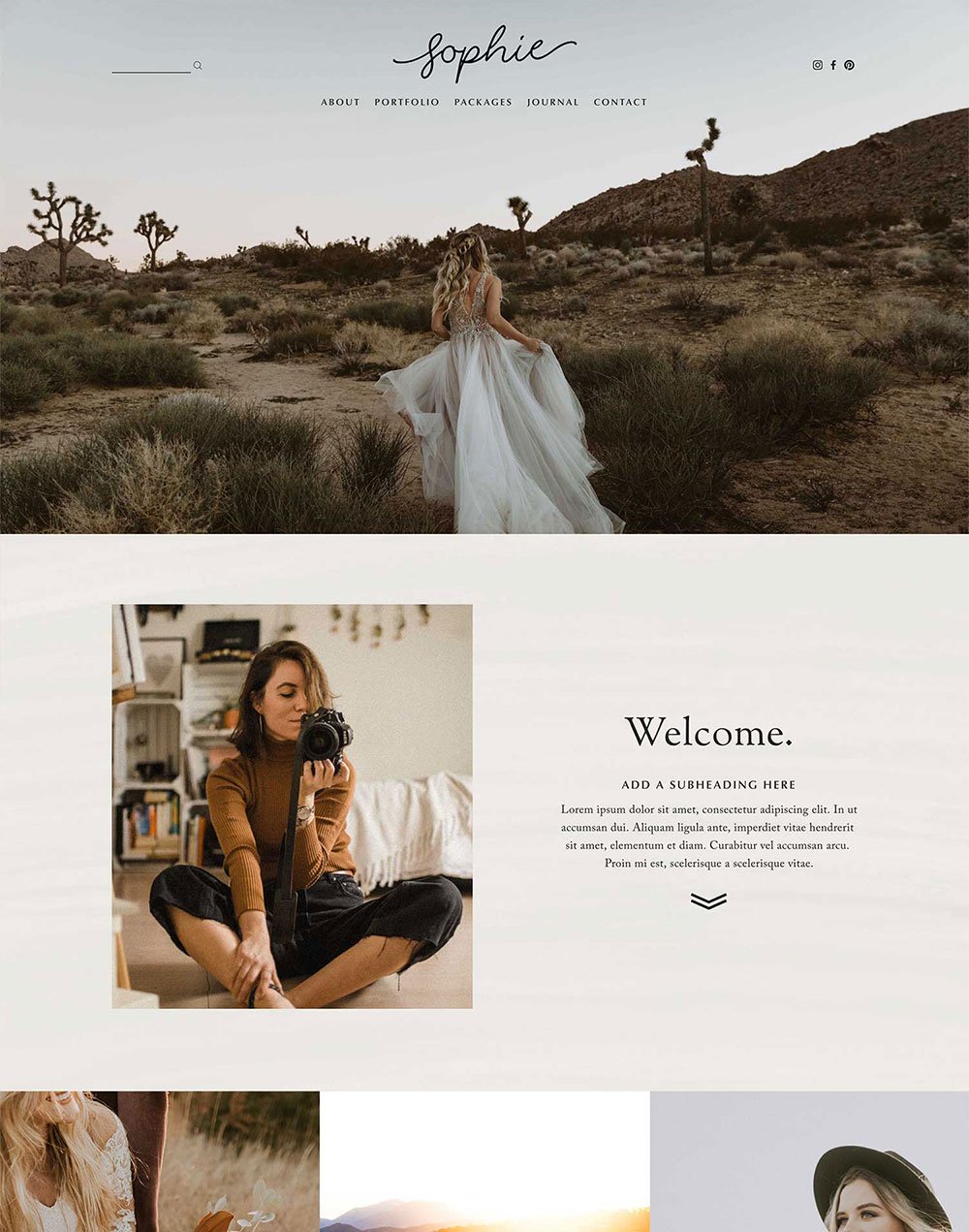
Compared to our Sophie Squarespace Template, which is very image-based.
If you're a service-based business, you'll want to make sure the template you choose has clear CTAs and well-structured service pages with space to explain what you offer.

If you're a coach or educator you'll probably need a template that has room for blogs, resources, or courses.
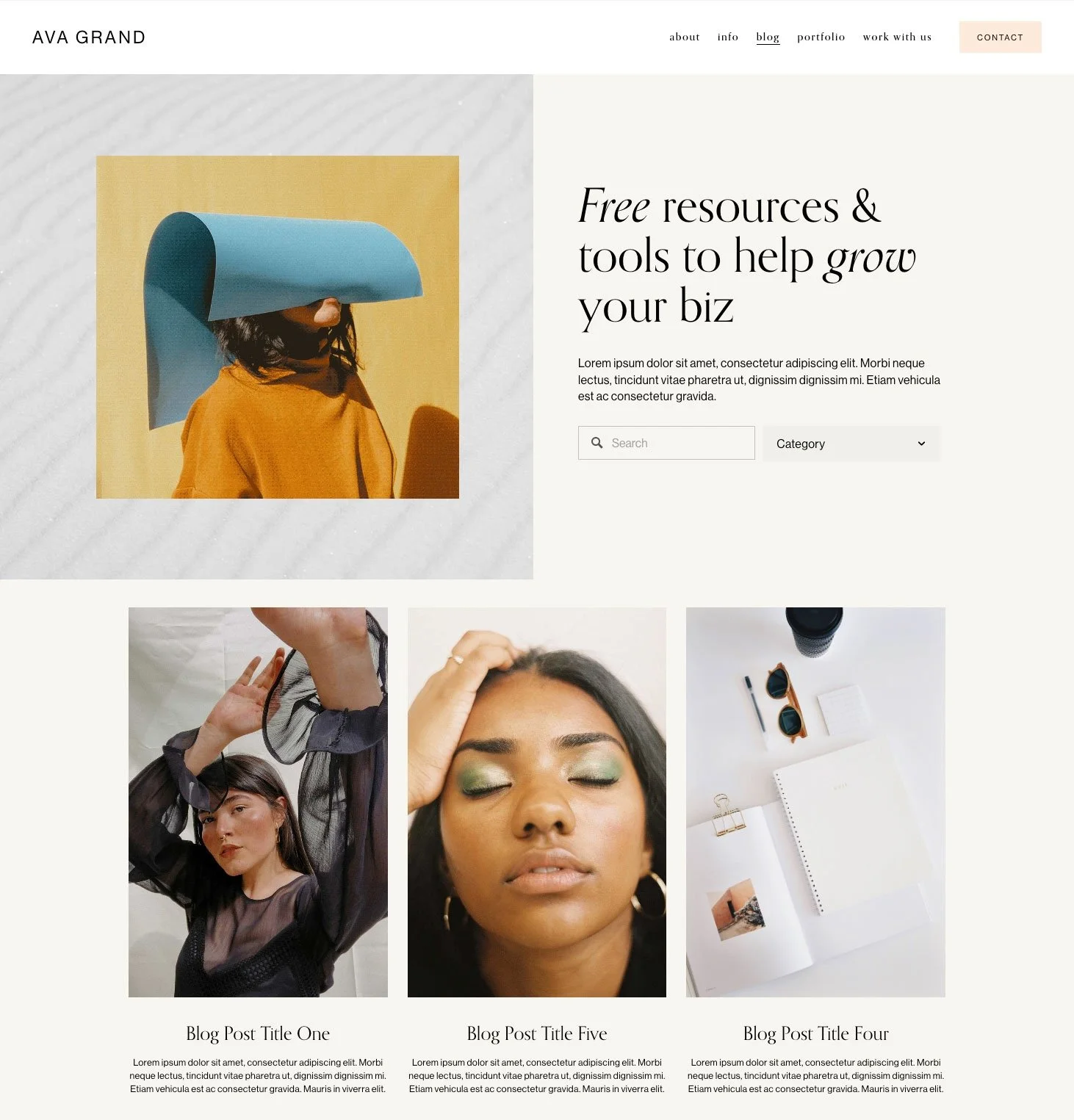
✨ Pro tip: Look at the structure of the template, not just the pretty fonts and colours. The right template should already work with your business model, so you’re simply adding your content, not rebuilding a whole bunch of stuff from scratch.
👉 Best Templates for Photographers
👉 Best Templates for Service-Based Businesses
👉 Best Templates for Bloggers
👉 Best Templates for Coaches
How Much Customisation You’ll Realistically Need to do
Following on from the last point, choosing a template that doesn’t require major layout changes can save you so much time and energy.
One of the most common DIYer frustrations we see is simply underestimating how much effort goes into tweaking layouts, moving sections around, and building new pages. Even on beginner-friendly platforms, those adjustments add up quickly... especially if you're still learning how everything works!
If the template you found maybe doesn't 100% have all the pages or layouts you need, it's worth asking yourself:
How comfortable am I with editing?
Do I plan to mostly swap content, or redesign entire pages?
Do I actually enjoy this kind of work, or just want my site live?
There’s no right or wrong answer here, it’s simply about choosing a template that fits your patience level, your schedule, and how hands-on you want to be.
Templates tend to feel easiest when the core layout already aligns with your vision, meaning you’re refining rather than reconstructing.
And here’s an important (and often overlooked) reality:
Changing colours, fonts, and images is so much easier than changing layouts.
So choosing a template that has the sections and layouts you need is probably smarter than purely choosing by the template look, because this can all be changed to create a wildly different brand presence.
Take for example our Belladonna Squarespace Template, rustic, romantic, and feminine:
I hope you enjoyed this post and learned a bit about email marketing and where to start. Good luck!

Then take a look at these reworked versions:

Belladonna Neutral

Belladonna Bold

Belladonna Dark
Exactly the same layout, totally different vibes and with just a few tweaks.
If you find yourself wanting to heavily modify page structure, it’s often a sign the template may not be the best fit. But if you can easily envision your content within the existing template layout and the visuals just need to be changed to reflect your brand, you're in a very good position.
✨ Pro tip: Minor edits are completely normal. But if you find yourself needing to redesign most of the page structure, it may be a sign the template isn’t the best fit. In many cases, you can almost completely reinvent a template’s vibe and mood simply by changing colours, fonts, and images, which is far quicker, smoother, and less frustrating than rebuilding layouts.
Your Budget (time included)
When it comes to choosing a website template, price is often one of the biggest deciding factors (and understandably so!). As a small business owner, you’re trying to make smart, thoughtful investments and an expensive website (think $1000's+ ) doesn't usually fit the budget right off the bat.
There are truly templates for every budget out there so what's important to consider is what is actually included vs what you need most.
More affordable options may come with fewer page layouts, less built-in flexibility, or limited tutorials and support (but not necessarily). This doesn’t make them a poor choice, it simply means you may need to spend a bit more time shaping things yourself and this is where it's also important to consider your time and energy.
The goal is finding a template that feels like a good balance between investment, value, and peace of mind.
✨ Pro tip: Look at templates based on overall value rather than price alone. Compare:
The quality of layouts (are the page designs actually great, or are there just lots of them?)
Included pages (more isn't necessarily better, it depends what you need).
Is there any support or resources included for the price?
These things will really show you the true value of what you are buying. Just because something costs more or has "more" included, doesn't necessarily make it better for you.
You should be able to find something that's within your budget that meets your unique needs.
👉 How Much Will Building Your Website Actually Cost
👉 Free vs Premium Squarespace Templates: What’s the Difference and Which One Should You Choose?
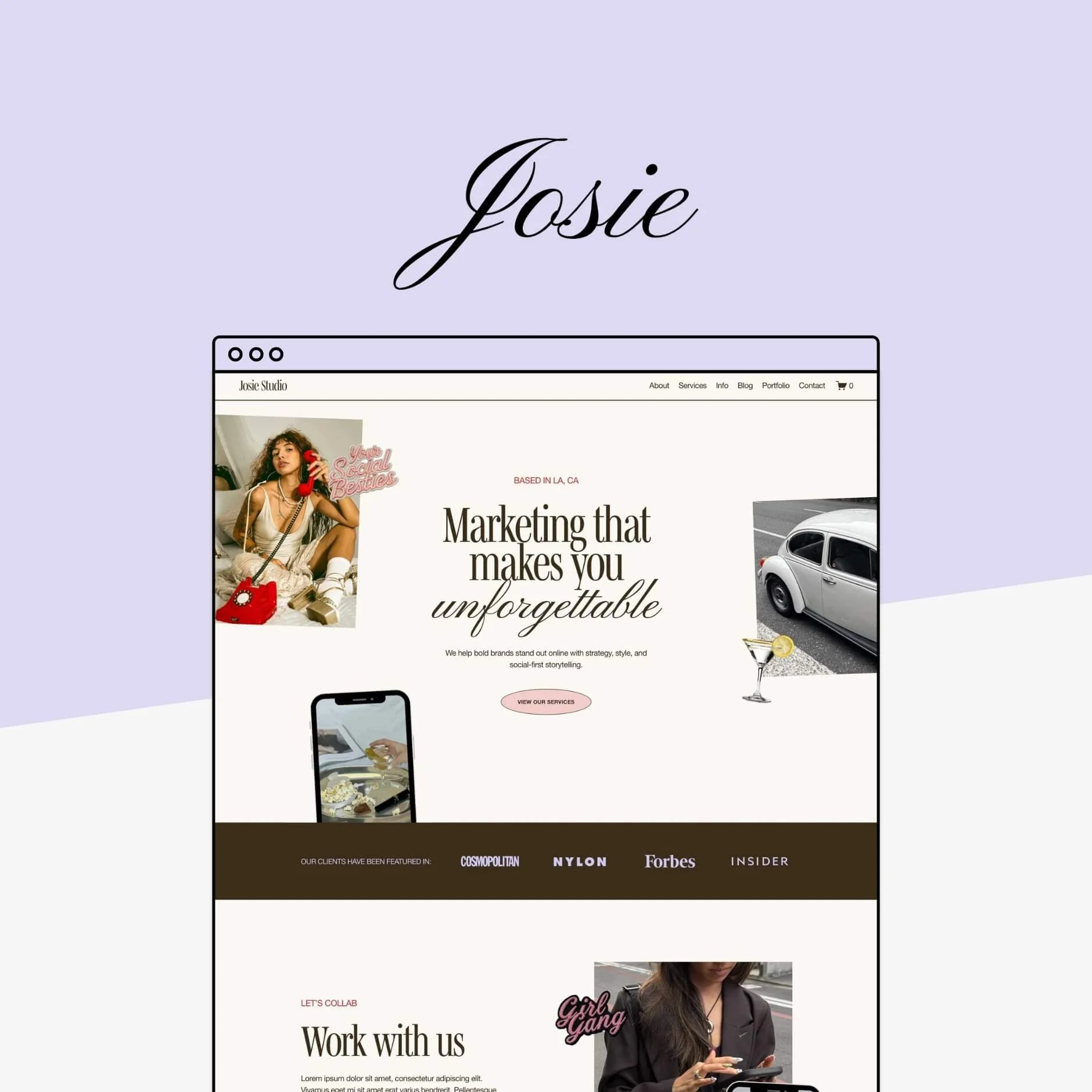
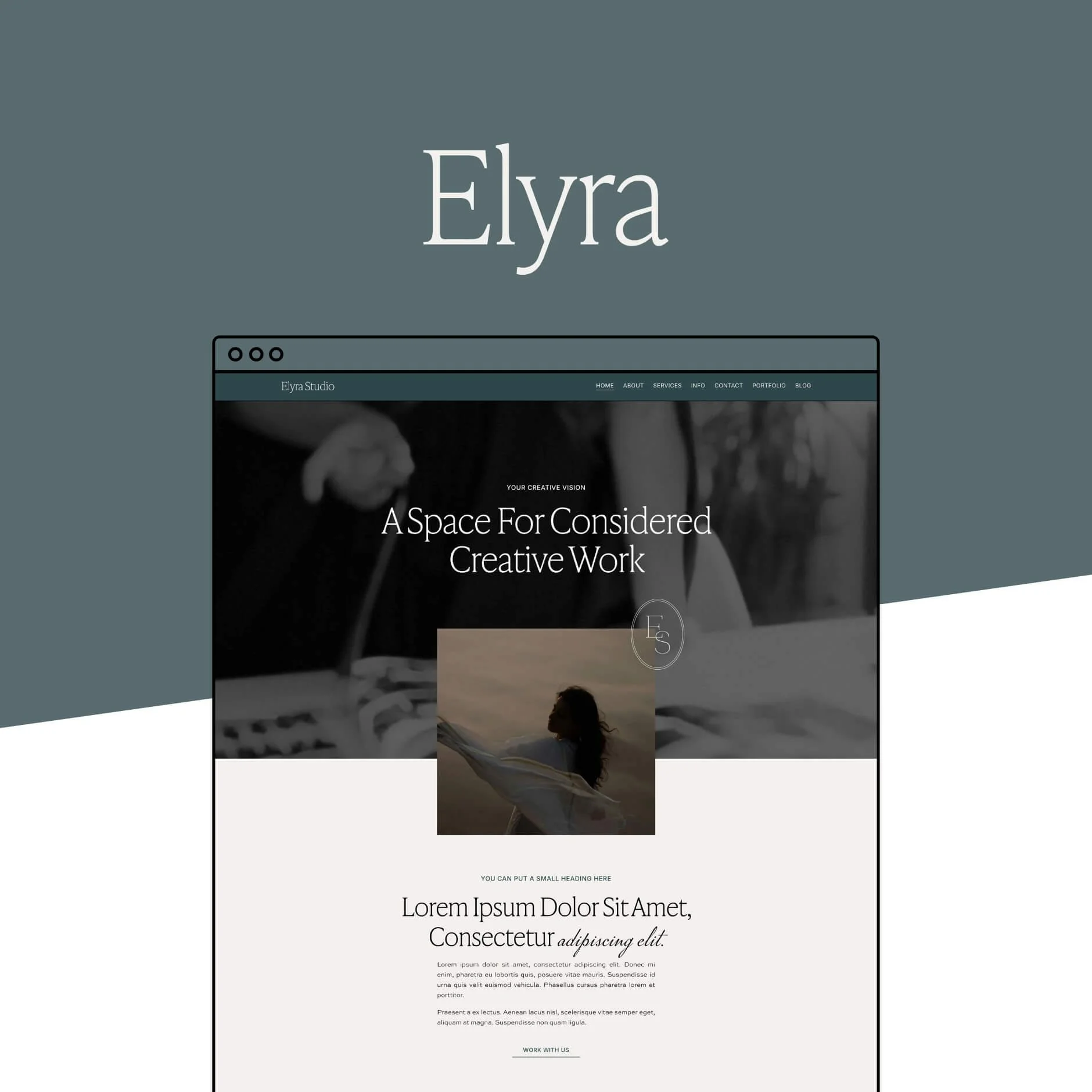
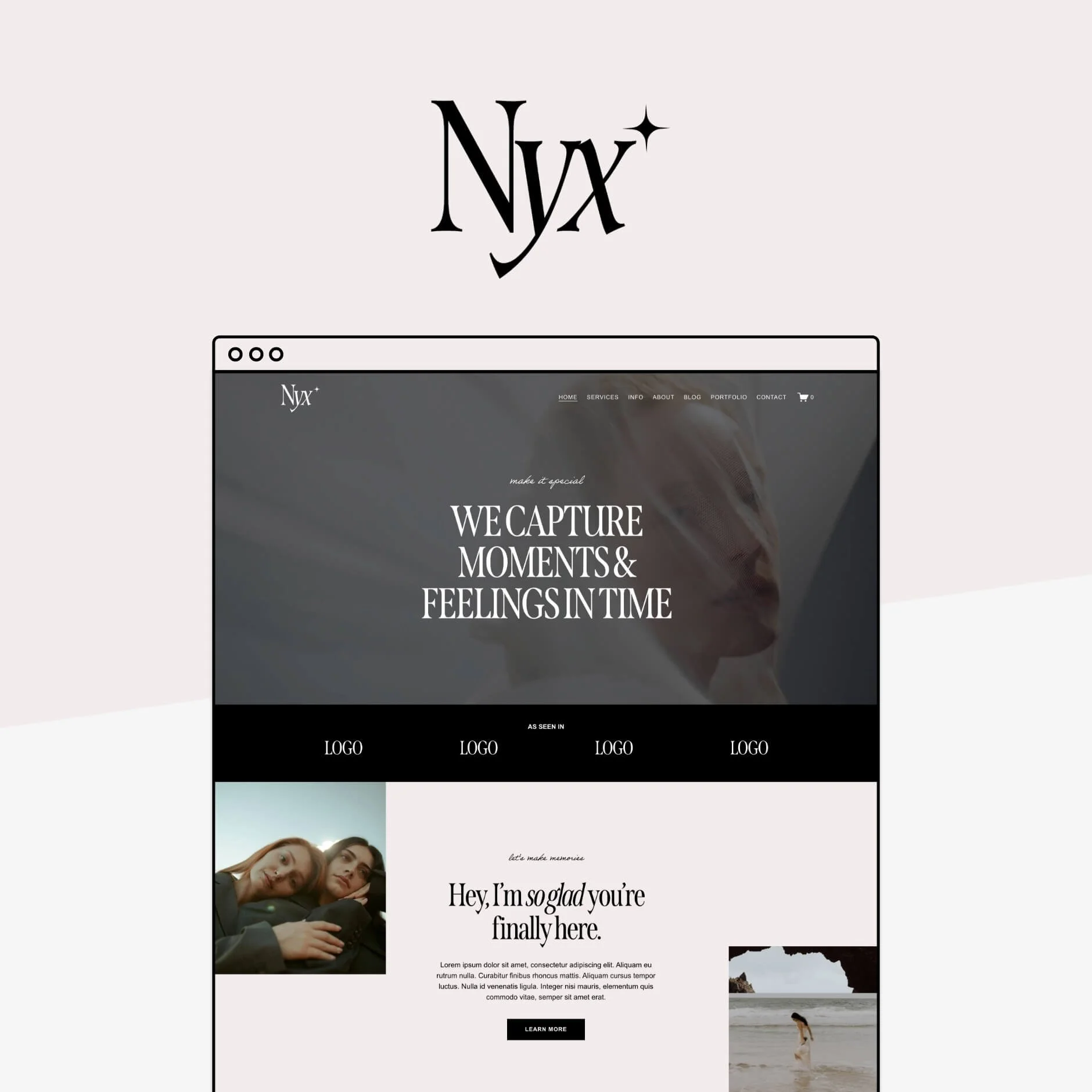
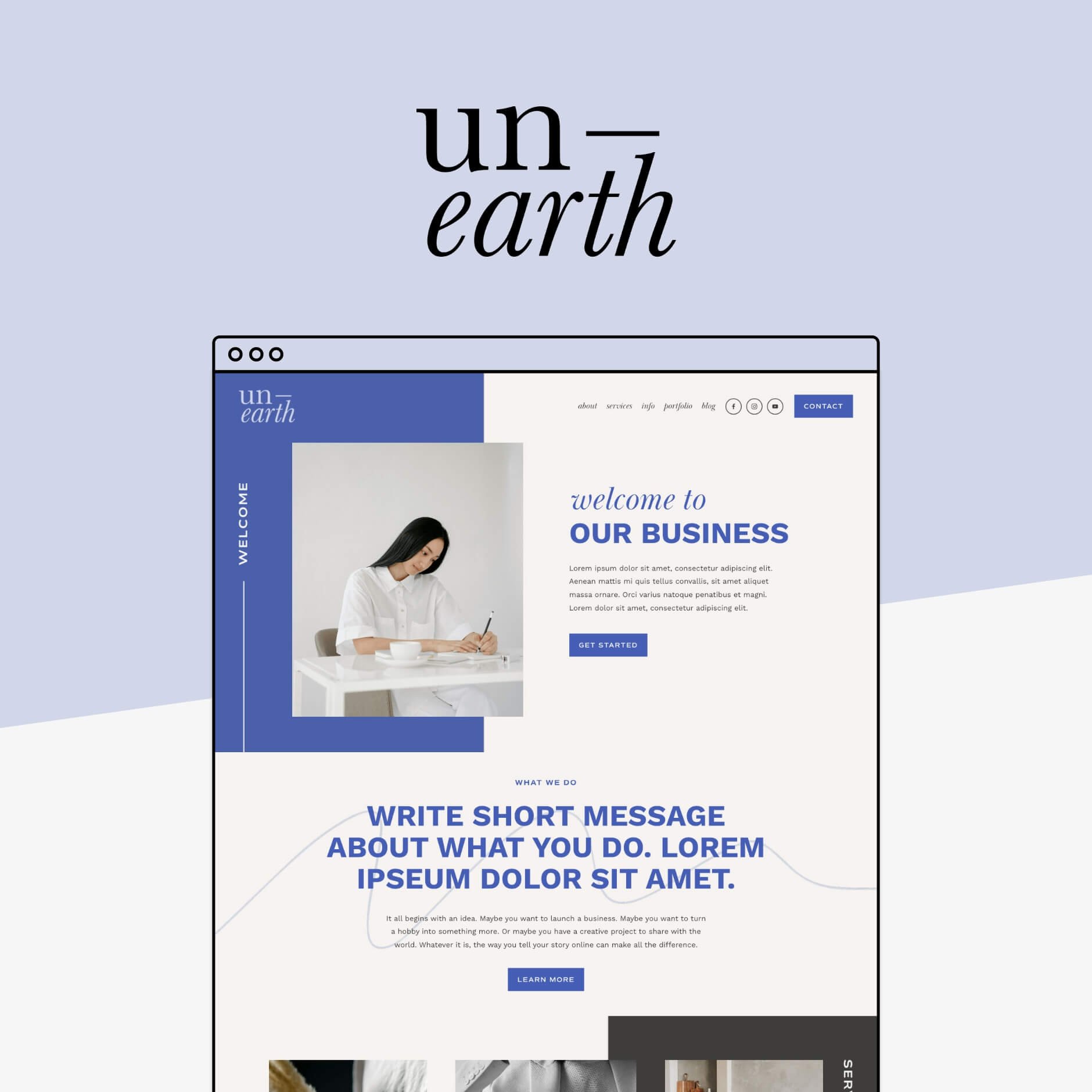


Mobile Responsiveness
It’s easy to fall in love with how a template looks on desktop… but your visitors are very likely viewing your site on their phones. In many cases, most of your traffic will be from mobile!
This is why mobile responsiveness isn’t just a nice to have... it’s absolutely essential. A site that looks polished on a laptop but feels clunky or awkward on a phone can quickly impact how professional and trustworthy your business feels.
Before committing to a template, it’s always worth checking:
How does the demo look on mobile?
Does the layout feel clean and easy to read?
Are buttons and menus comfortable to tap?
Does anything feel cramped or oversized?
Most DIY platforms provide mobile previews or editors, which is incredibly helpful but starting with a template that already translates well across screen sizes makes everything much easier.
⚠️ Reality check: In most cases, websites are going to look better on desktop than mobile view. This is completely normal. Desktop screens offer far more room for fun, interactive, and complex layouts. Because mobile devices are so much smaller, it's simply impossible to have the same design as on desktop. Elements will stack, spacing will adjust, and certain visual features may need to be simplified to ensure that the site still functions just as well. So don't expect the template to look the "same" on mobile as it does on desktop.
✨ Pro tip: Always review the mobile version of a template demo, not just the desktop view. A great template should work just as well on a small screen as it does on a large one.
PS. Did you know that all of our templates have been strategically designed to look just as beautiful on mobile?
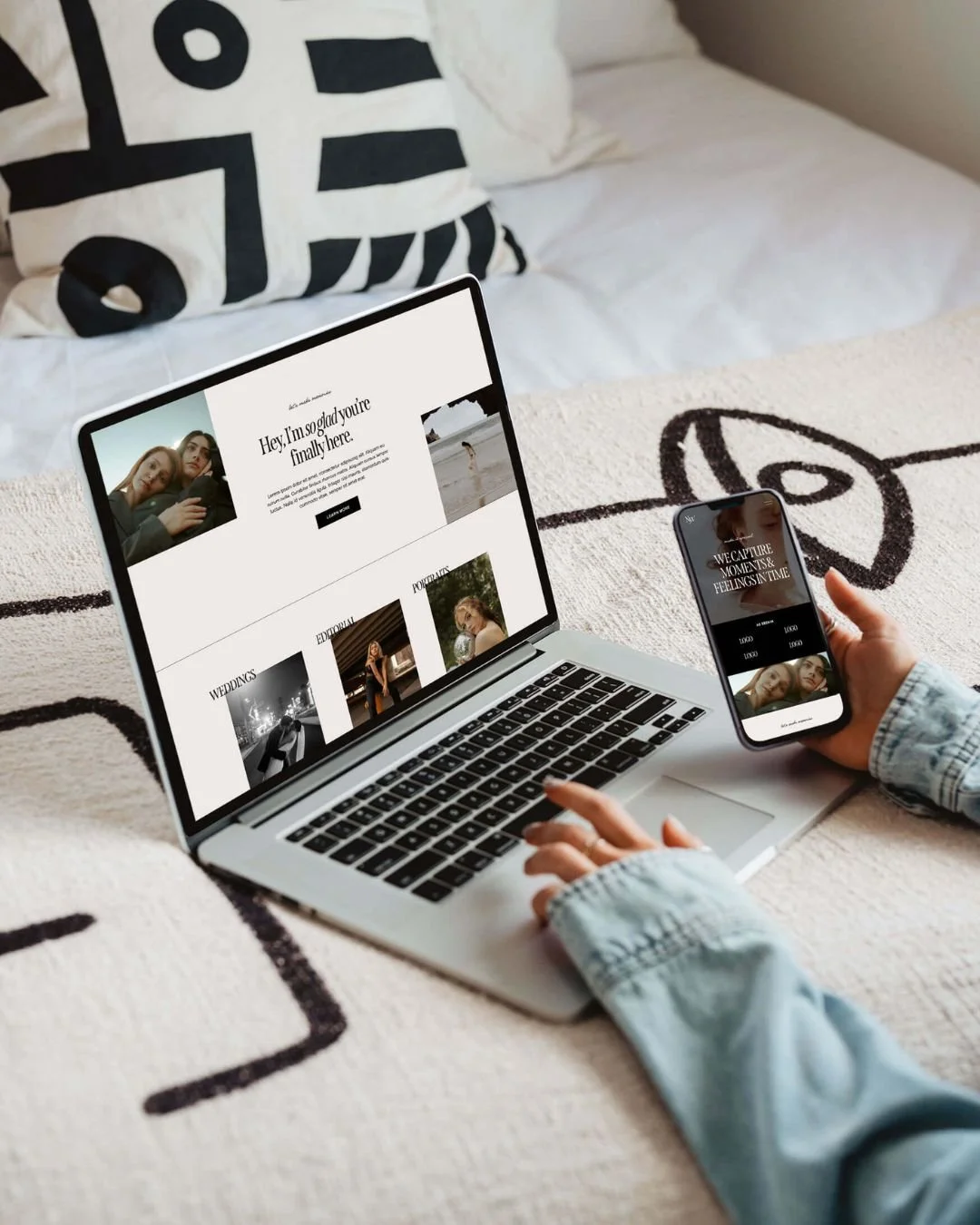
The Nyx Squarespace Template on desktop and mobile
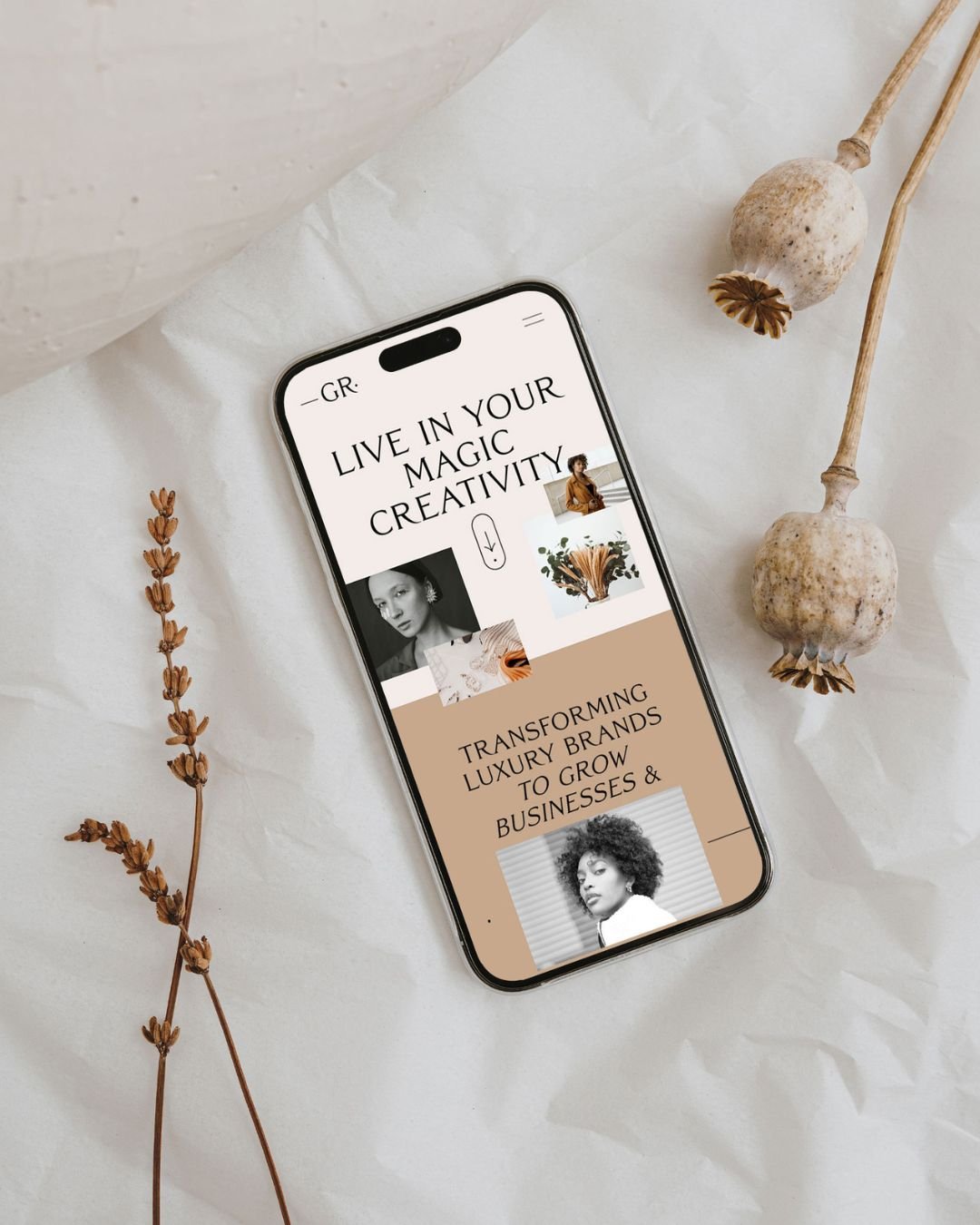
The Gigi Rose Squarespace Template on mobile
Support, Tutorials, and Resources
When purchasing a template, it’s easy to focus entirely on the design itself but what happens after you buy is just as important!
Even with the most user-friendly platforms, it's totally normal for questions to pop up! You might get stuck on a layout tweak, feel unsure about how something works, or simply want reassurance that you’re doing things correctly.
This is where template support and resources can make a huge difference.
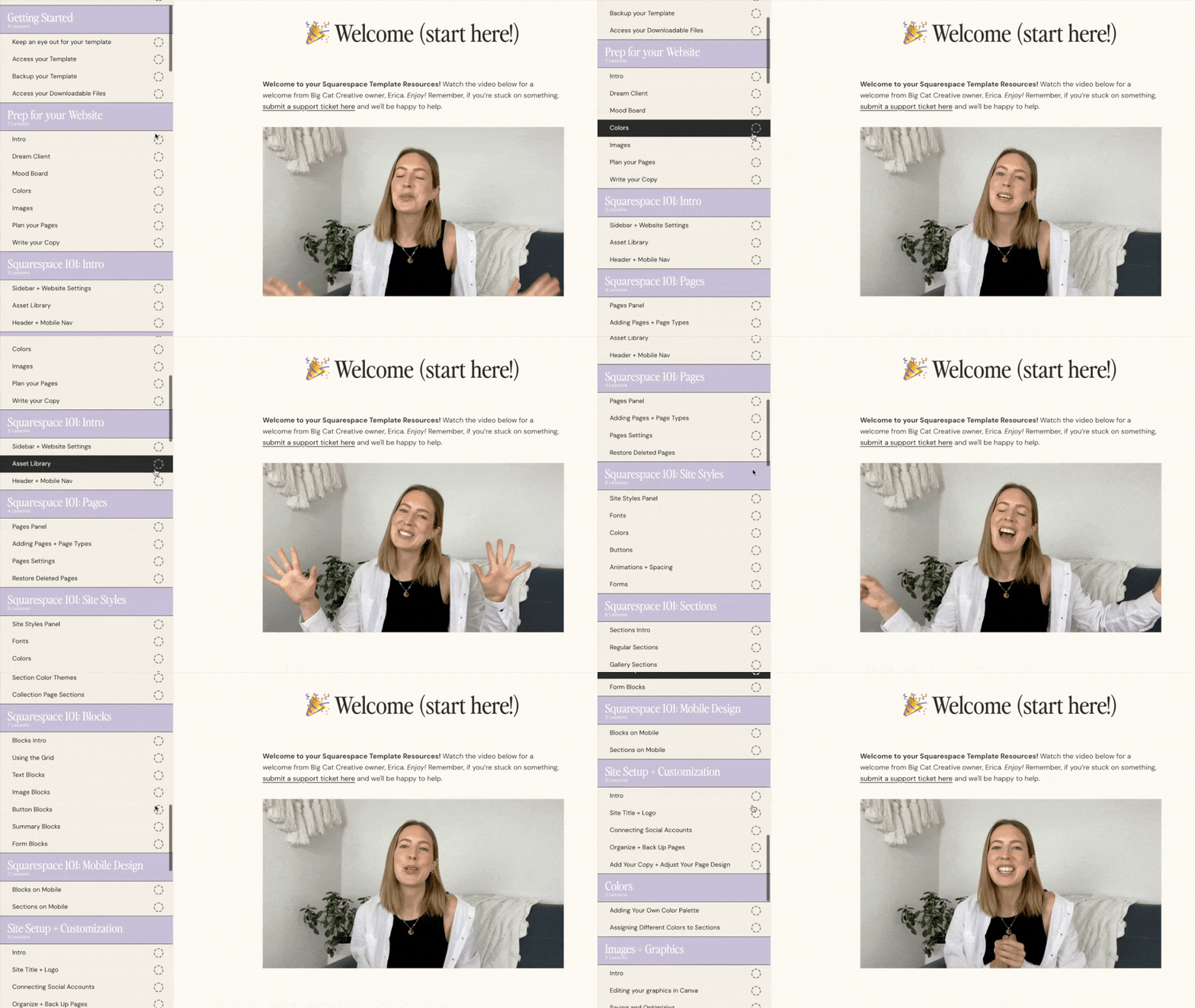
Some template shops provide beautifully designed products but very little guidance, while others (like us!) include detailed tutorials, walkthroughs, and ongoing support to help you through the build.
Before investing, it’s worth checking:
Are tutorials included?
Is there a resource library available?
Can you reach out for help if needed? Either from the template shop or platform itself.
If there is support, is there there a limit on the support that's offered? Is it coming from real humans, or is it an Ai chat bot?
✨ Pro tip: All of our templates come with free lifetime email support and a massive library of Squarespace tutorials showing you how to use the platform and customize your template with ease from zero to launch!
Choosing a Template Should Feel Easy (not overwhelming)
By now, you’ve probably realised that choosing a website template involves far more than simply picking a design that looks nice. Your platform, business goals, layout needs, comfort levels, budget, brand personality, and even mobile experience all play an important role in how enjoyable your website build will actually feel.
When you start with a template that has been thoughtfully designed with real businesses and DIYers in mind, so many of these concerns simply disappear 🪄
And that's exactly what our templates are all about! We've worked hard to make sure our templates aren't just beautiful. They’re also strategically structured, flexible, and beginner-friendly with tons of resources and support included so you’re never left guessing what to do next.
Find your dream template:
With a little clarity around your goals, your brand, and how you want your site to function, choosing a website template doesn’t have to be stressful!
Want more business tips? Check out the posts below:
5 Must-Haves for a High-Converting Photography Website
The Ultimate Website Pre-Launch Checklist (Everything to Do Before You Hit Publish)
How to Build a Beautiful Website (in Just Hours!)
Does Using a Squarespace Template Affect my SEO?
Different Portfolio Styles to add to Your Squarespace Website
If you liked this post, Pin it to Pinterest! 👇🏻