

Where to Promote Your Offers on Your Website (So They Actually Convert)
So, you’ve just created an awesome freebie or you’ve launched a new product - congrats! It probably took you a ton of time and effort to create and we’re sure that you put your blood, sweat, and tears into making things as opt-in worthy and/or value packed as possible.
The not so great news? Creating the offer itself may have been the easiest part of the whole process. Now, you actually need to get people to see your offer and become interested enough to sign-up, download, or purchase.
But don’t worry! As long as you have a website (and this post to help you out), there are a ton of simple but really effective ways to promote your new offer and get it seen by your visitors.
Keep reading to find out our favorite places to promote offers on your website. Plus, to make your life even easier, we’ll provide easy to follow instructions and resources for implementing everything we talk about in Squarespace so that you can spend less time stressing and more time enjoying the fruits of your labor!
What is the Difference Between an Opt-In Freebie and a Product?
Before we get started, let’s clear some things up!
An opt-in offer or freebie is a specific piece of content or a resource offered to your audience for free in exchange for their email address. Freebies are a great way to create interest, form trust, and grow your community in a very organic way.
A product on the other hand is something that you sell. This is your bread and butter offer, the thing that your business revolves around, and customers don’t need to join your email list in order to purchase a product.
Now, when it comes to promotion and creating interest, you can (and should) showcase both opt-in freebies and products on your website! However, it is really helpful to start with an opt-in offer so that, when the time comes to sell your main products, you’ll already have a group of people who love what you do and are invested in your business.
Think about it this way:
Freebies = Community Building
Products = Conversions and Sales
The best strategy you can have is Freebie > Nurture > Sell! Build your community through an opt-in offer, nurture those relationships through newsletters and helpful resources, and then use those connections to sell your products.
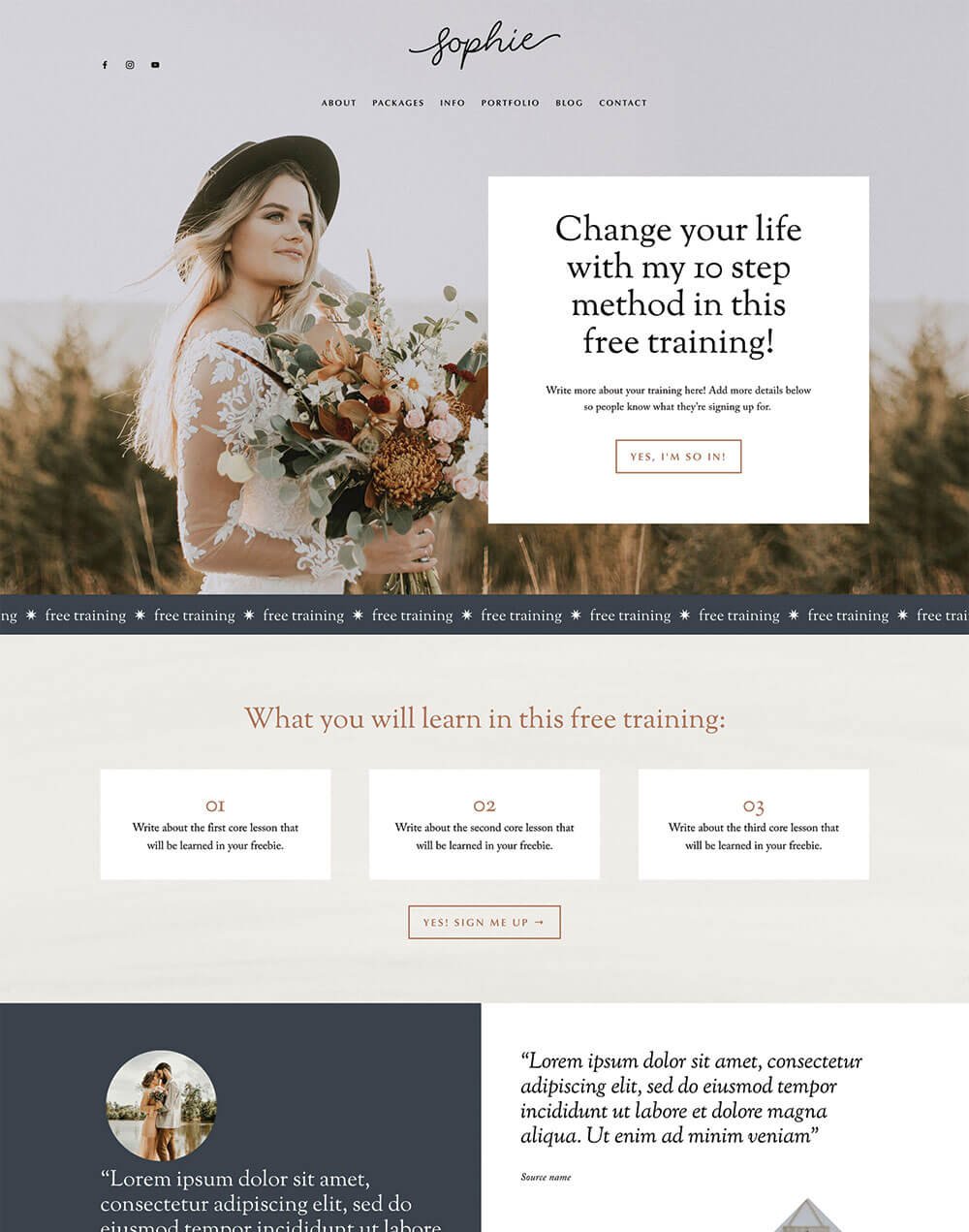
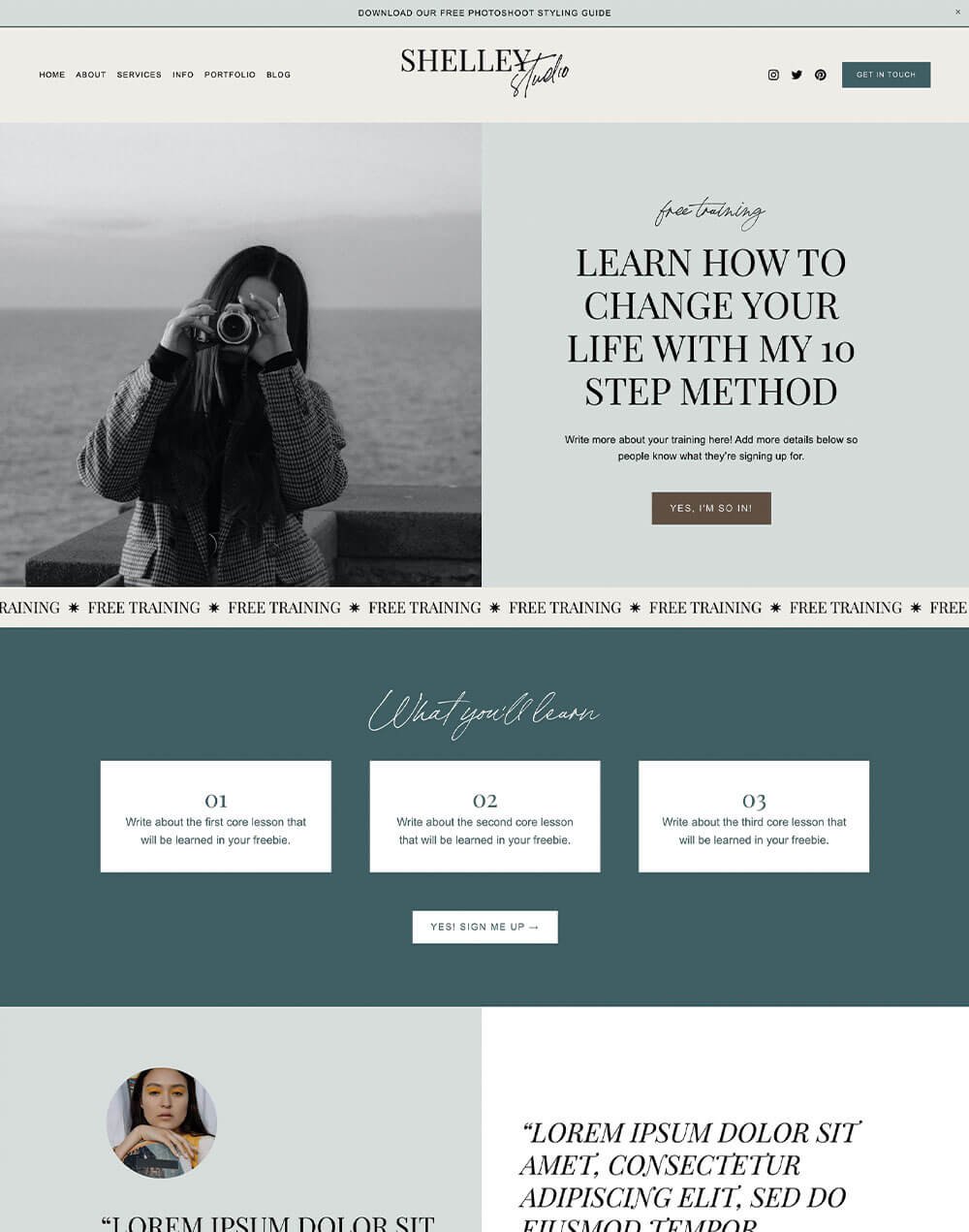
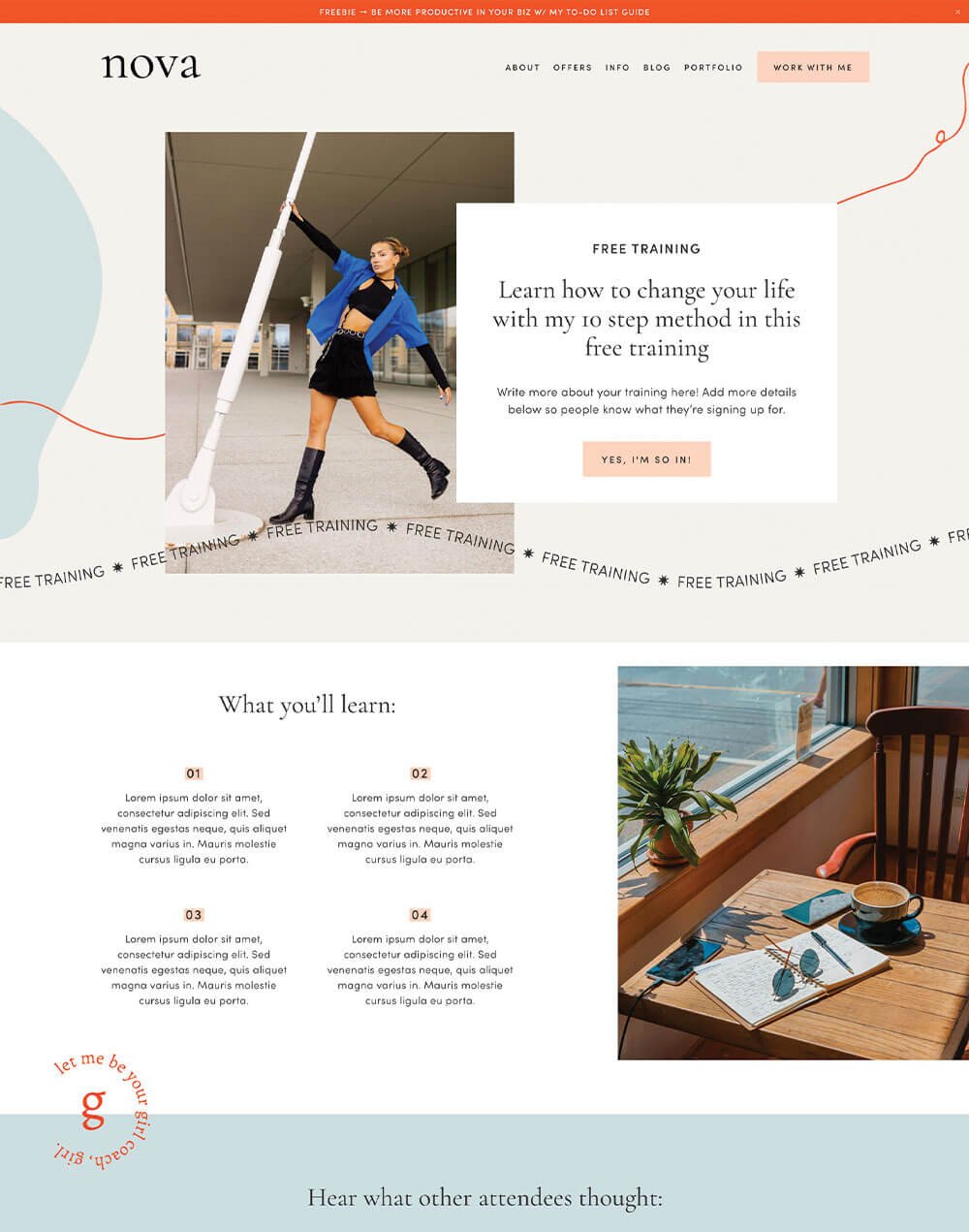
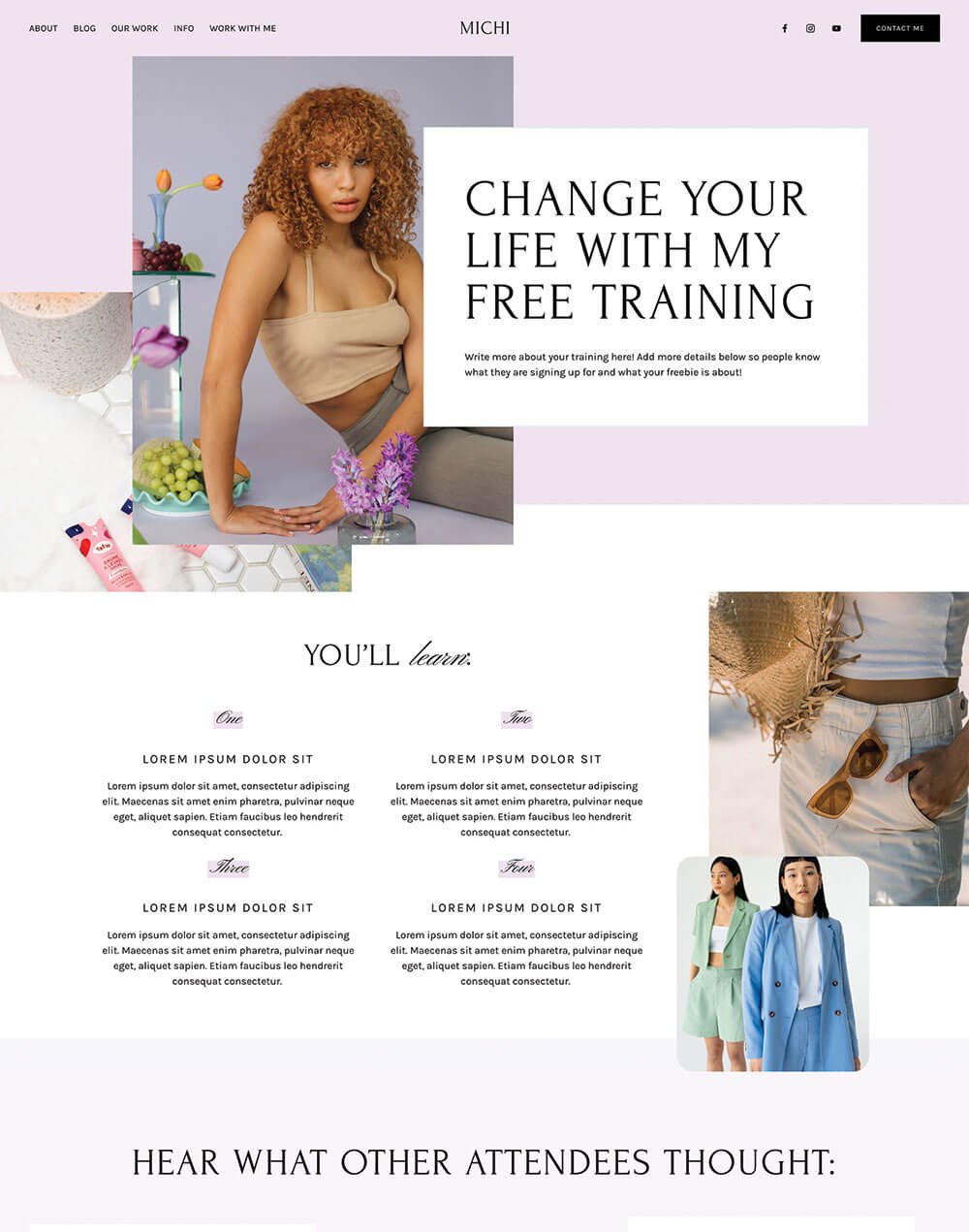
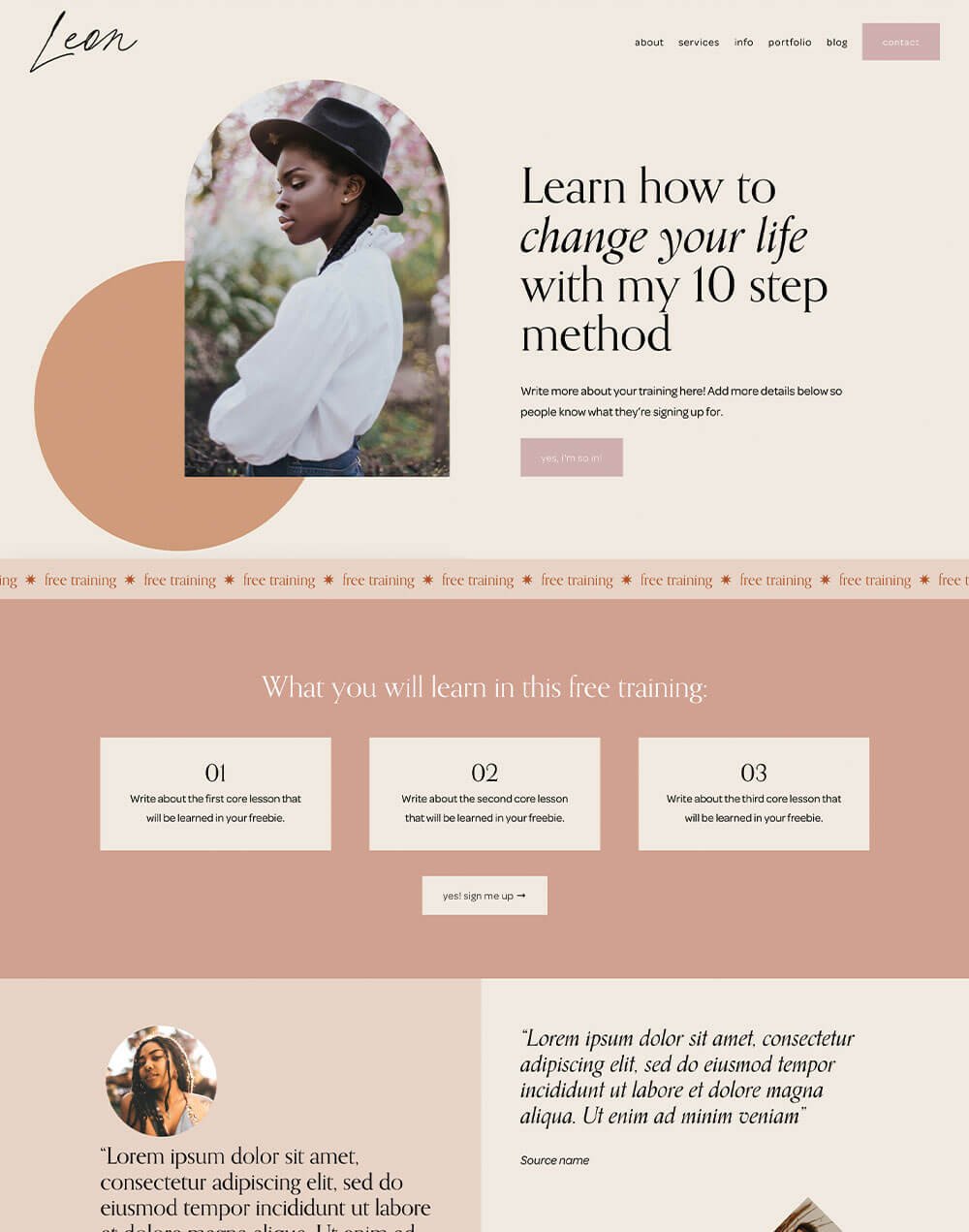
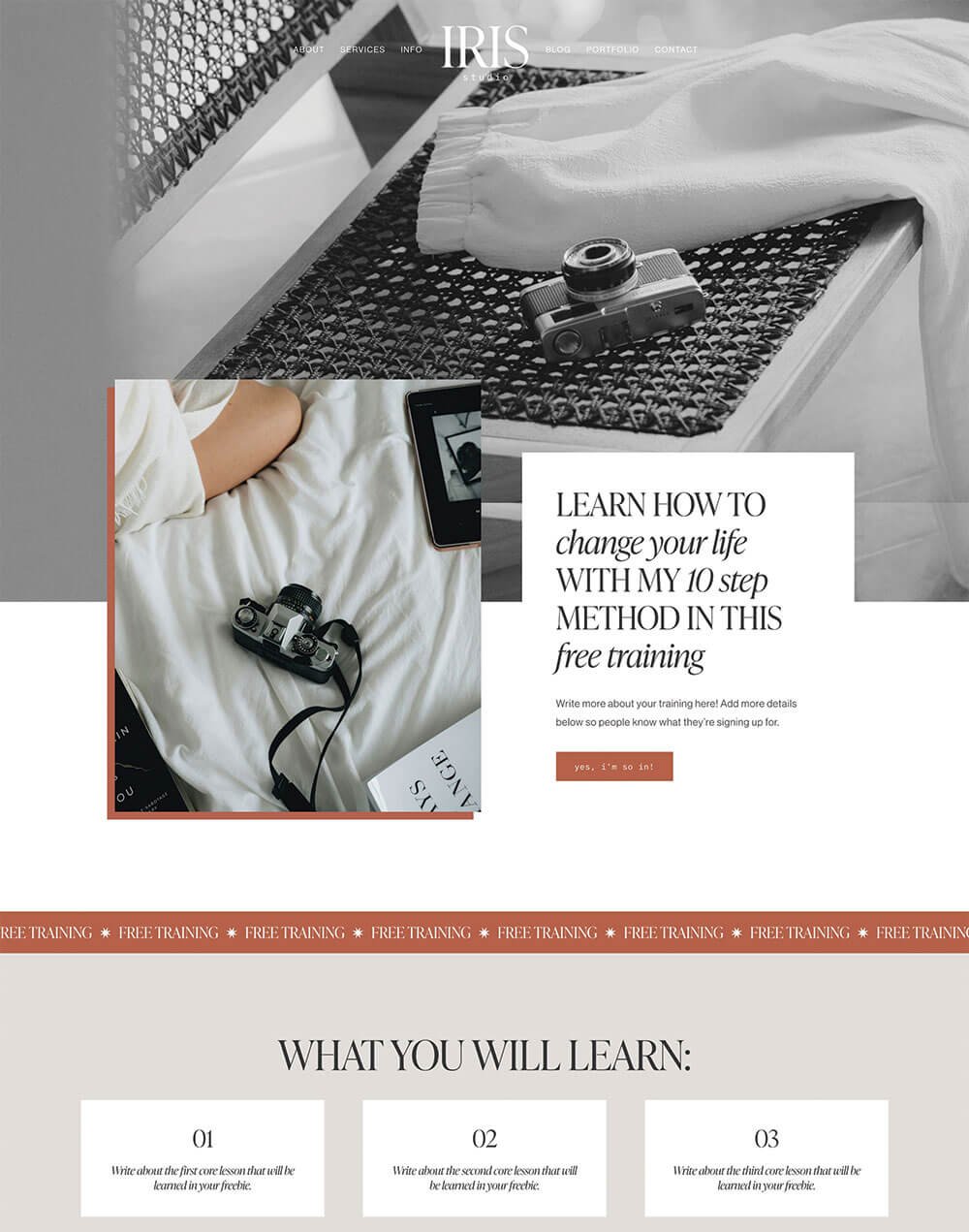
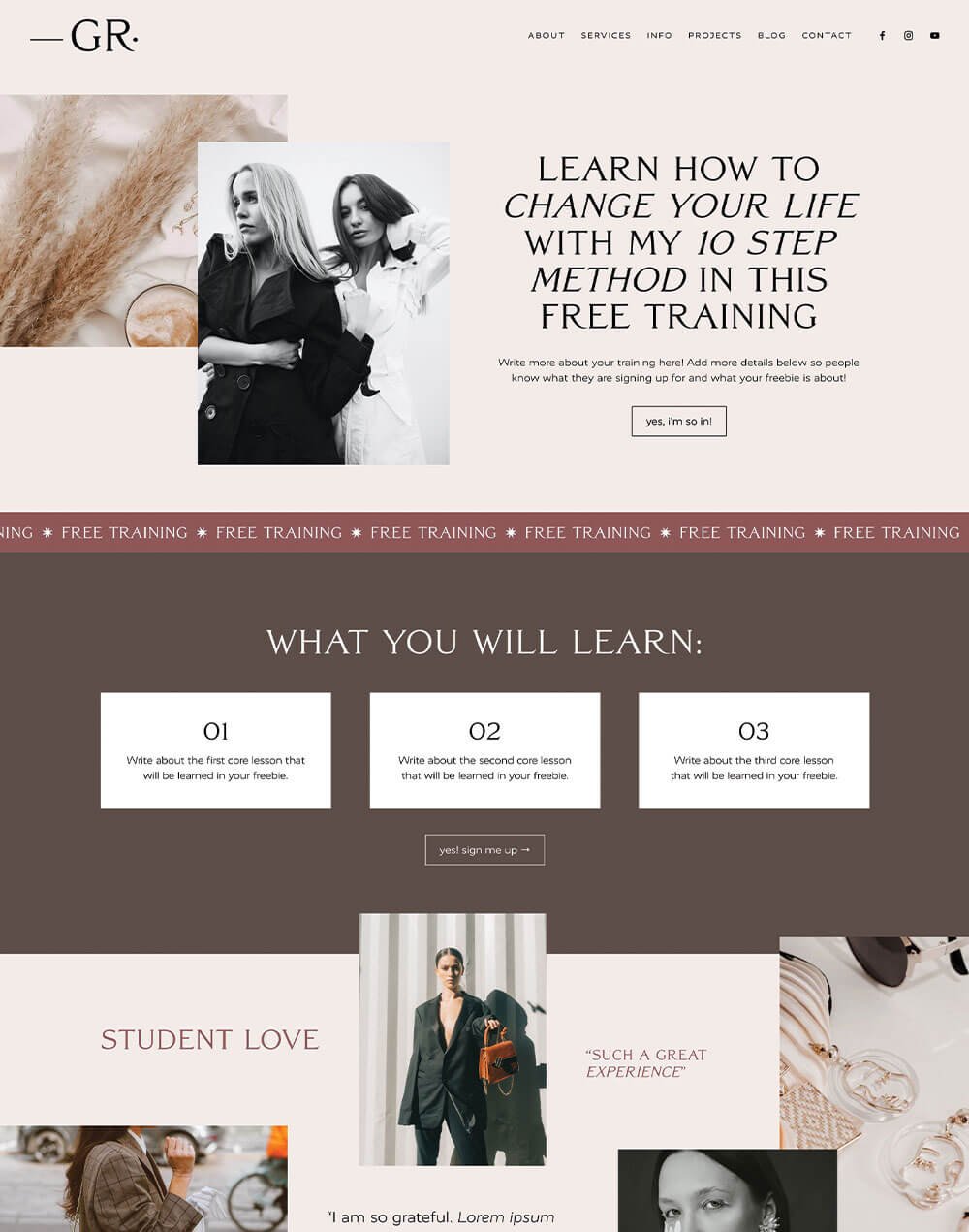
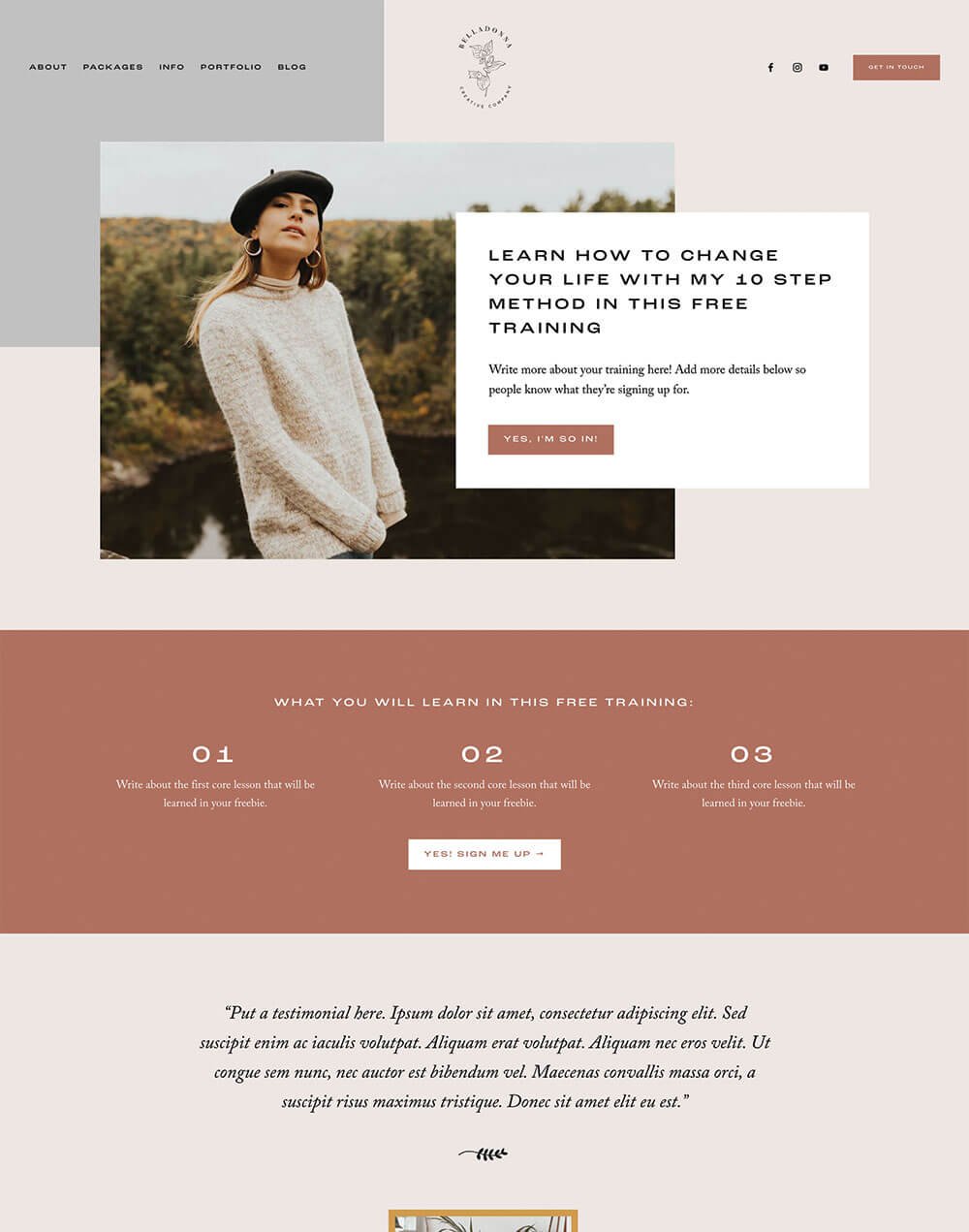
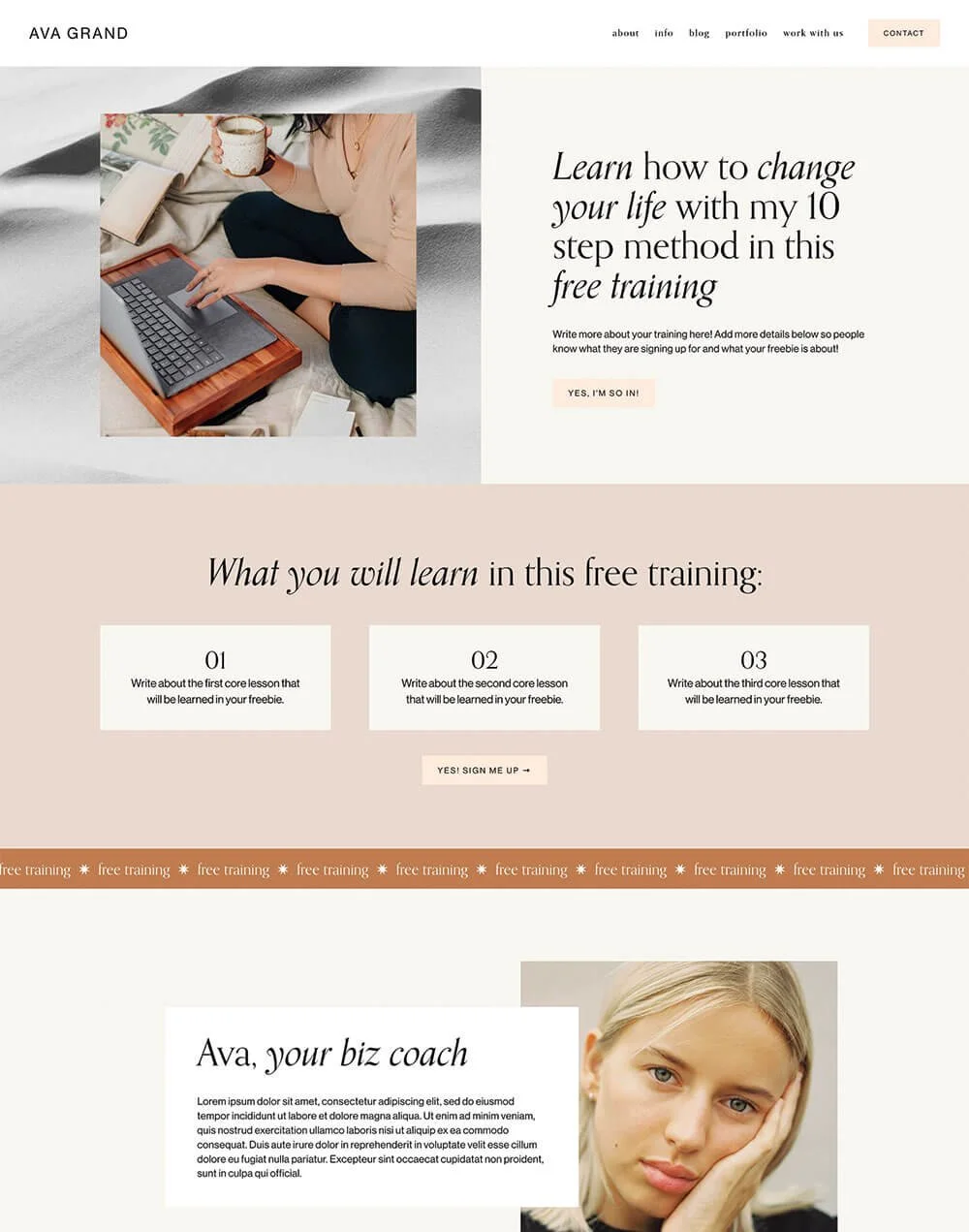
And if you’re looking for a little extra boost when it comes to your opt-in offers, our Freebie Add-On Page Templates make it super easy to launch a beautiful, high-converting opt-in page in minutes. Plus, they match each of our Premium Squarespace Templates perfectly, so your freebie will feel like an intentional part of your brand from day one!
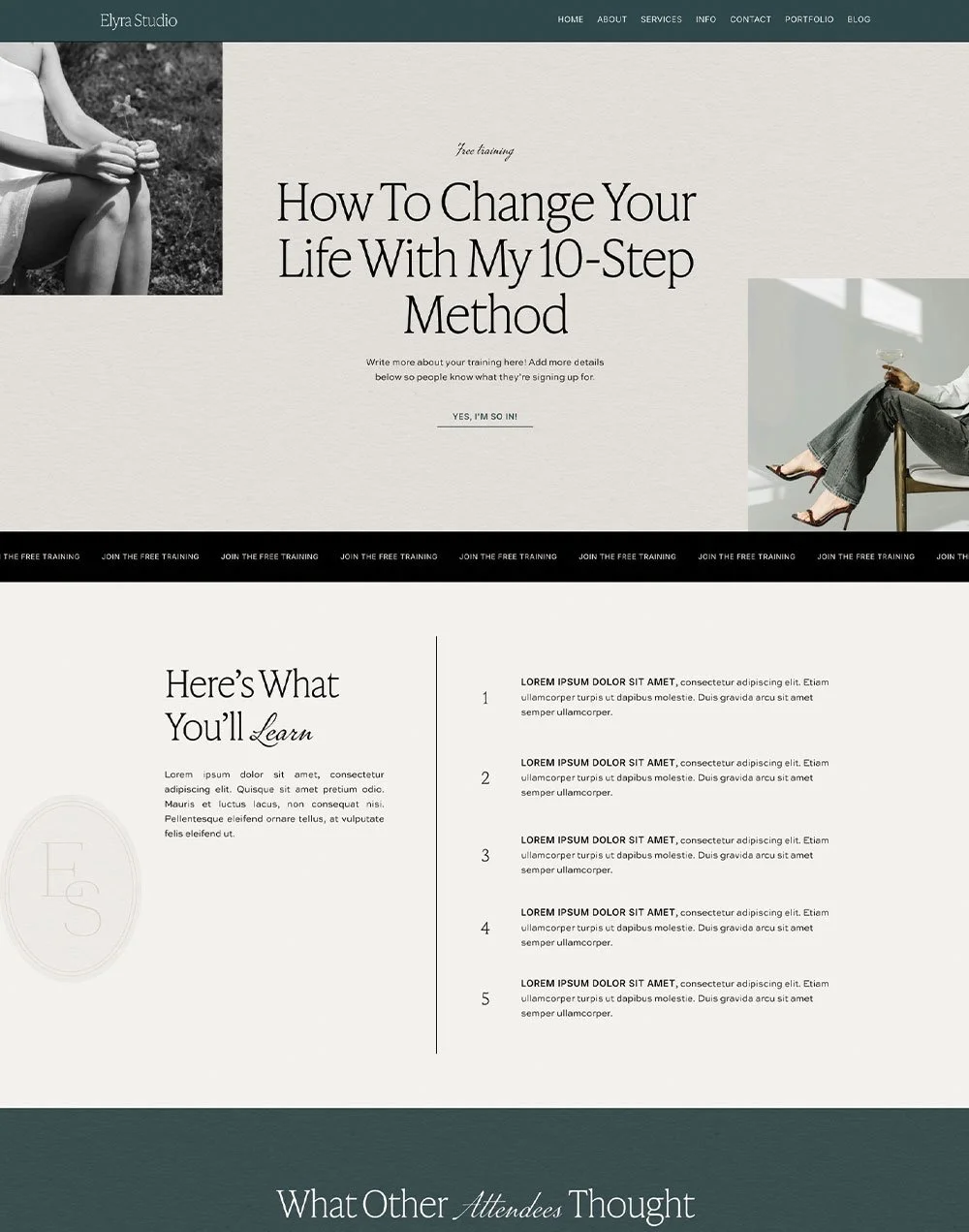
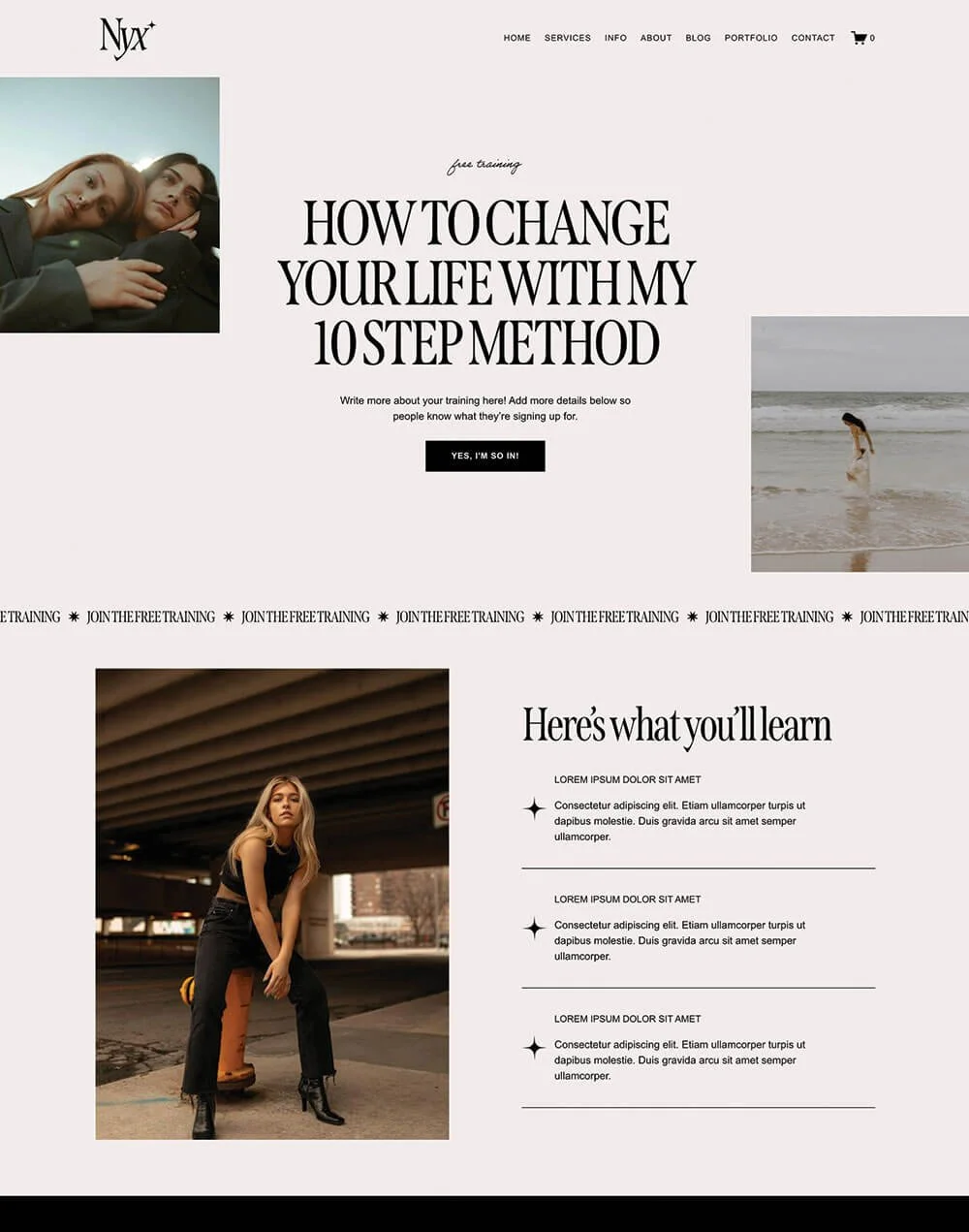
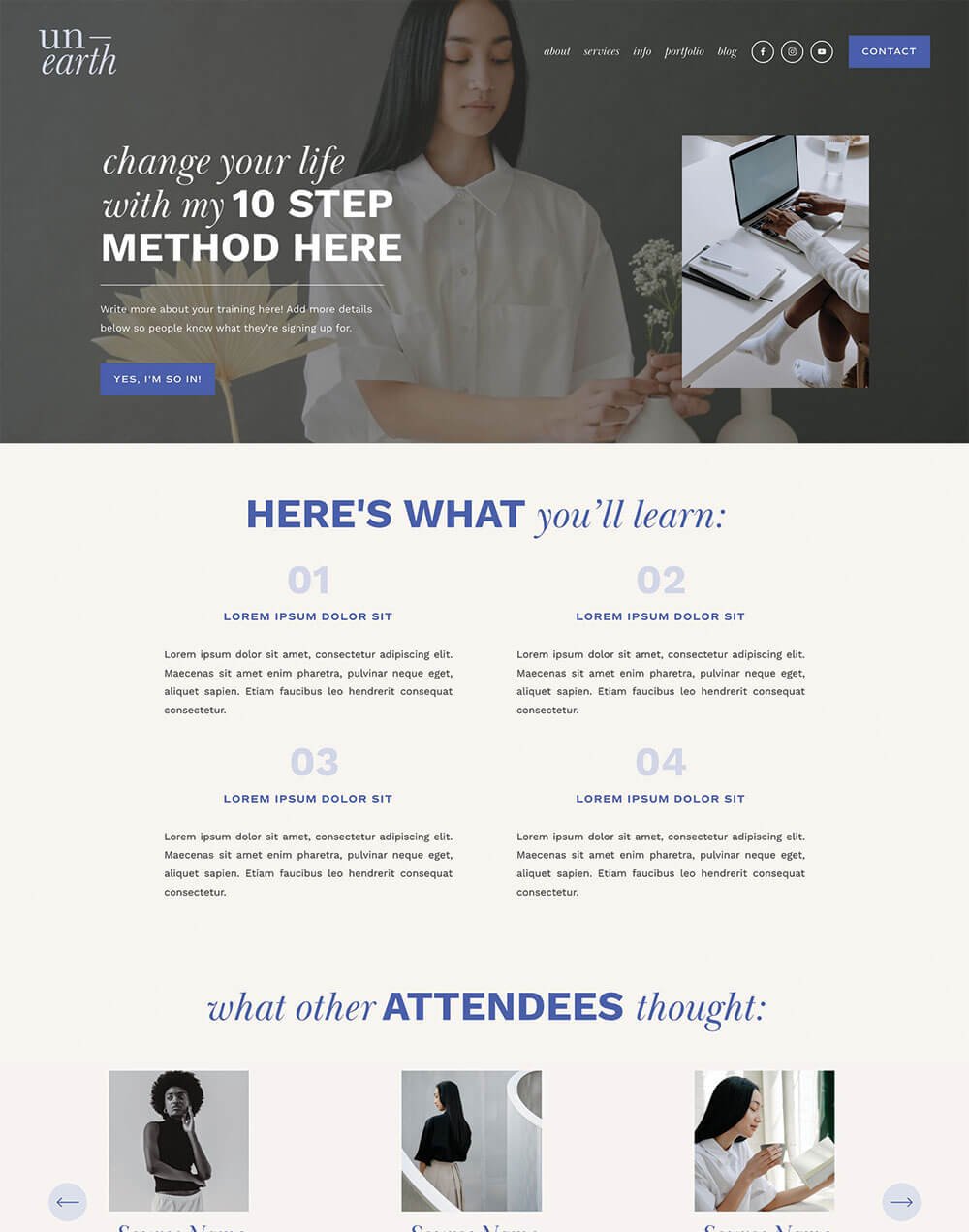

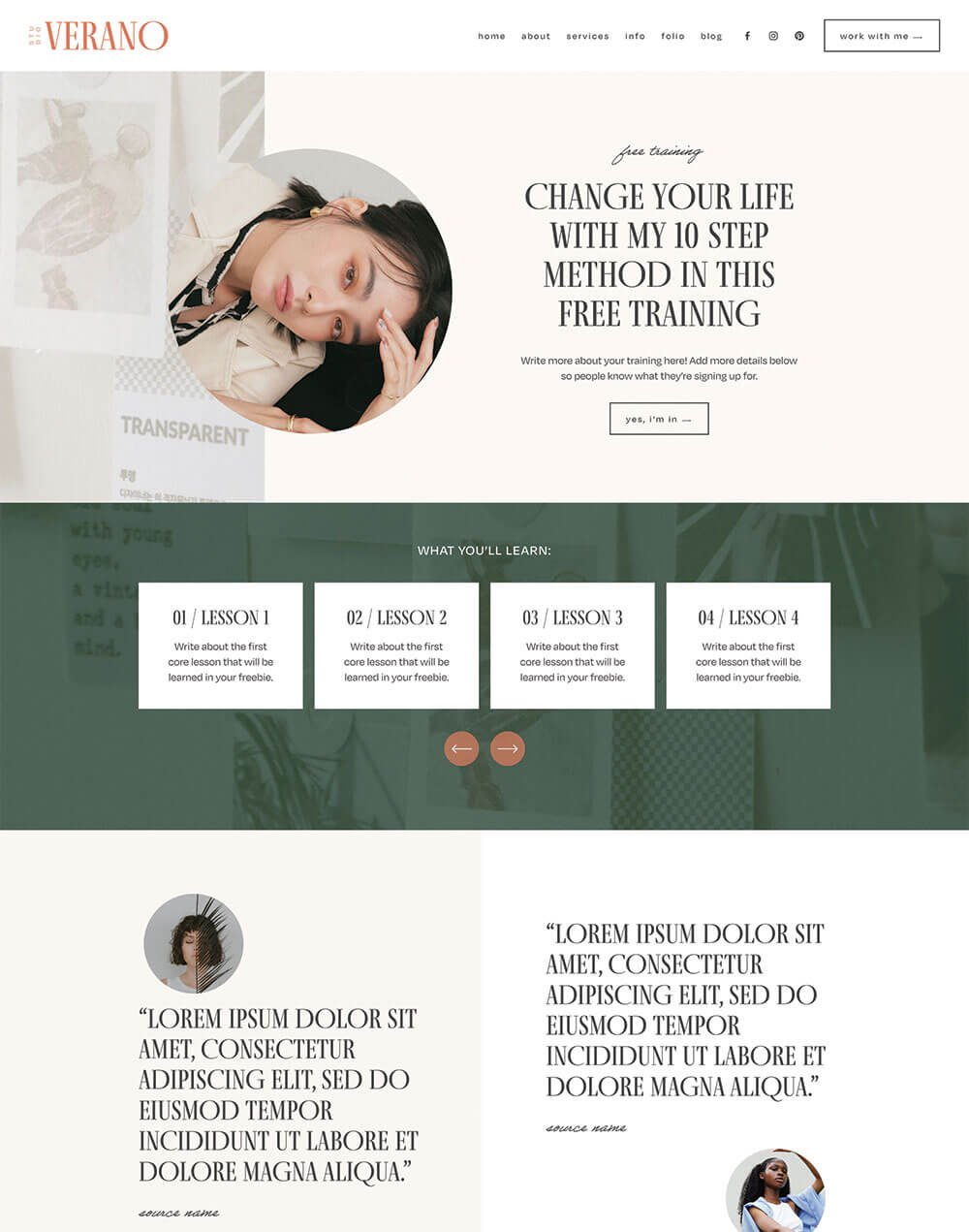


The Best Places to Promote Offers on Your Website
Alright, now that you’re confident in what you’re promoting and have a strategy for creating the highest conversions possible, let’s dive in with where you should actually place your offers on your website.
Announcement Bar
An announcement bar is a horizontal bar, usually colored or pronounced in some way, that appears at the very top of your website. Its purpose is to grab the attention of your viewers right away with a small amount of text promoting your offer.
Announcement bars don’t contain any images or additional fluff, so you need to be extra catchy with the call to action words you use! In Squarespace, you can also link the text added to your announcement bar or the entire announcement bar itself, so visitors can conveniently click through directly to your opt-in or product.
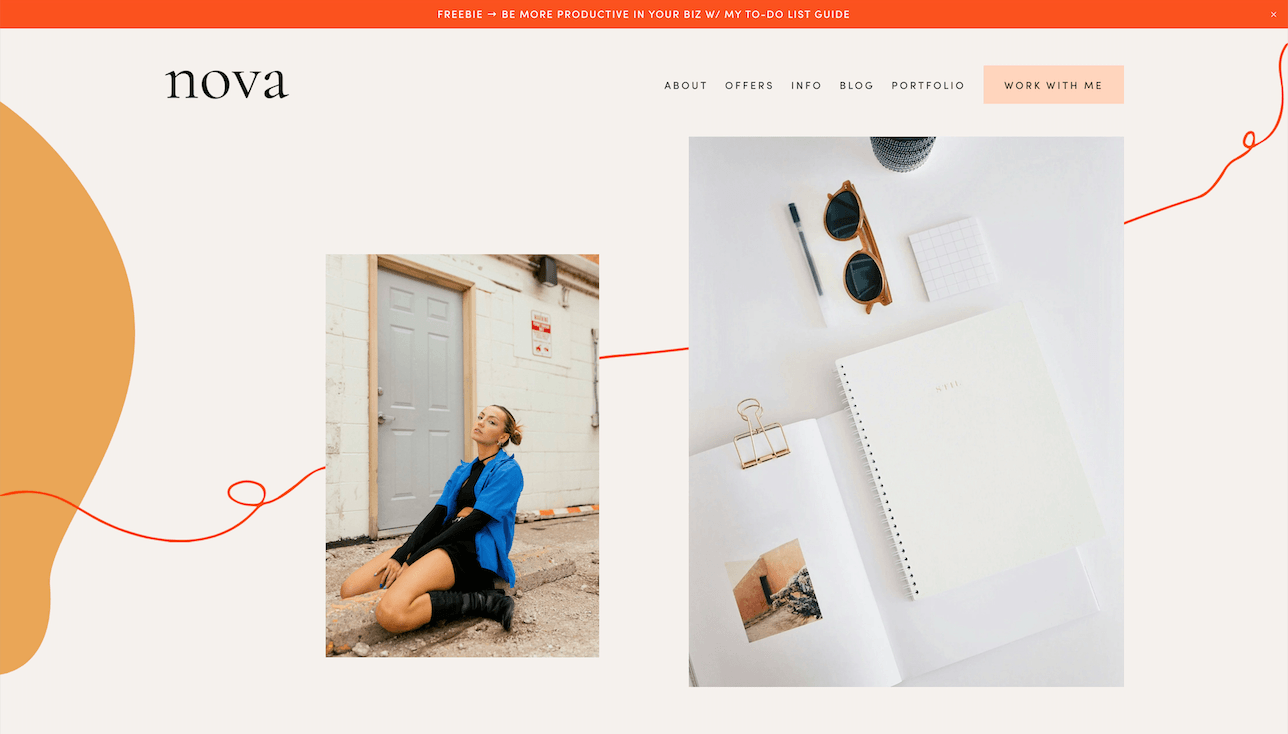
Announcement Bar Example from our Nova Premium Squarespace Template
What to Promote with an Announcement Bar
You can promote so many different things with an announcement bar, but they are specifically impactful for
Opt-In Freebies: Allow people to click through to your freebie page and find more info on what you’re offering. For example, “Click here to download my free guide!”
Open Enrollment: If you have a course that only opens a few times a year, you can promote enrollment by saying something like “The cart is open for our course - Enroll now!”
Deadline Alerts: Notify people of something coming to an end. For example, “Giveaway ends in 24 hours, enter before it’s too late!”
Discount Codes: “Use code FREESHIP for Free Shipping - This Weekend Only!”
Countdowns: If you have something launching soon, put a countdown in your announcement bar to create excitement.
How to Add an Announcement Bar in Squarespace
Adding an announcement bar to your Squarespace website is super easy!
First, click the slash key ( / ) on your keyboard and type in “Announcement Bar” to be taken directly to the announcement bar panel.
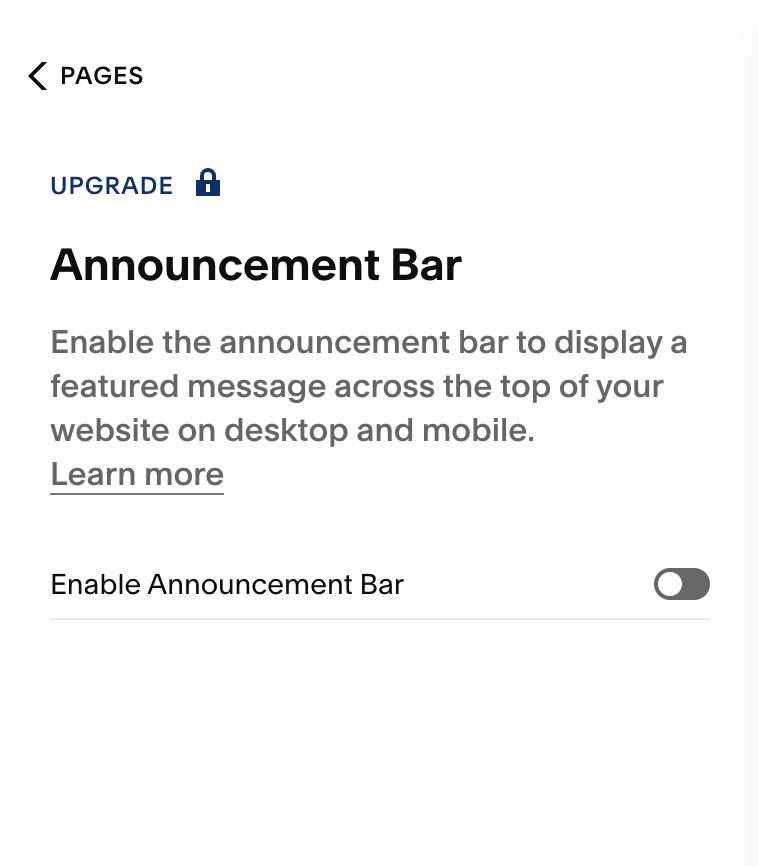
From here, toggle ON the “Enable Announcement Bar” option. You’ll then be able to add the text for your announcement bar as well as add a link if you’d like.
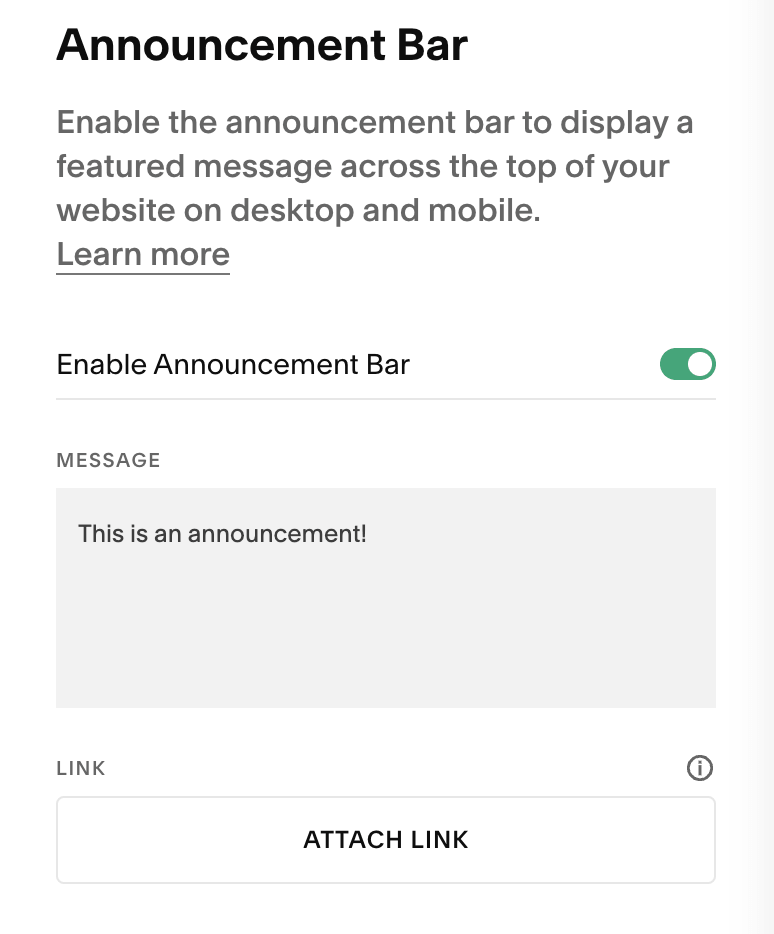
Click Save in the top left corner when you’re done!
If you’d like to change the font or color for your announcement bar, you’ll need to do so in your Site Styles. We have a full announcement bar blog post detailing exactly how to do this in both Squarespace 7.0 and 7.1. Check that out here 👉 How to add an Announcement Bar to Your Squarespace Website
Important Note:The announcement bar feature is only available on the Squarespace Core plan or higher.
Promotional Pop-Up
A Promotional pop-up is a small box or panel that pops up when you first land on a website. They are mostly used to point visitors toward an offer, new product, or special announcement, which is why they’re called “promotional” pop-ups.
Pop-ups typically come with a call to action like a button or sign-up form and there is always an option to exit out of the pop-up for those who aren’t interested.
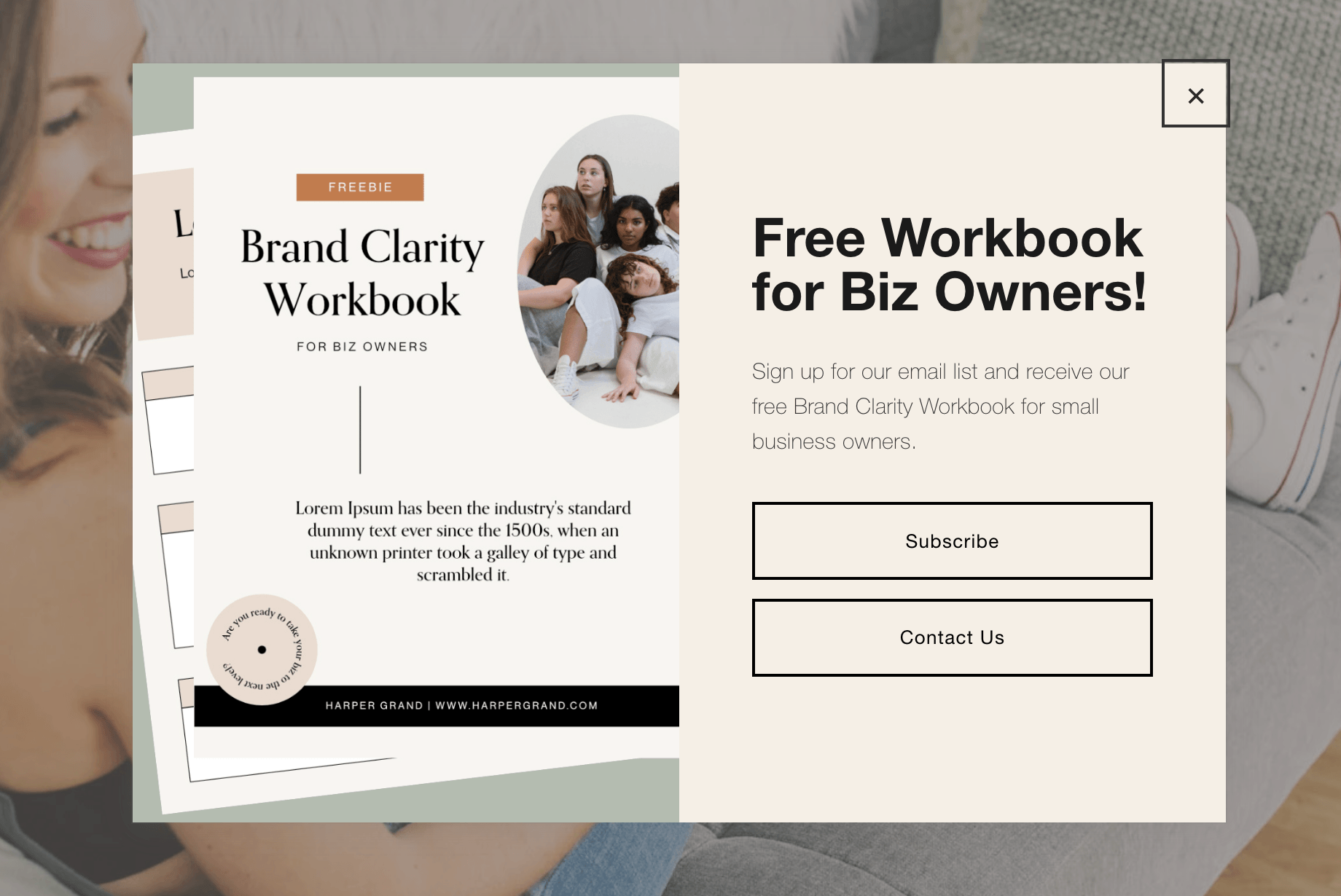
Now, everybody has encountered a pop-up in one way or another and, honestly, they kind of have a bad reputation.
Some people find them annoying or distracting and that’s totally understandable! Pop-ups have definitely been used and abused in the past, but, if you’re careful not to overdo things and design your pop-ups with your ideal client in mind, then they can actually be a really effective tool.
What to Promote with a Promotional Pop-Up
The thing we most highly recommend promoting via pop-ups is your opt-in freebie!
Pop-ups are such a convenient way to get visitors interested in your offer within the first few seconds of landing on your site and, because you can include a sign-up form directly within the pop-up box, it’s insanely easy to collect emails.
Pop-ups are also a great way to notify visitors of
Current Sales
Upcoming Courses
Special Product Promos
Limited Time Discount Codes
How to add a Promotional Pop-Up in Squarespace
To add a promotional pop-up to your Squarespace website, click the slash key ( / ) on your keyboard and type in “Promotional Pop-Up” to be taken directly to the pop-up panel.
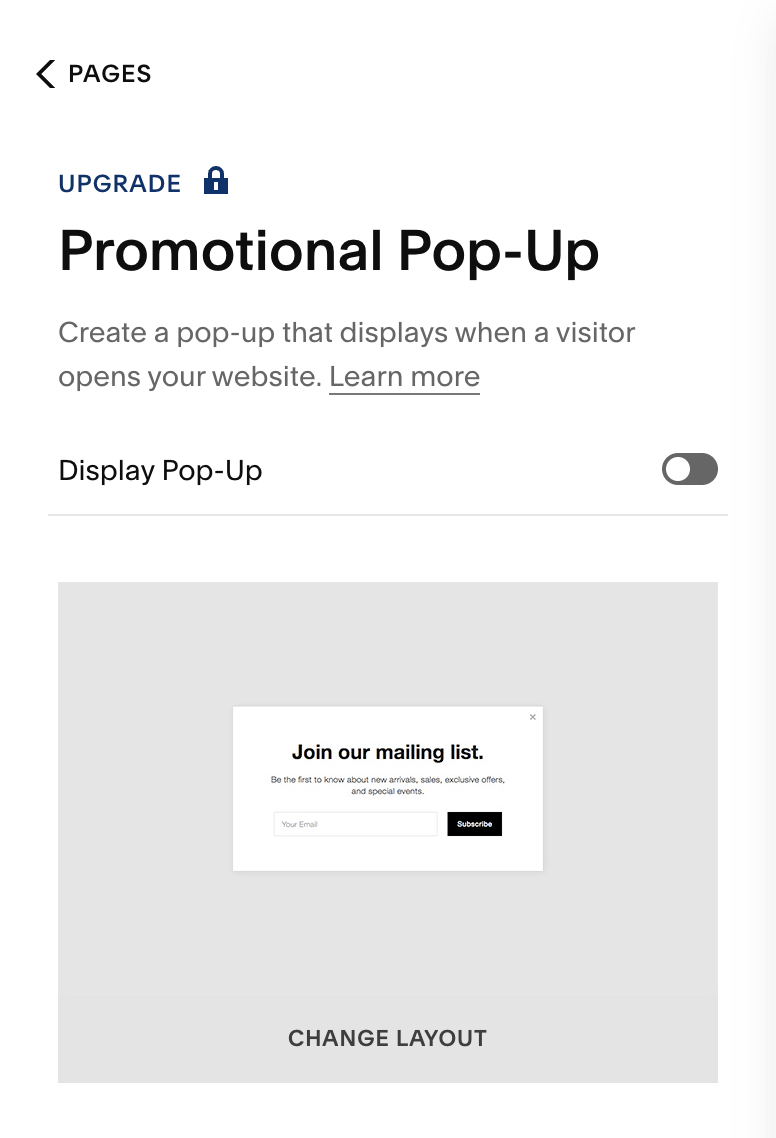
From here, you can change the layout of your pop-up and customize the call to action, text, and style settings to make sure it fits perfectly with the rest of your website.
We actually have a full blog post all about promotional pop-ups including exactly how to set them up and style them in Squarespace. Be sure to read through that for specifics on making customizations 👉 How to add a Pop-Up in Squarespace
Important Note:The promotional pop-up feature is only available on the Squarespace Core plan or higher.
Sidebar
A sidebar is a vertical column that usually appears on the right hand side of a main blog page and/or individual blog posts.
They’re really helpful for displaying a lot of content tidily and keeping readers active on the page. Plus, if someone is visiting your site for the first time, sidebars can introduce them to information that they might not have otherwise seen. This is especially great if your blog gets a lot of traction.
More eyes = more opportunities to engage!
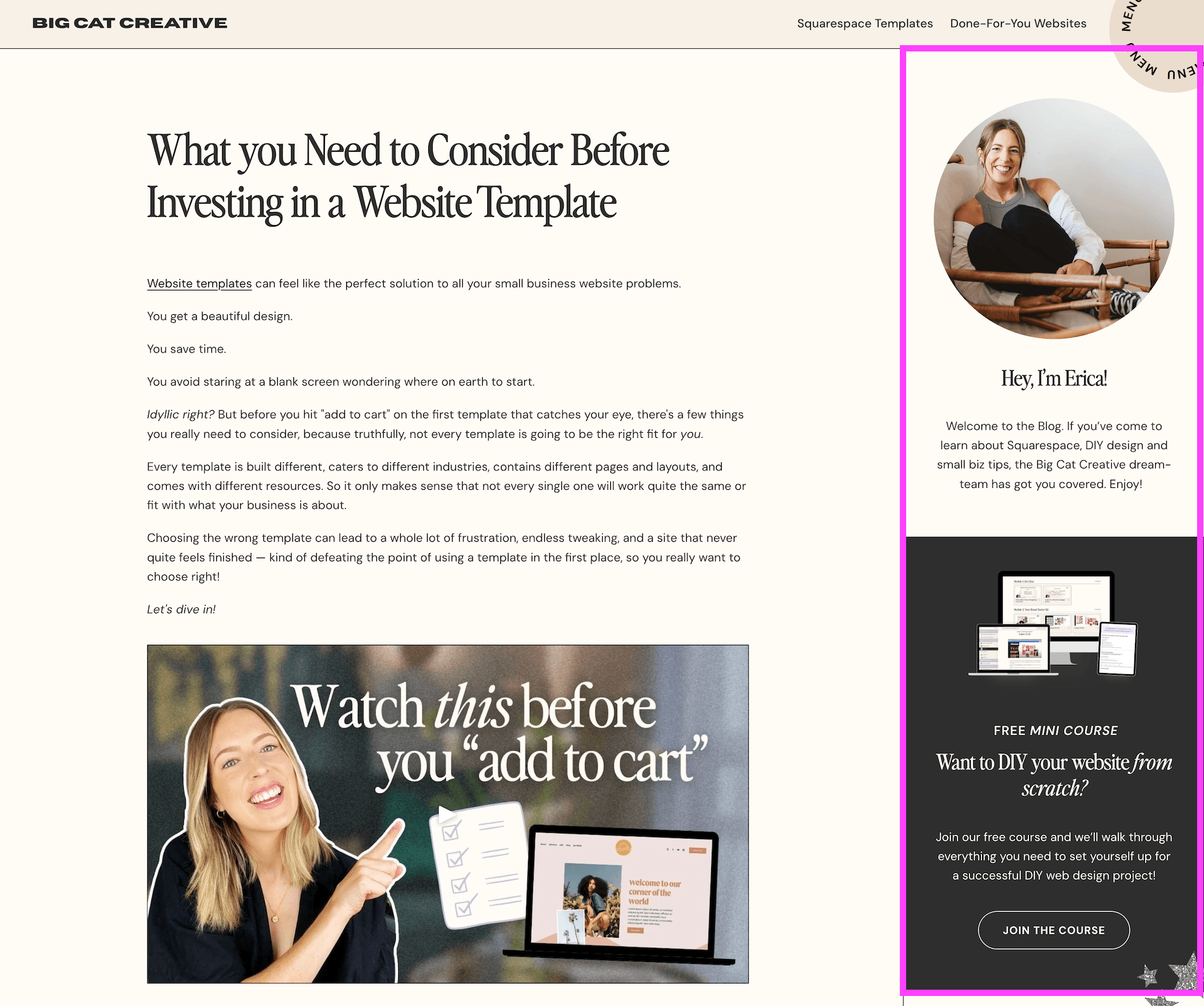
Sidebar Example from our Big Cat Creative Blog
What to Promote with a Sidebar
Sidebars are most commonly used to display content like
About Me info
Advertisements for products
Popular blog content
Social media links
Freebies
And anything else that is important to your business.
We actually like to promote both freebies and digital products on our blog sidebar. We’ve found that this is the most effective use of the sidebar for us and works really well for our audience and the people who are reading our blogs, but you can (and should) do whatever works best for your business here.
Sidebars are also a great place to promote affiliate links and banner ads!
How to add a Sidebar in Squarespace
There are a couple of different ways to add a sidebar to your blog in Squarespace.
Our favorite (and we think the easiest) way is by using the Squarespace Sidebar Plugin by Sqsp Themes. This is how we’ve added our current sidebar and it’s so simple to use. Once installed, the plugin will add your sidebar to ALL of your existing blog posts, which means you don’t have to go through and manually update things.
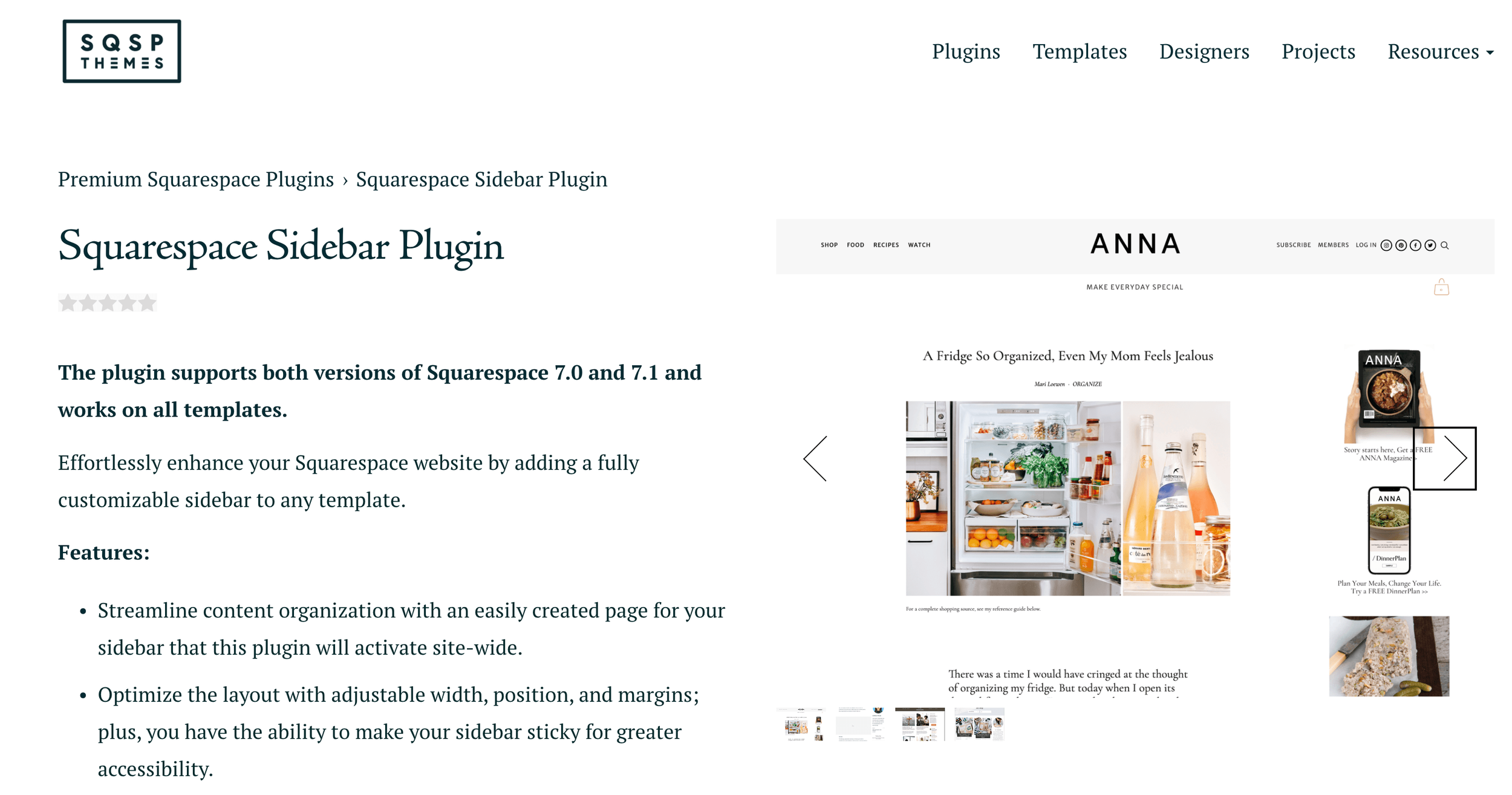
Not only does this save so much time, but it guarantees that your visitors will find a beautiful and functional sidebar no matter which blog post they click on.
Now, if for some reason you don’t feel like using the plugin, there is also a manual way to add a sidebar to your Squarespace blog. This method involves a handful of steps and will take you quite a bit of time, depending on how many blog posts you have, but it’s just as effective in the end!
View our full sidebar blog post for step-by-step instructions on adding a sidebar via both of these methods 👉 How to add a Sidebar to Your Squarespace Site (7.1 & 7.0)
Blog
Even though we just discussed adding a blog sidebar, it’s also important to mention that you can add promos directly into your blog posts themselves as well!
You can do this through image blocks, sign-up forms, summary blocks, and more.
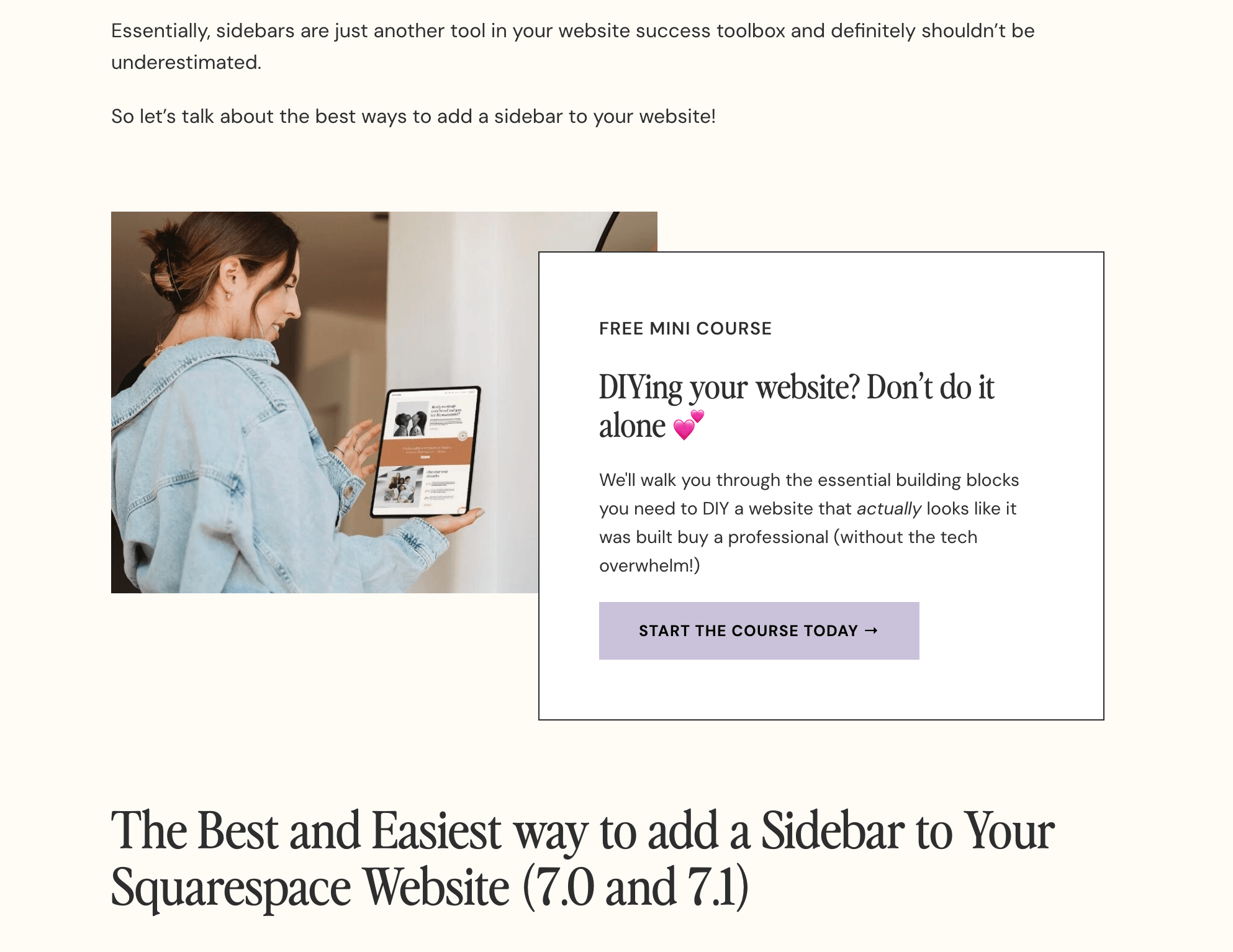
We like this method because you can get a bit more targeted. Where your sidebar displays the same thing across ALL blog posts, your in-blog offers can be much more specific to that particular post topic.
What to Promote within your Blog Posts
Within your blog posts, you can promote
An opt-in freebie
A new or popular product
A specialized course or online webinar
Or anything else that relates to the topic you’re discussing. You can even create a free download completely unique to a specific blog post and add the promotion straight into the blog for its readers to access. Nice, right?!
How to add a Promotion within your Blog Posts
Like we mentioned above, there are a few different ways that you could go about promoting your offers within a blog post. You could
Use an Image Block to add a graphic talking about your freebie and make the graphic clickable so that readers can easily click through to your freebie page.
Add a Sign-Up Form with some additional info about your freebie so that readers can enter their email address directly from the blog post.
Add a Summary Block or Product Block to showcase your latest courses or products so that readers can scan through and click on the ones that interest them the most or even directly click to purchase.
No matter what you do, just make sure that the promo makes sense within the blog post and is relevant to the people who might be reading it.
Pro Tip! We also recommend adding your promo somewhere in the first half of the blog post so that it’s most likely to be seen. The further down the post you put it, the less likely it is to get clicks!
👉 How to Edit in Squarespace 7.1 with Fluid Engine - Best Practices & Tips
👉 How to add an Email Sign-Up Form to Your Squarespace Website
Website Footer
Your website footer is actually really valuable real estate! Even though it’s at the very bottom of the page, it’s also sometimes the only truly consistent section of your website.
This is because, in Squarespace, your footer remains the same on every single page. That means that, no matter what your visitors are looking at on your website, they’ll be able to see the same footer information, so you really want to make it count.
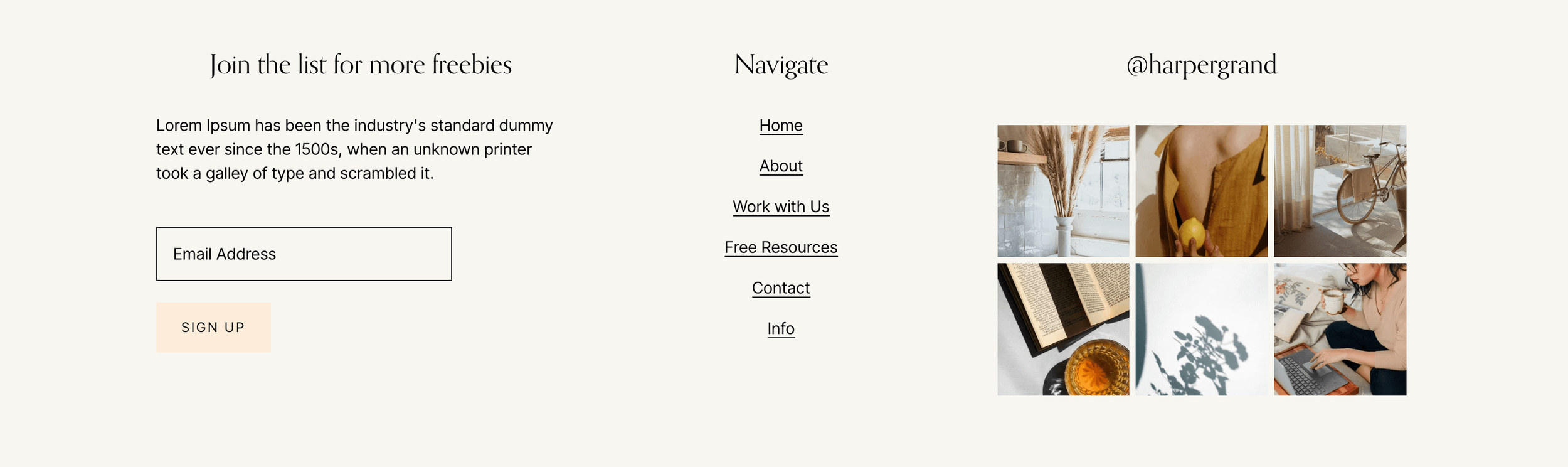
Footer Example from our Ava Grand Premium Squarespace Template
What to Promote in your Website Footer
We really recommend keeping your footer as clean and decluttered as possible, so you don’t want to go crazy with promotions here! The best things to highlight are:
Opt-In Freebies
Your Newsletter Sign-Up
Single Products
Links to your Online Store or Freebie Page
Think about when you’re browsing on a website. When you get down to the footer, what would stand out to you or keep you reading for a few more seconds?
How to add a Promotion to your Website Footer
You can easily edit the footer in every Squarespace website! All you need to do is enter Editing Mode, scroll to the very bottom of your site and click on the Edit Site Footer button.

Then from here, you can add any block you’d like. This means that sign-up forms, image blocks, and buttons are all fair game.
You can just add your blocks like you would to any other regular page on your website and then customize from there.
👉 How to Customize Your Squarespace Footer and What to Include in the Design
👉 How to Edit in Squarespace 7.1 with Fluid Engine - Best Practices & Tips
Squeeze Page
A squeeze page is, essentially, a large banner at the top of your page (usually the homepage) that encourages visitors to sign-up for something or enter their email address right away. If you’re really serious about getting sign-ups, a squeeze page can be super effective.
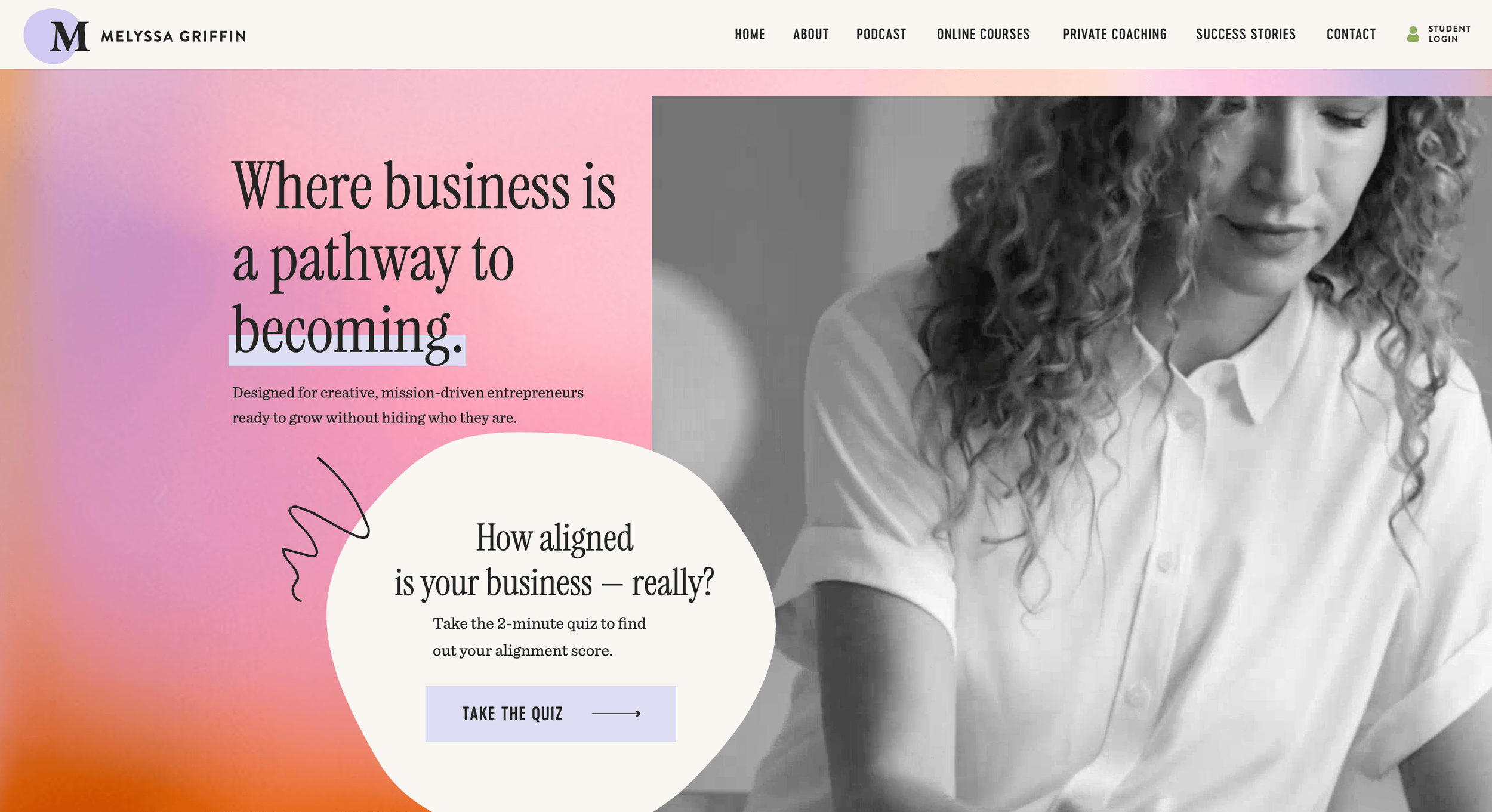
Squeeze Page Example from MelyssaGriffin.com
Now, as designers, we tend to feel like squeeze pages can be a bit obtrusive and in-your-face, and they can compromise the design of your website. But, from a business perspective, what good is having a gorgeous website if it’s not converting?! AND, there are ways to create something like this while sticking with your aesthetic (like the example above).
At the end of the day, something like a squeeze page is highly likely to get you the conversions you're dying for, so it’s always worth a try.
What to Promote with a Squeeze Page
The best thing to promote with a squeeze page is an opt-in freebie.
The main goal is to collect emails straight from the jump so, while there are a couple of different ways to do this, the end-game should be sign-up, sign-up, sign-up!
How to add a Squeeze Page to your Squarespace Website
Like we mentioned above, a squeeze page really is just a large hero banner.
To add a banner to your homepage in Squarespace, enter into Editing Mode and then click the blue Add Section button at the very top of your website (underneath your site header).

You can then choose from the Intro templates that Squarespace offers or choose Add Blank to add a blank section and start from scratch.
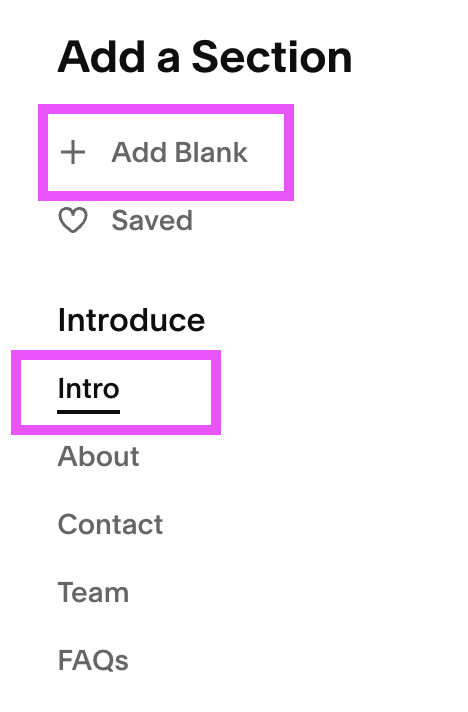
From here, you can customize your section however you’d like! Add some images, text, and of course a sign-up form (or link to one) so that visitors can opt-in to your freebie.
Pro Tip! In order for your squeeze page to be most effective, you want to design it “before the fold” meaning, before the visitor has to scroll AT ALL. You should be able to see the whole entire squeeze page (or banner section), and sign-up for the offer, without having to navigate any further down the page.
And there you have it - the best places to promote your offers in order to get the most visibility, plus some more info on how to implement it all on Squarespace. Now, we challenge you to try all of these options to see which one converts the best 😉 Good Luck!

Josie is a bold and inviting freebie page designed to present your lead magnet in a fun, polished way. Its playful layout helps turn visitors into subscribers while keeping your brand feeling memorable and professional.
View Full Demo