If you’re a die-hard Squarespace fan like me, then you likely know all about Squarespace 7.1.
But if you’re just an average Squarespace user (aka the majority of people reading this) you may have heard of Squarespace 7.1, but really, you don’t know much about it 🤷♀️
So in this article I’m going to do my best to give you a to-the-point, no-fluff overview of what it is, the main differences between 7.1 and 7.0, and most importantly, which you should be using.
What is Squarespace 7.0?
Squarespace 7.0 has been around for a long time now. If you started your website before 2020, you’ll definitely be using 7.0. This version of Squarespace is now getting retired.
What is Squarespace 7.1?
Simply said, it is the new version of Squarespace. It’s not uncommon for Squarespace to do “upgrades” (I presume they worked their way up from 1.0, after all) so this isn’t really any different.
Important note: It’s a little odd that they named it 7.1 (instead of 8.0) as the .1 makes it seem like a small change, but don’t be confused by this, it’s big change and a whole new version.
So, Which Version are you Using?
If you’re not sure which version your website is currently using, you can open up your website, go to your Pages panel, and scroll down to the very bottom where it should say either 7.0 or 7.1 (here’s the instructions directly from Squarespace).
What are the Main Differences Between 7.0 and 7.1?
There are a lot, actually. The biggest differences are:
The way the Templates Work
In Squarespace 7.0 there was a variety of different templates to choose from. These templates all had different underlaying functions, so depending on while template you chose, your website would have different abilities (more on how that works in 7.0 here).
With 7.1, there’s no more choosing templates with different functionalities The templates for Squarespace 7.1 all have the same underlying functions.
If this is confusing to you, then don’t even worry about it. Basically, all 7.1 sites are equal, which makes things really easy. You will have to still start by choosing a template (see the 7.1 templates here), but the only differences between the templates are the initial designs (colors, fonts, images) and all of the structure and abilities are the same.
Overall this is an improvement on 7.0. Instead of having a ton of different templates that had different abilities, just have one page builder that is the same across the board.
👉 Free vs Premium Squarespace Templates: What’s the Difference and Which One Should You Choose?
The Builder
Page building, site styles and all of the main functions for the actual design portion of your site have changed a lot.
The biggest differences are:
No more index pages: Now we can have multiple sections within one page. 7.1 has blessed us with long, stacking single pages instead — this is a huge improvement!
On-page editing: Squarespace has now released the Fluid Engine editor for 7.1, which basically allows you to drag and drop blocks anywhere within a section allowing for way more flexible and creative layouts, as well as being so much easier to use! Plus you can now edit your mobile site almost entirely independently!
Individual Page section settings: You actually have MUCH more control of each individual page section. You can edit width, height and even color profiles of each section within a page, rather than those settings applying site-wide, which is great!
The Site Styles: are organized *arguably* better than they are in 7.0. They are grouped by fonts, colors, buttons (etc) and they are applied site-wide. So instead of having one mega Site Styles that covers everything, they are now organized into separate groups.
New Page Types: These are new collection pages available, like Portfolio pages and Courses, and they’re pretty awesome. The Portfolio pages are similar to how you would structure Blog Posts but they’re specifically for Portfolios and Galleries, giving you so much more flexibility to showcase your work. Learn more about how Portfolio pages work in 7.1. Courses meanwhile finally allows you to host a course directly on your Squarespace site! Learn more about hosting your course on Squarespace.
Sticky Nav: There’s a built-in function to have a sticky header navigation, which is something that 7.0 never had.
There are a ton of other little changes you’ll notice when you start building a 7.1 site, but those are some of the biggest ones.
It’s Lacking Some Features Still
When 7.1 first launched, it was lacking A LOT of features that 7.0 used to have, which made me and many other reluctant to working with it. But Squarespace has been working hard to implement these missing features at our request, and it’s improved a ton.
Here’s some important things 7.1 is missing:
No secondary navigation or many options for editing the layout of your header nav. They’ve recently added a few more layout options for the header, but still, the lack of secondary nav is a bit frustrating.
Gallery blocks are no longer a thing - but gallery sections are now available!
No Sidebar ability (if you’re a Brine user you probably won’t care, but it’s not good for bloggers) I use this Plugin for my sidebar — it’s a great alternative until Squarespace adds this feature.
Please note: I’m updating this list as often as I can, but because 7.1 is changing so rapidly, it might not be exact. Make sure you check these things out for yourself as some of them may have recently become available! This list used to be so much longer but a lot of features have now become available in 7.1, yay!
So, Should you use Squarespace 7.1 or 7.0?
Good question!
If you are Already on Squarespace 7.0
Unless you are planning a complete site re-design, you can probably stay where you are! That said, Squarespace 7.0 is now being sunsetted and is no longer being updated so you are probably better off making the jump eventually. Squarespace now has a migration tool available to easily upgrade your Squarespace 7.0 site to 7.1 (though it’s often still a pretty messy process, so make sure you have some time on your hands!).
If you Don’t Have a Site Already
The simple answer now is that Squarespace 7.0 is being retired and you are no longer able to start a site on Squarespace 7.0. So if you start a new site on Squarespace, it will automatically be on 7.1 and you’ll have access to all of the latest updates and features!
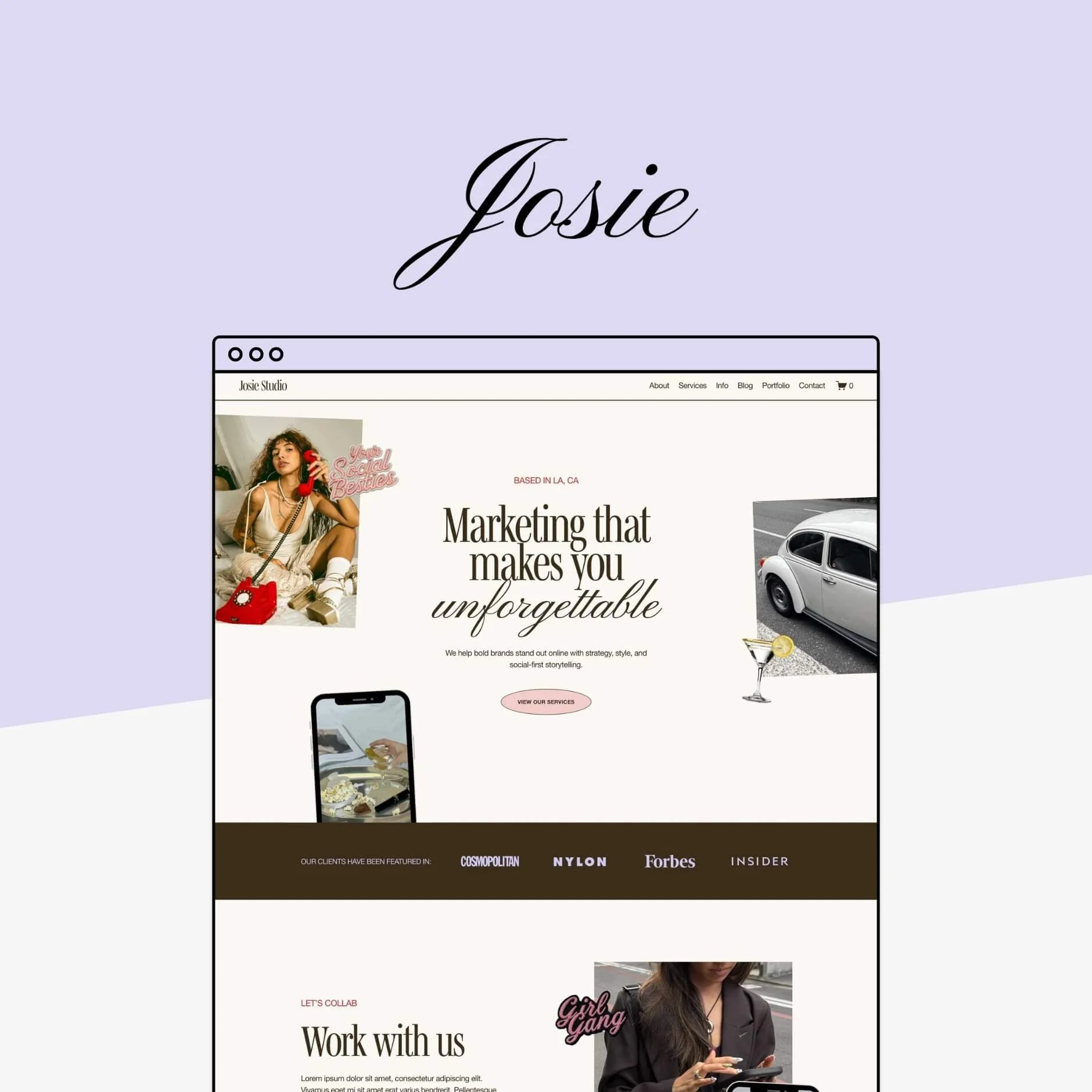
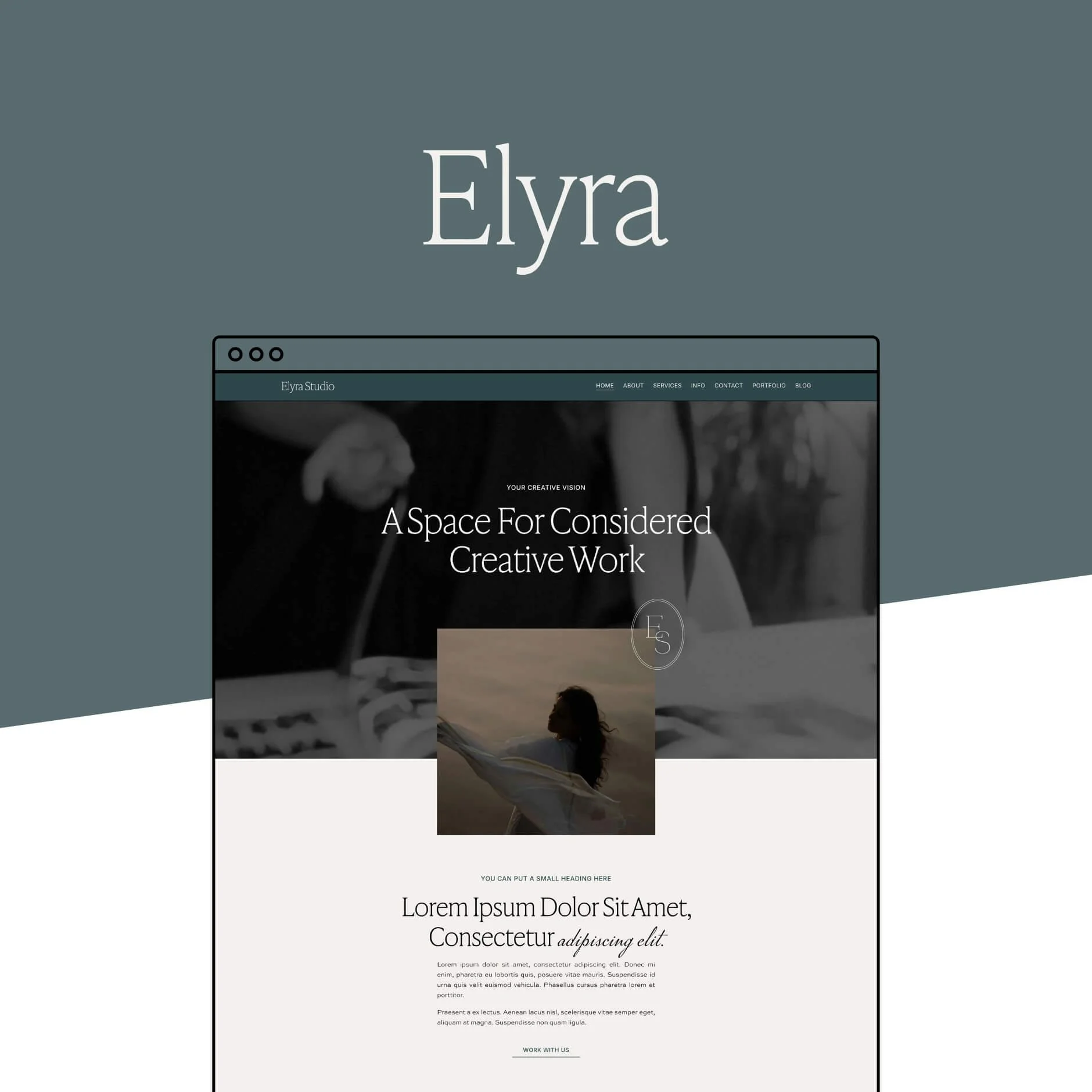
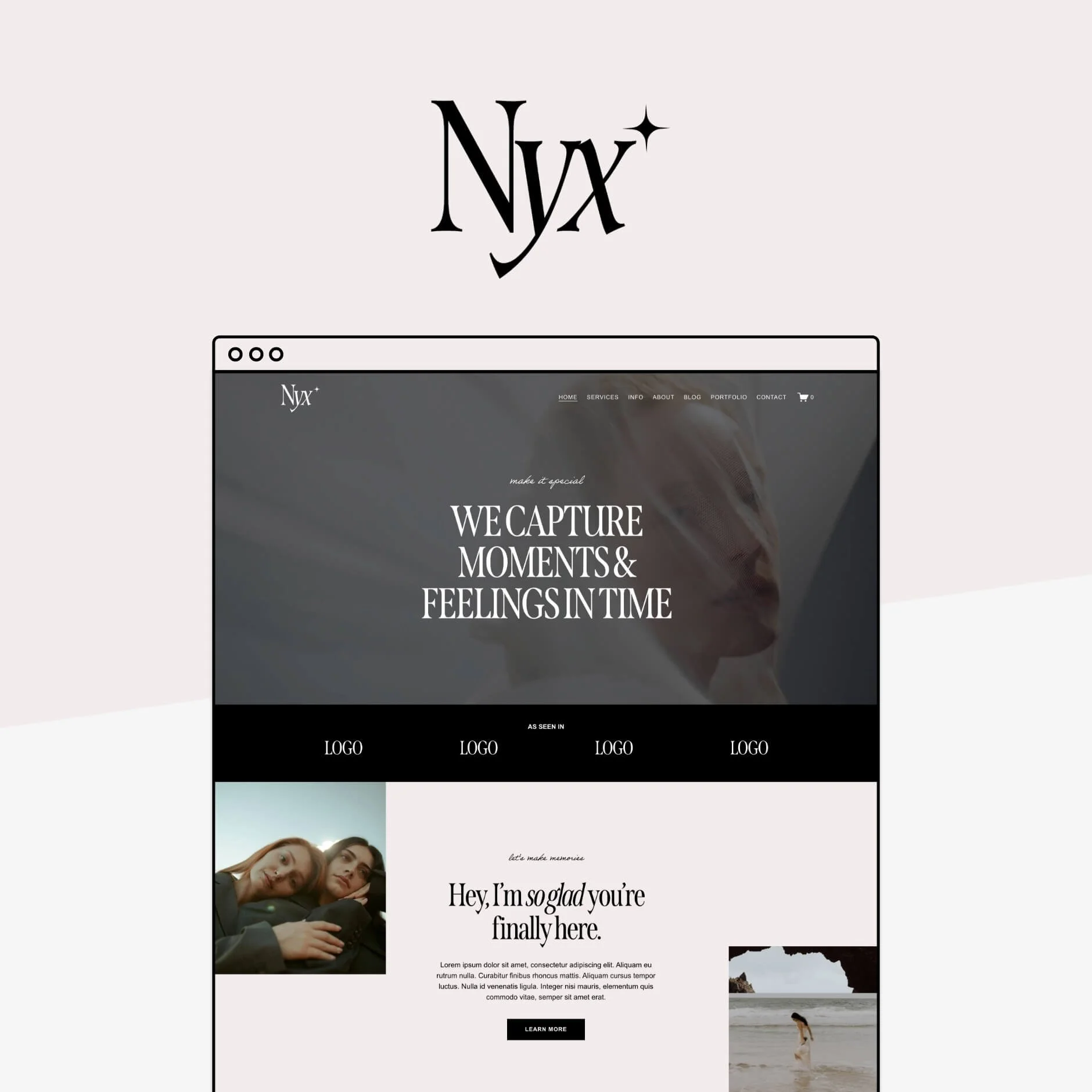
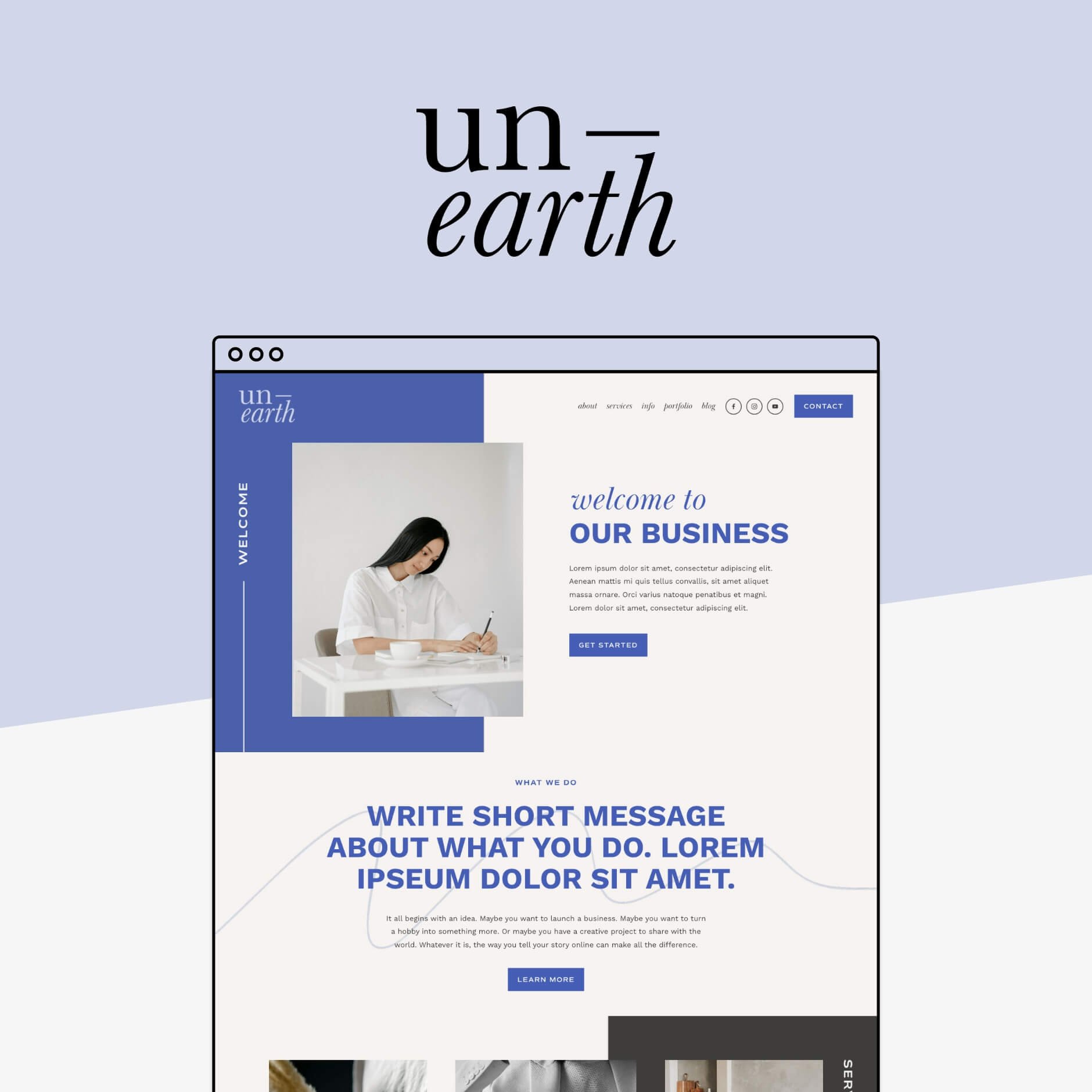
Want to save some time with a strategically designed Squarespace template ready to customize? Check out our Squarespace 7.1 templates below 👇


Want more tips? Check out these posts:
Squarespace 7.0, 7.1, Fluid Engine, Classic Editor: What are the Differences?
How to edit in Squarespace 7.1 with Fluid Engine - Best practices & tips
How to Move Your Website from WordPress to Squarespace (Step-by-Step Guide)
Hacks to Make Mobile Editing in Squarespace Fluid Engine Faster
If you liked this post, Pin it to Pinterest! 👇🏻