

The A–Z Online Business Glossary for Small Business Owners
Running an online business comes with a whole new language of its own. SEO, SSL, CMS, CTAs, lead magnets… suddenly everyone’s throwing around acronyms and expecting you to know what they mean 😅
And when you’re already wearing approximately 47 different small-business hats, the last thing you need is another confusing Google rabbit hole.
So, we’ve put together this simple A–Z online business glossary to explain some of the website, marketing and business terms you’re most likely to come across…. in actual human language.
Bookmark this one and come back whenever the internet starts speaking gibberish 👇
A
Alt Text
Alt text (aka alternative text) is a short description that can be added to any image around your site to help visitors that may be using screen readers to know what the image is about. Adding alt text around your site is not only great to make your website more accessible but it’s also pretty great to give Google a better idea of what your site is all about, giving you an SEO boost along the way!
In Squarespace, you can easily add alt text to an Image Block by opening the block, heading to the Content tab and adding your description under Image Alt Text. Keep the description clear, natural, and actually descriptive (no need to stuff a million keywords in there!).

Analytics
Analytics are basically the behind-the-scenes stats for your website and marketing. They can tell you things like how many people are visiting your site, where they came from, which pages they’re looking at and what they do once they get there.
Instead of guessing what’s working, analytics give you actual information you can use to make better decisions. Squarespace has built-in analytics, and you can also connect tools like Google Analytics if you want to dig a little deeper!
👉 Why you need to track your analytics to grow your business
Affiliate Links or Affiliate Marketing
Affiliate marketing is when a business partners with other people or websites and pays them a commission for any sales or sign-ups they refer.
For example, if there’s a platform or product you already use and love, you might sign up for their affiliate program and get your own unique link. If someone clicks that link and makes a purchase, you get a percentage of the sale or a fixed commission.
Every company’s commission structure is a little different, but either way, both parties benefit.
You’ll also often see a little disclaimer on blog posts letting you know that affiliate links have been used. Don’t worry, there’s nothing sneaky going on here, you won’t be charged anything extra for using one. It simply means the person recommending the product may receive a small commission if you decide to purchase.
Almost anyone can use affiliate marketing, so it’s worth checking whether any of the platforms or products you already pay for offer an affiliate program. If you’re recommending them anyway, you may as well get a little something back!
B
Backlink
A backlink is a link from another website back to yours.
For example, if another blog features your business and links to your website, that’s a backlink!
Backlinks are great because they build your website’s authority and can help improve your SEO, especially if they come from other relevant and trustworthy sites.
Branding
You’ve probably heard of this word pretty frequently by now. Whether you're new in business, or have been around a while, a lot of people still don’t know the basics of a brand and what it really means.
The main thing to remember is that your brand isn’t just your logo or visual design.
Yes, your logo and design are an important part of your branding, but they are equally as important as your brand voice and your business mission!
All together, these three things are the building blocks of a brand. Design, Voice, and Mission.
So when you’re talking about about branding, just remember that you’re talking about the whole package: graphic elements that make up your brand design (logo, colors, photography), the way you speak to your target audience (target copywriting), and the mission and purpose behind your business (what are you creating, why are you creating it, who is it for?).
👉 How to Create the Perfect Mood Board for Your Small Business
👉 How to Create the Perfect Color Palette for Your Website (Easy DIY!)
👉 Choosing the Right Fonts for your Squarespace Site
Broken Link
A broken link is a link that leads somewhere that no longer exists or can’t be reached.
You know when you click something expecting to land on a useful page and instead get a big ol’ 404 Not Found page? Yep, that’s a broken link.
Not only are they super annoying for visitors, they are also not great for the overall health of your website and can negatively affect your SEO.
👉 How & Why you Should Create a Custom “404 Not Found” Page in Squarespace
C
CTA
CTAs, aka Call-to-Action, are prompts that tell your website visitors what to do next.
These usually come in a button format like Book a Call, Explore the Shop, Read More, Join the Email List or Get in Touch.
CTAs are crucial to guiding visitors to take action and can make a massive difference in converting visitors into actual clients!

Example of a CTA section with a Book a Call button in our Nyx Squarespace Template
Copy / Copywriting
Copy is the written content (aka the text), written to advertise or promote something (like a website, sales page, newsletter, or caption).
Copywriting (not to be confused with copyrighting!) is the actual process of writing those words in a way that helps people understand what you do, connect with your brand, and ideally, take some kind of action.
👉 5 Easy Writing Tricks for Better DIY Copy
👉 Top 5 Copywriting Tips for Small Business Owners
D
Domain
Your domain is your website’s main address, for example bigcatcreative.com.
Your domain and your website are actually two separate things, which is where it can get a little confusing. Your website is the content and design people see, while your domain is simply the address that points people to it.
Because they’re separate, they don’t have to be managed in the same place. For example, your website might be built and hosted on Squarespace, while your domain is registered with another provider (or you can have both on Squarespace with Squarespace domains!).
E
E-Commerce
E-Commerce simply means buying and selling products or services online. This can include any physical products, digital downloads, courses, memberships, or a bit of a mix of everything. If someone can browse, ad something to their cart and pay through your website, that’s e-commerce!
👉 How to add a Shop to Squarespace - Step by Step Walkthrough
Email Marketing
Email marketing is basically just using email to stay in touch with your audience and promote your business.
This typically just means sending out regular newsletters!
The great thing about email marketing is that unlike social media, your email list is truly your own. No algorithm and a mailing list of people who are actually interested in hearing from you!
👉 Why Every Business Needs an Email List (And How to Start One)
👉 How to get started with email marketing: a simple guide for beginners
👉 Flodesk vs Squarespace Email Campaigns: Which Is Best for Your Business?
(E)mailing List
Traditionally, a mailing list is a collection of physical addresses where you send out your snail-mail newsletter to. But because most businesses are run online now, you’re much more likely to run into an email list, which is exactly the same, but email addresses instead of physical addresses and you’re sending emails, not letters!
The “list” comes down to your actual list of names and email addresses. You could have multiple lists on the same email marketing platform.
Email Sequence
An email sequence is a series of emails that are automatically sent in a particular order, usually after a subscriber takes a specific action.
For example, if someone downloads your freebie, they’ll receive a welcome email straight away, another email a few days later to check in, and maybe one more a bit later introducing your products or services.
Other common email sequences are used for launches or sales. They are almost always set up prior and automatically sent when prompted.
F
Favicon
A favicon is that tiny little icon that you can see in the browser tab next to a website’s name.
It’s a small detail, but adding one makes your site feel so much more polished and also helps people recognize your brand amongst their 47 open tabs.
👉 How to Add a Browser Icon (Favicon) in Squarespace
Freebie
A freebie, also called a lead magnet, is something useful that you give away for free in exchange for someone giving you their email address (to add to your mailing list).
A freebie can be anything from a checklist, workbook, template, graphic asset, or even a mini-course. Basically anything that your ideal customer might find helpful and would be willing to trade their email address for!
👉 Everything You Need to Know to Create Freebies That (actually) Grow Your Email List
👉 How to Deliver an Opt-In Freebie Instantly in Squarespace
👉 How to Create an Opt-in Freebie Quiz for Your Website
PS. Check out our freebie mini-course below!
H
Hosting
Website hosting is basically where your website lives on the internet, aka its online home.
Your domain is the address people type in, while your hosting is where all the actual website content is stored.
With platforms like Squarespace, hosting is actually included in your website plan, but for other platforms like Wordpress, it gets a bit more tricky as you’ll need to organize and pay for hosting yourself, separately so make sure you have a good web designer/developer on your team!
👉 Squarespace vs. WordPress: Which is Better for Small Business Owners
I
Ideal Client / Target Audience
Also known as your Target Market, Target Customer, Ideal Customer, or Client Avatar.
These are the people that you are marketing your product or service to. Your ideal customers. The people who would purchase your product in a heartbeat. Your whole brand is designed around these people.
Identifying who this group is and knowing who you’re talking to makes pretty much everything easier: your website copy, branding, services, blog posts, social media content… all of it! So if you aren’t clear on who your ideal client is yet, make sure to get really clear on who you’re helping, what they want, and what problems you can solve for them.
K
Keywords
Keywords are words or short phrases that someone might type into a search engine like Google when they’re looking for something online.
For example, if someone is looking for help with building their site, they might type in “Squarespace for beginners” or “how to build a Squarespace website”.
Keywords are important for SEO so it’s important to include them throughout your website so that Google can help match up customer searches with your content and website. That doesn’t mean squeezing the same keyword into every other sentence though! You’ll likely be naturally including keywords as you write your copy but it’s always good to be aware!
L
Landing Page / Sales Page
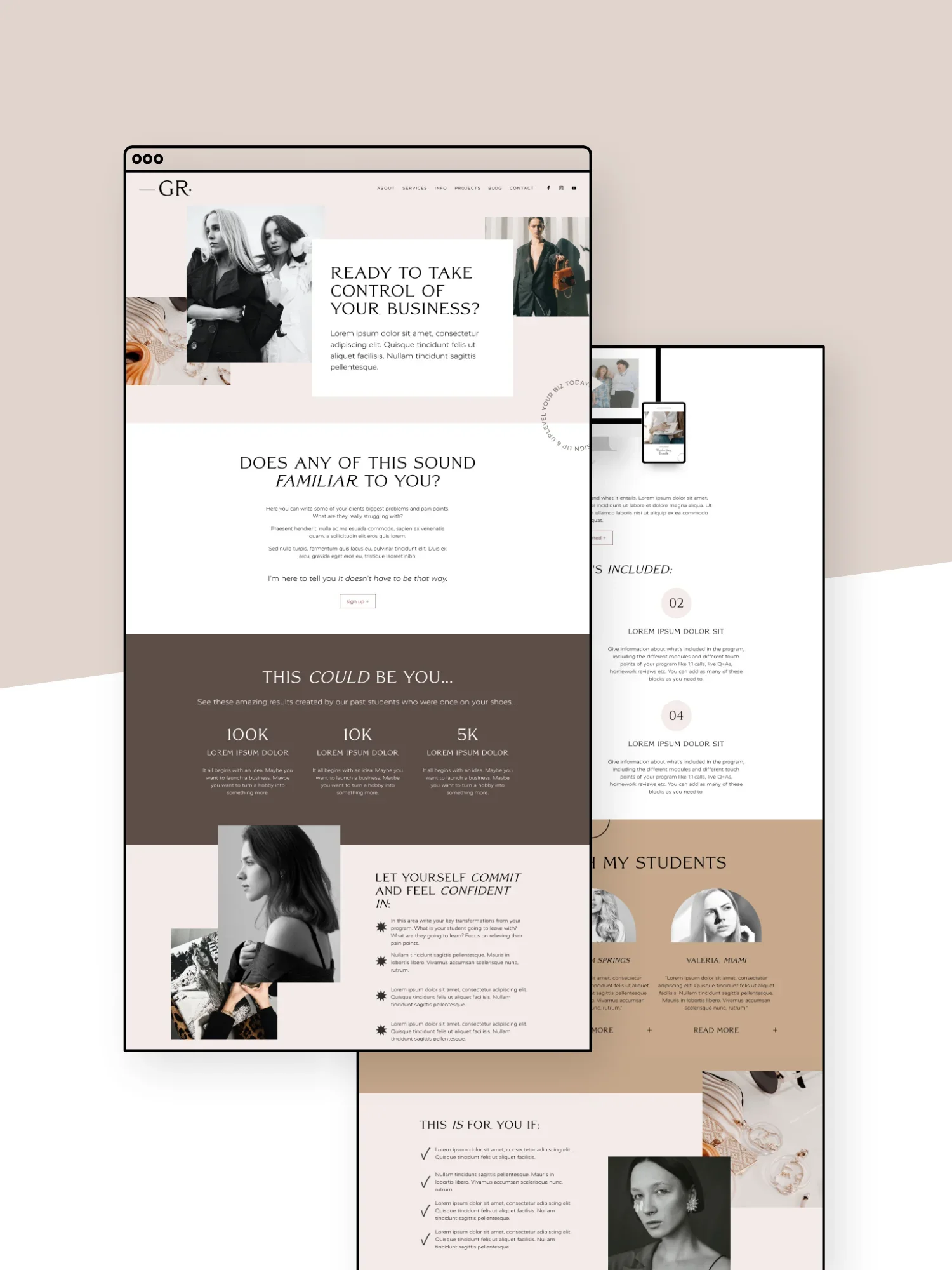
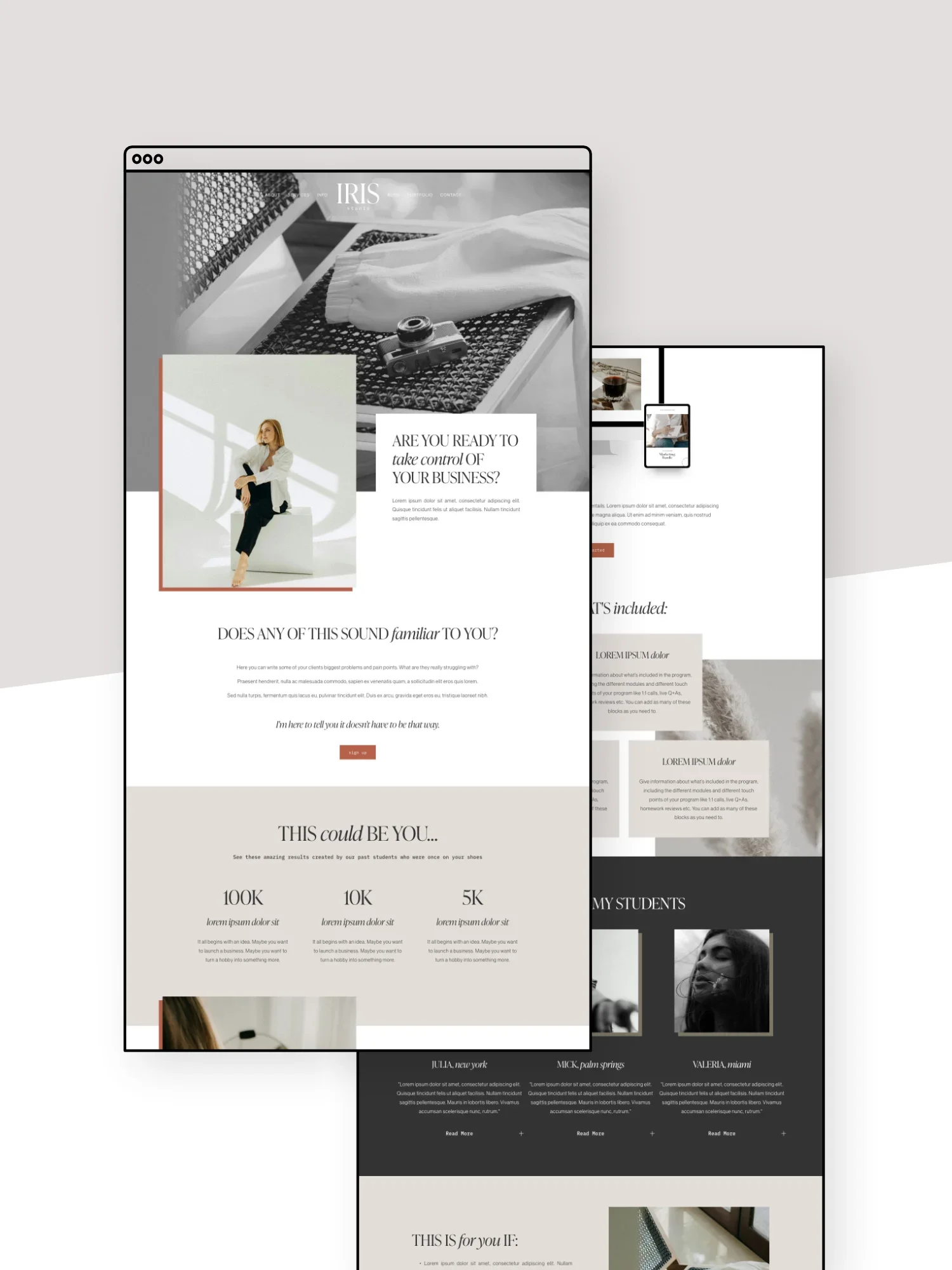
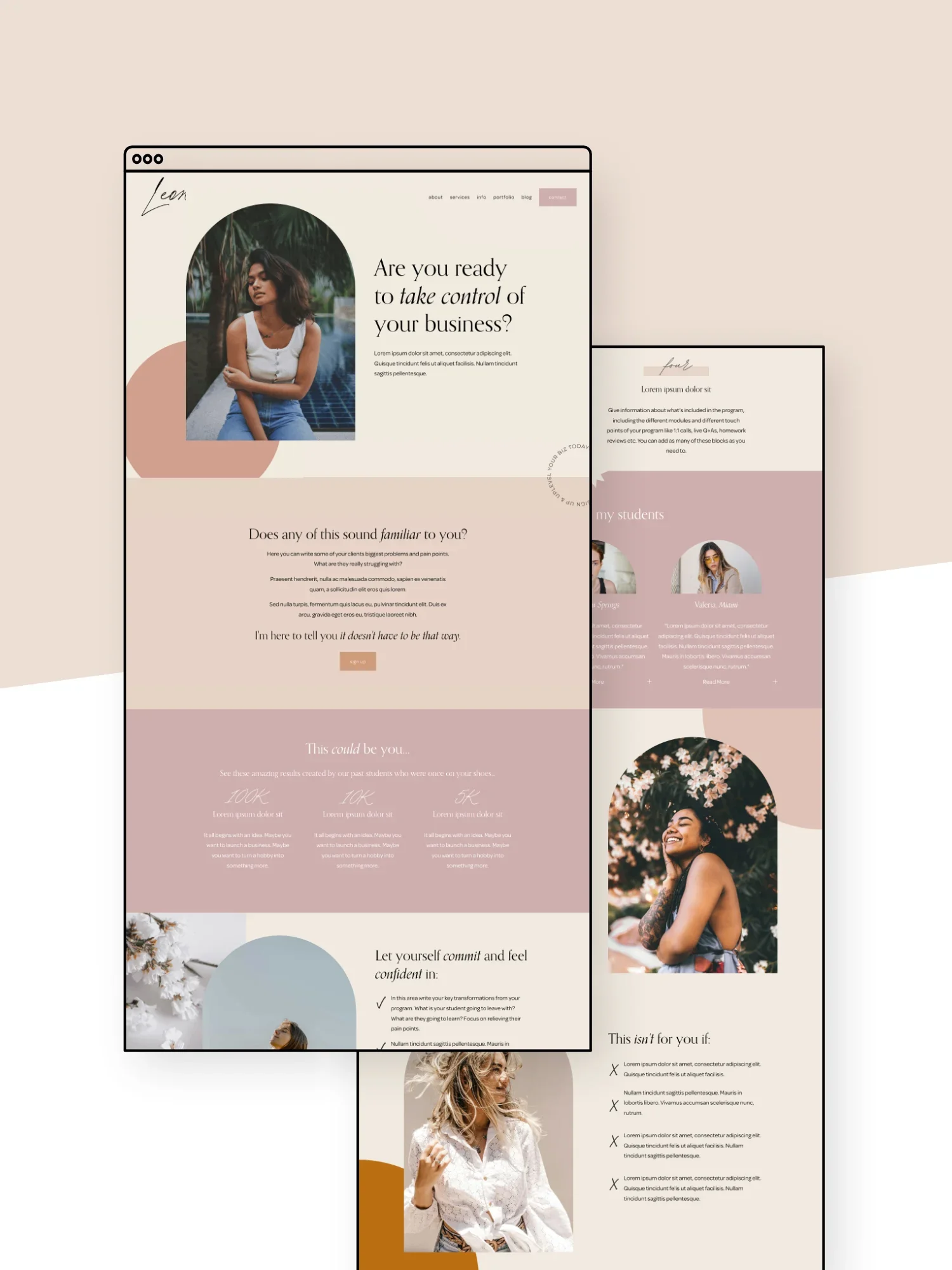
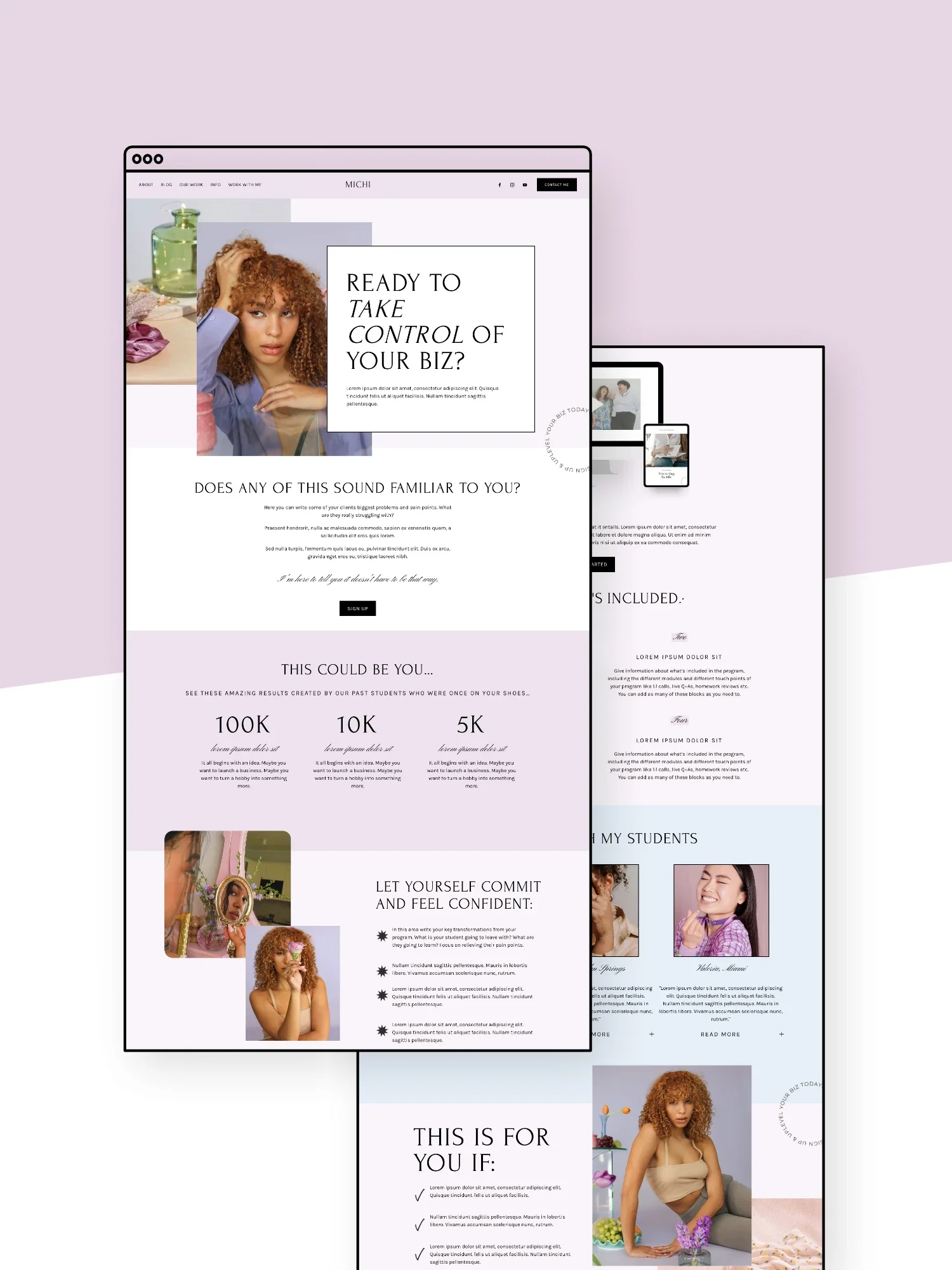
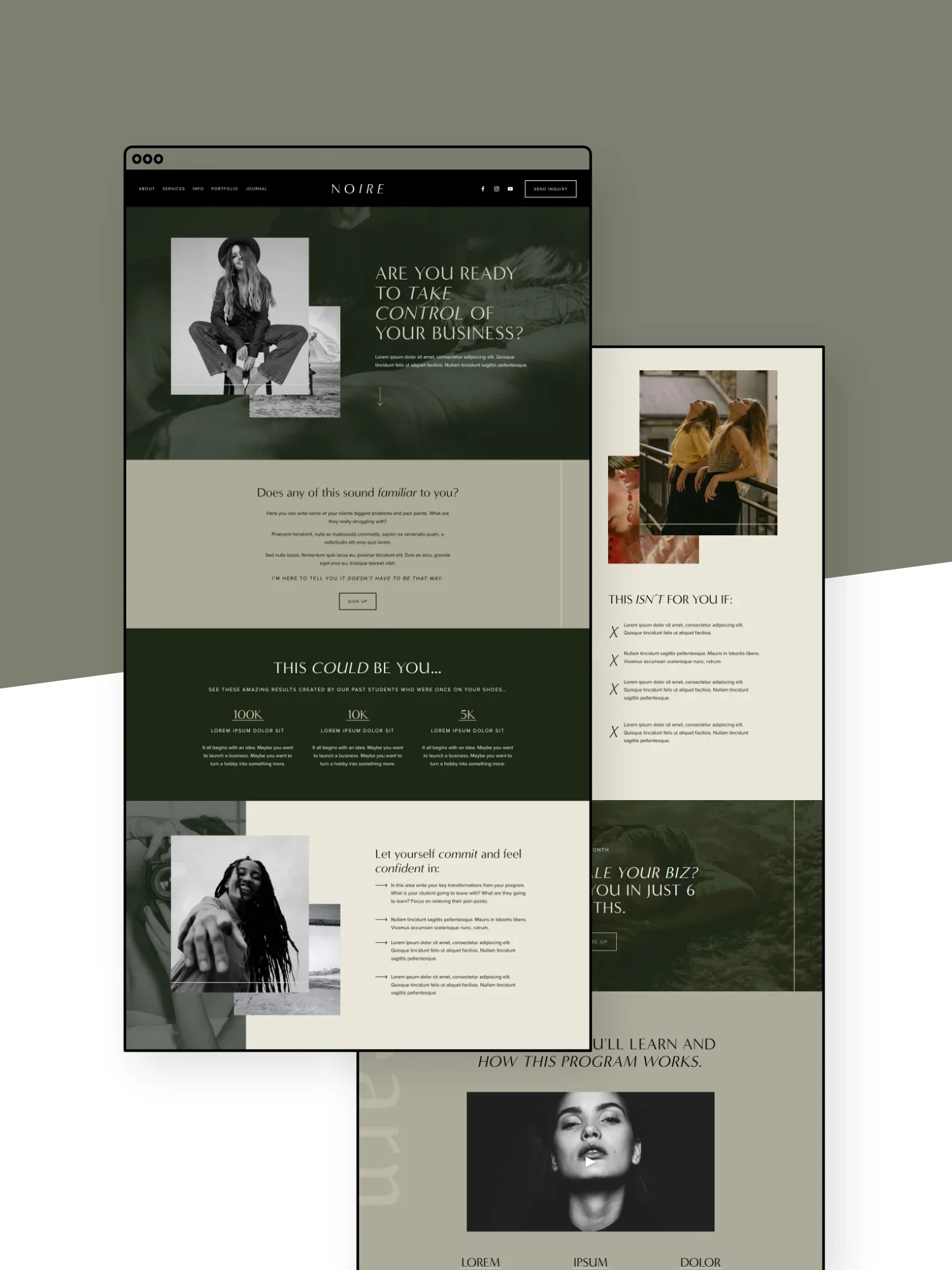
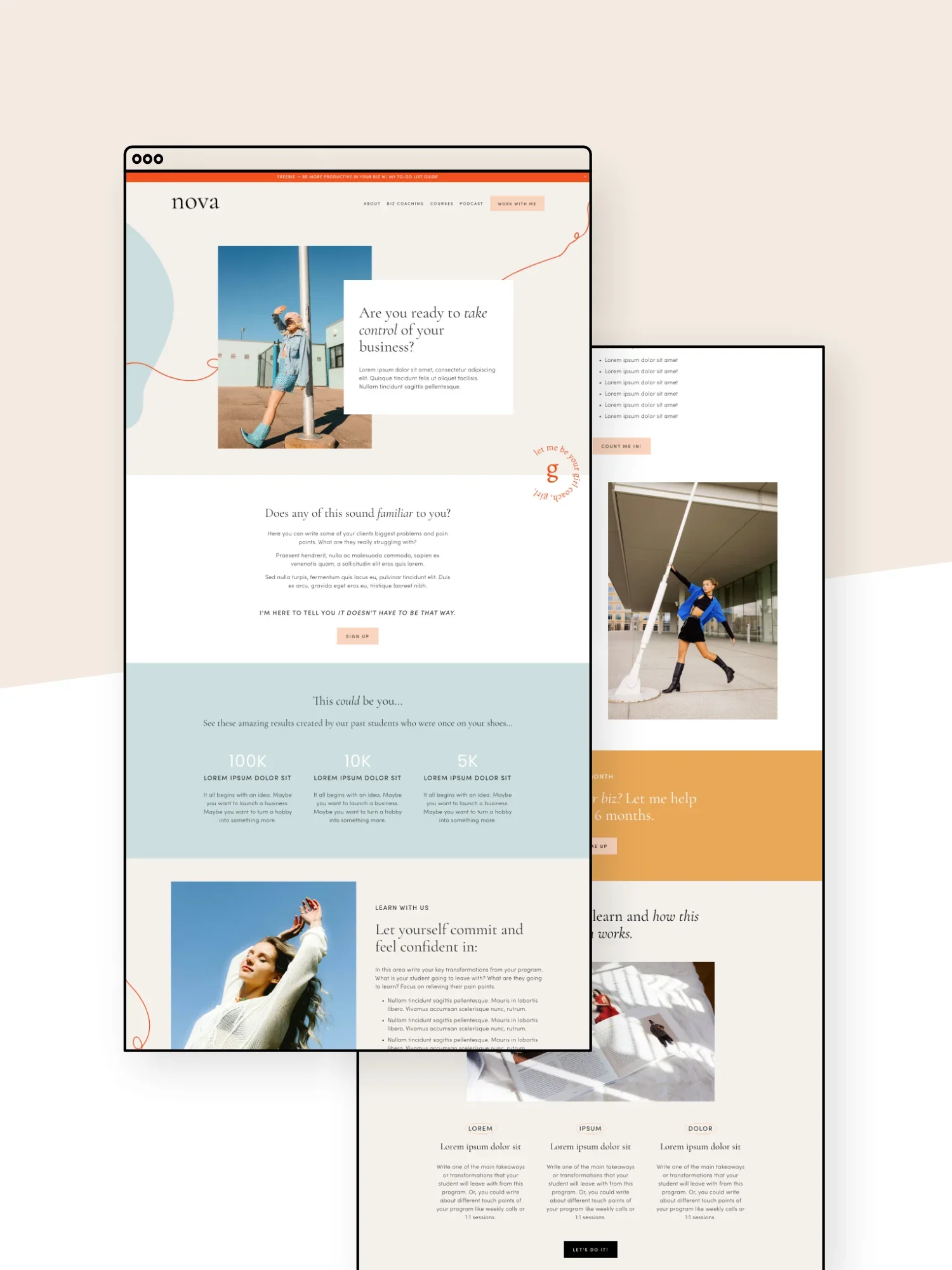
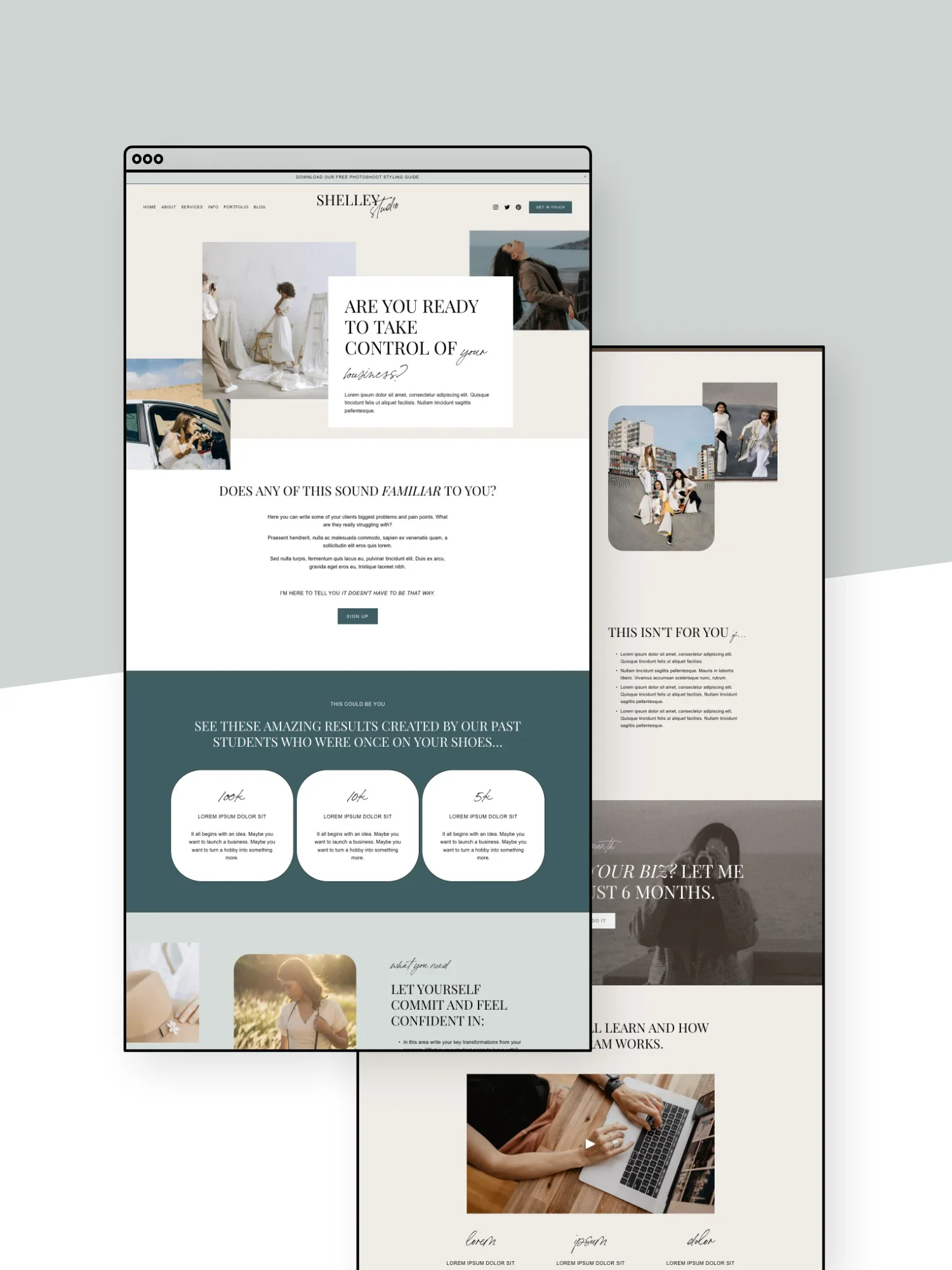
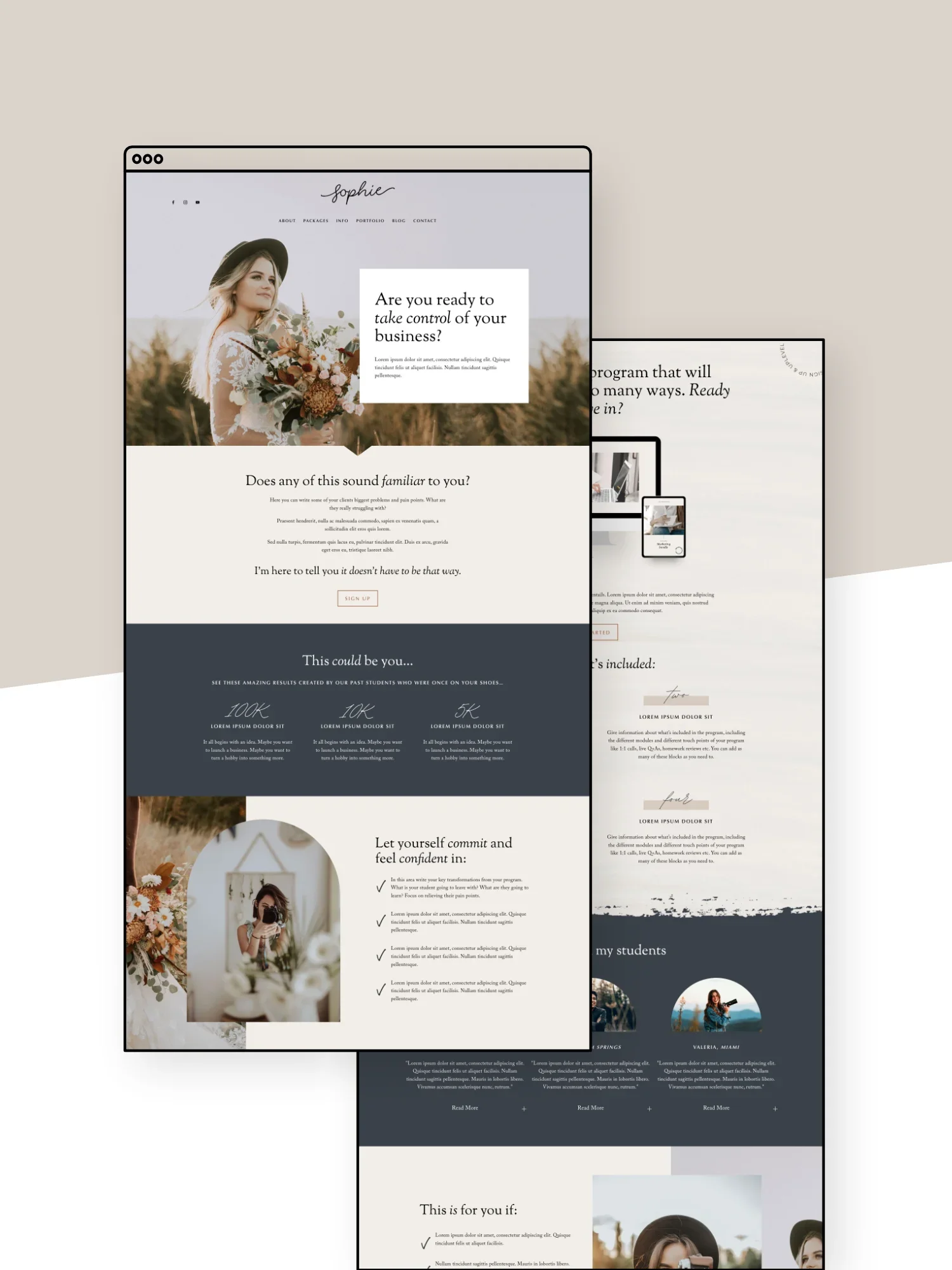
A landing page, aka a sales page, is a page designed specifically to promote (and sell) a specific offer like a product, service, course, event, or freebie, leading visitors to take the next steps and sign up.
Unlike a regular website page with lots of different links and info, a good sales page usually stays really focused on what the offer actually is. It should really clearly explain who it’s for, why it’s useful, what’s included, and what someone should do next.
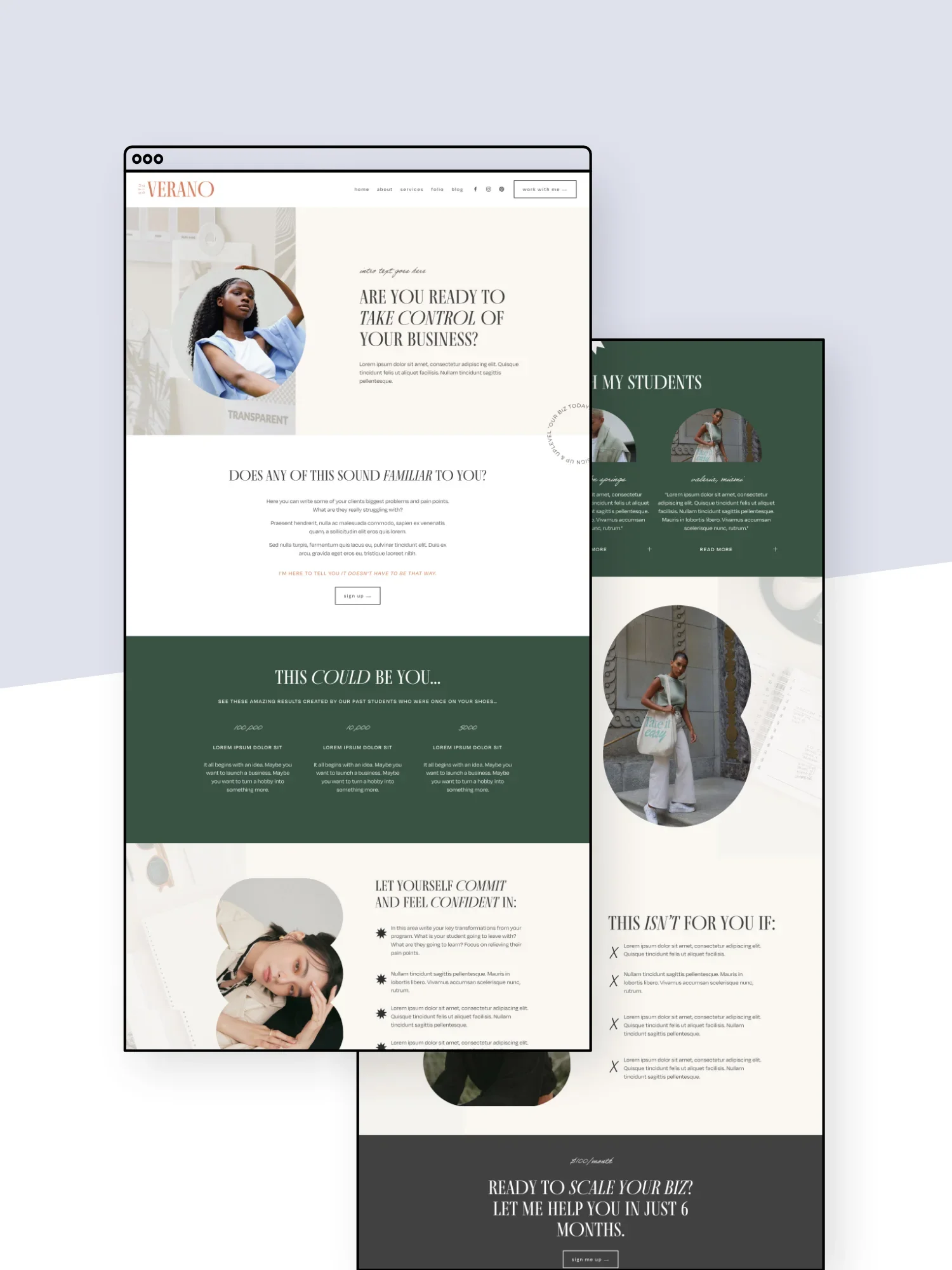
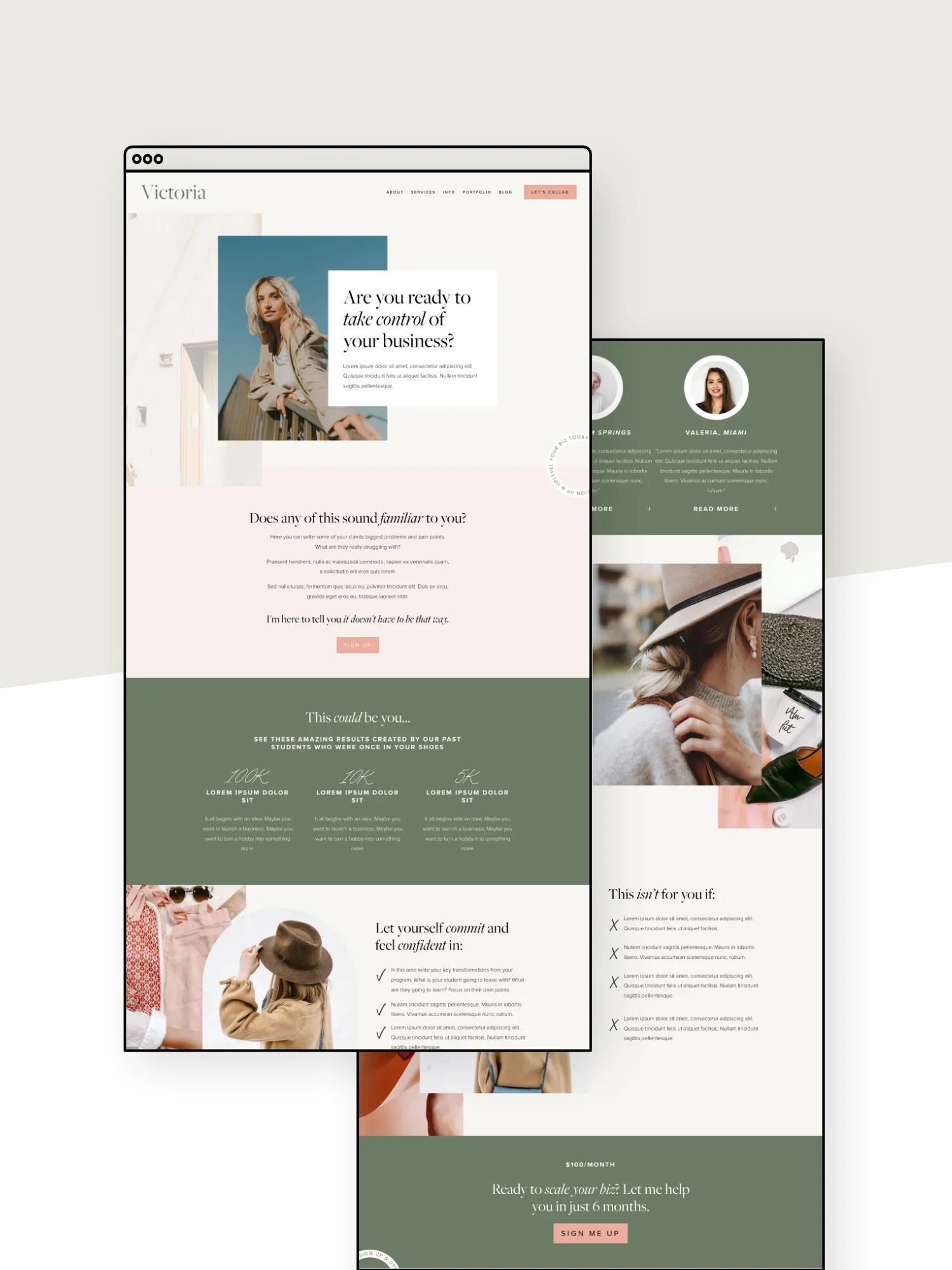
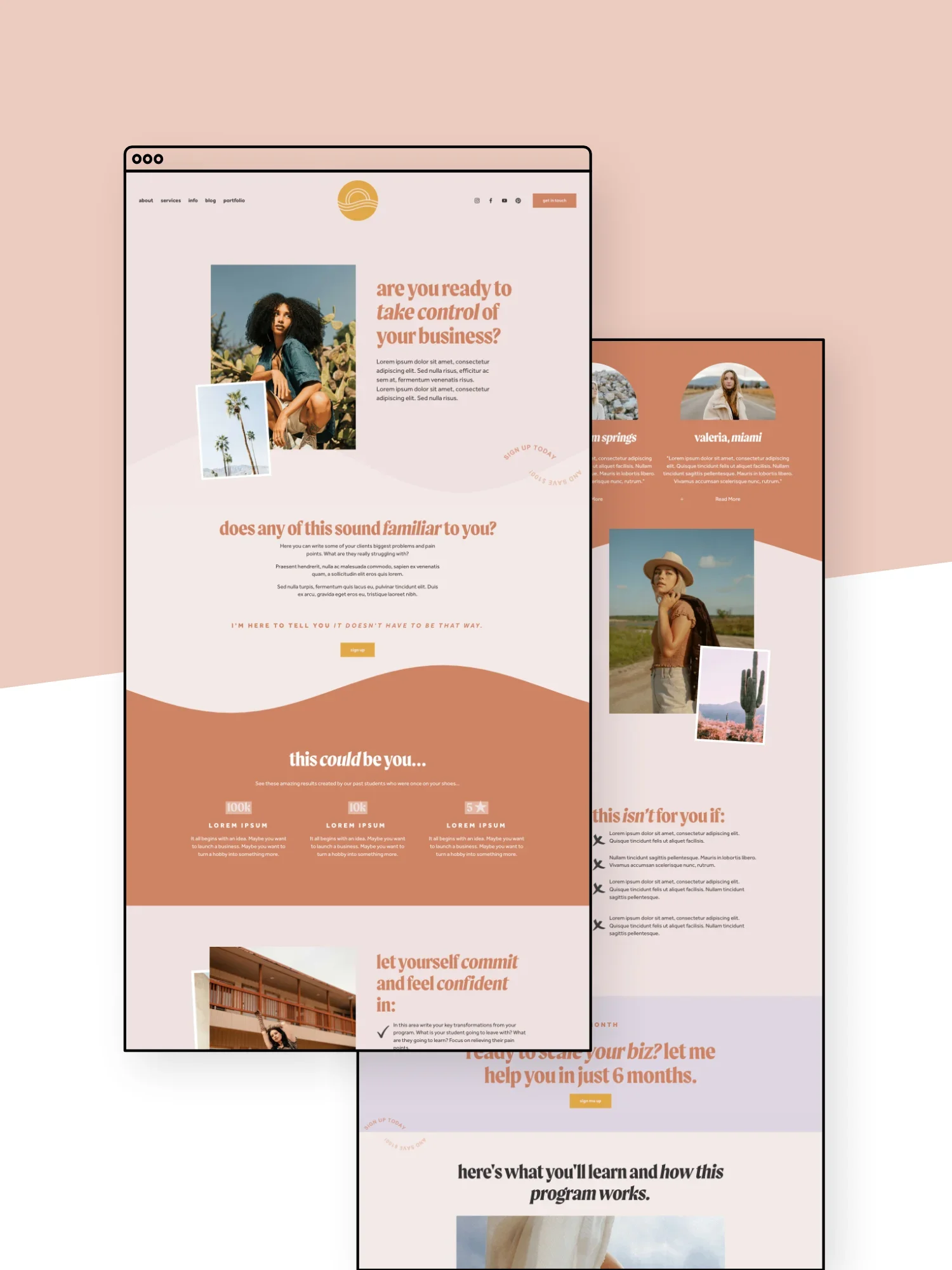
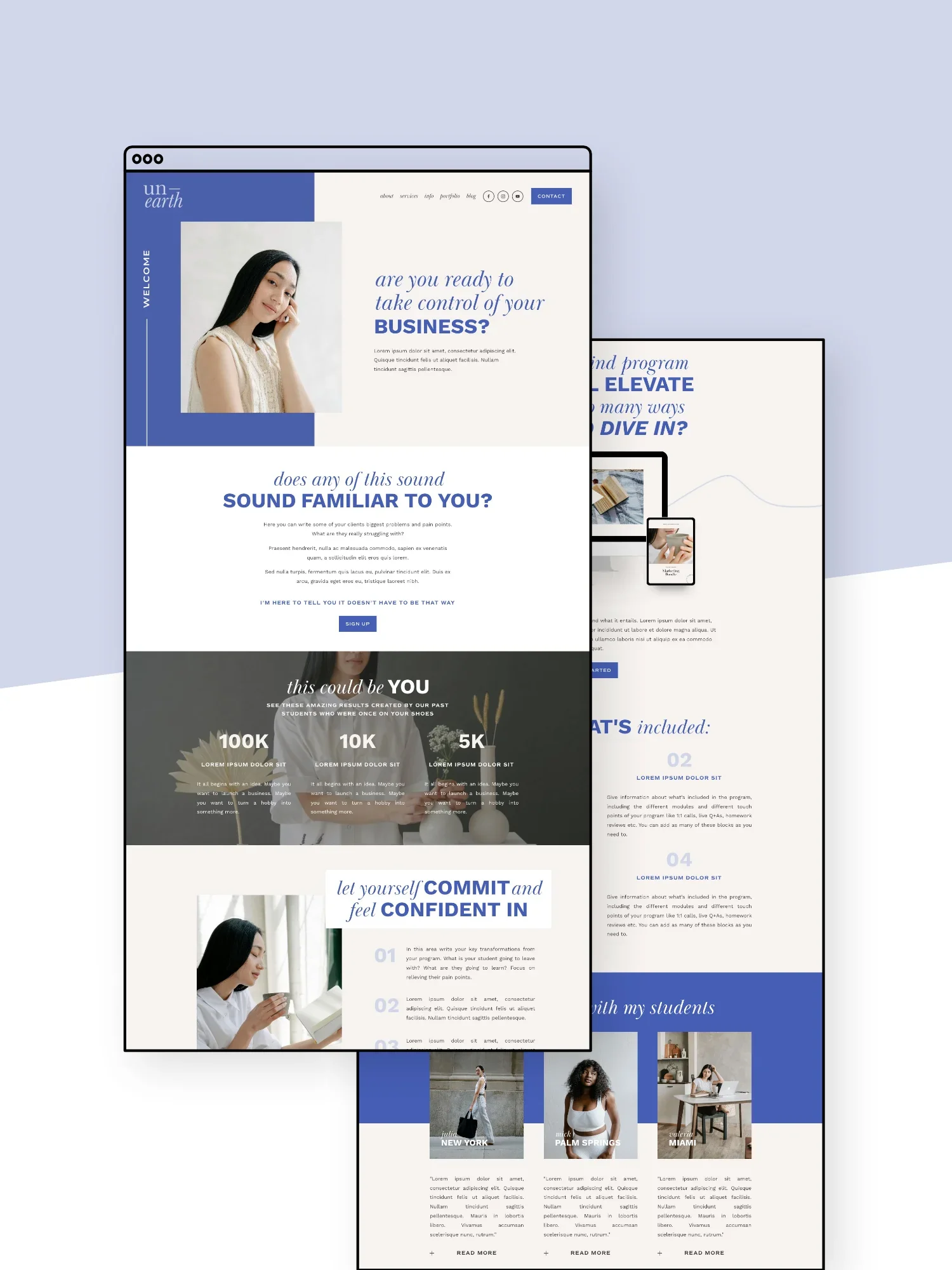
If you’d rather not start from scratch, we’ve created strategic sales page templates with all the structure and layouts already mapped out for you! Check out our sales page template collection below:
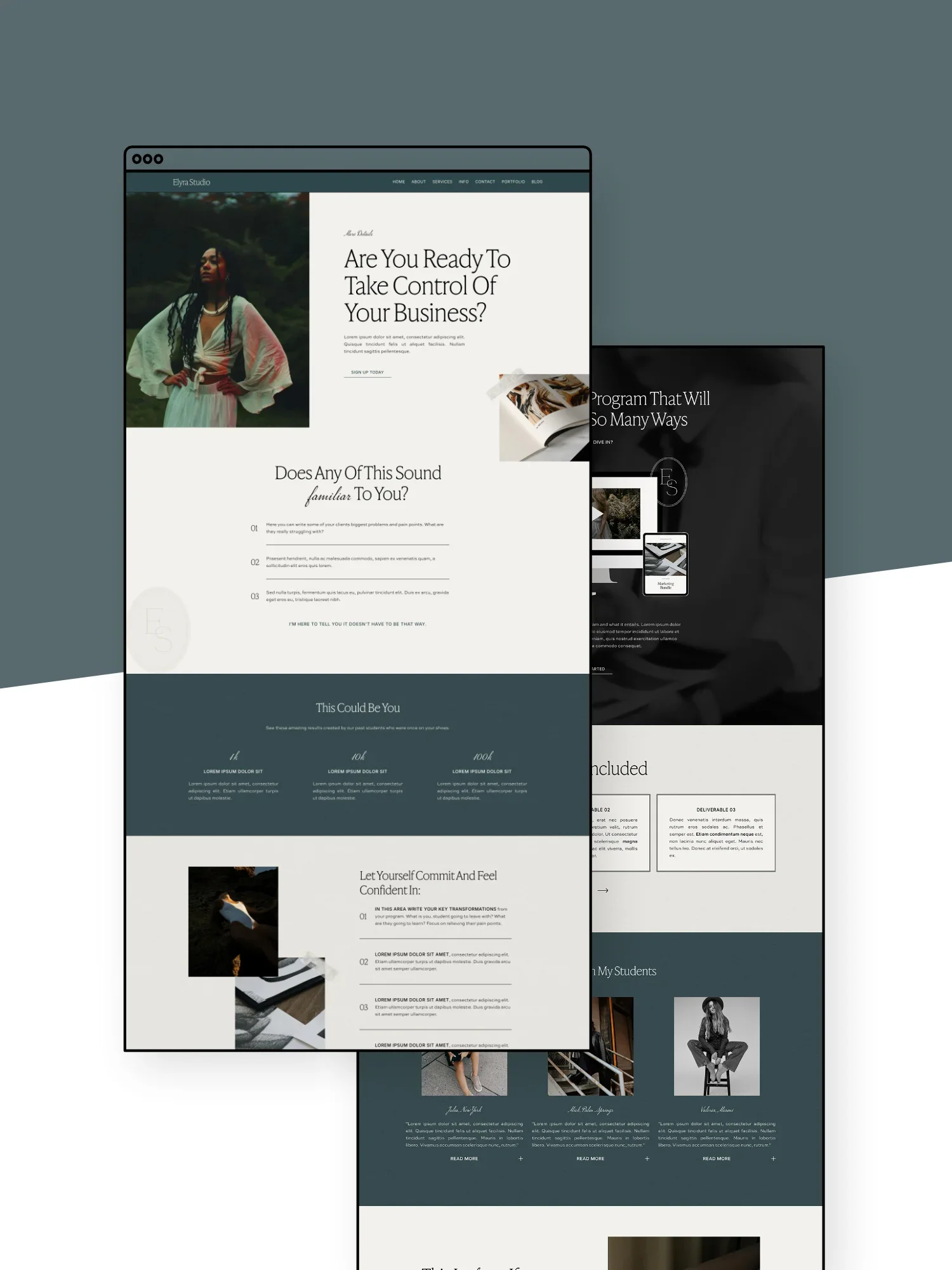
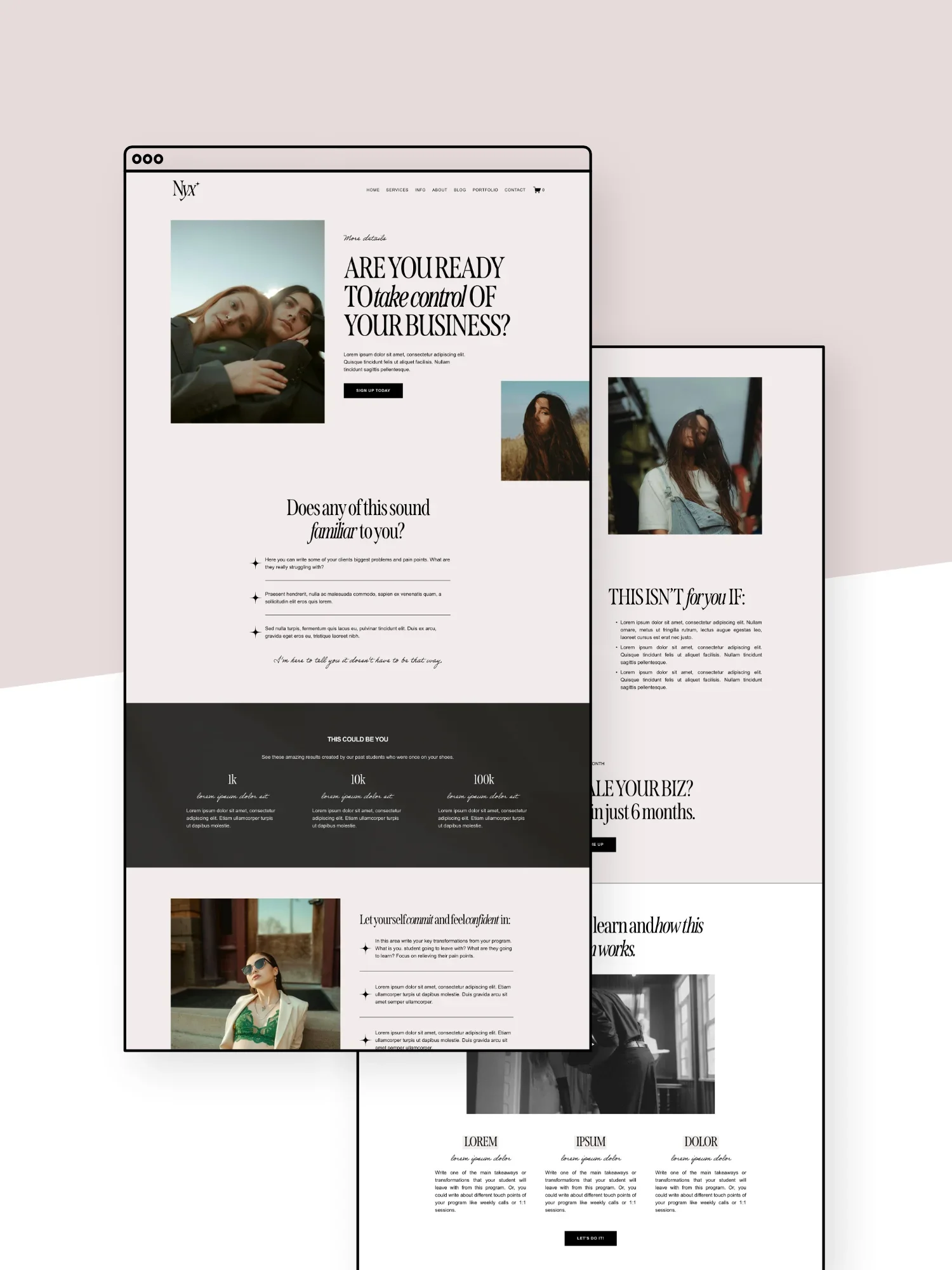
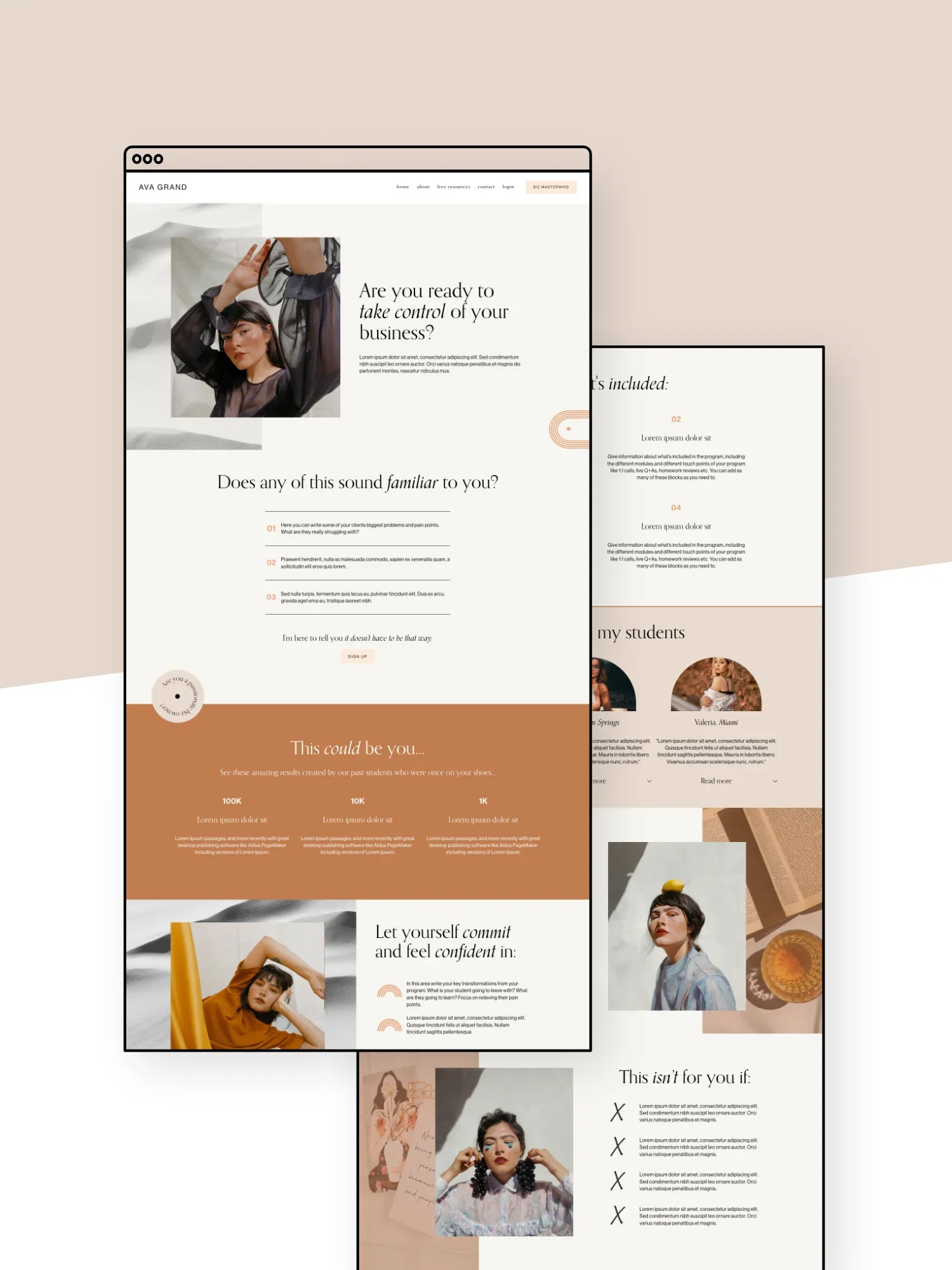
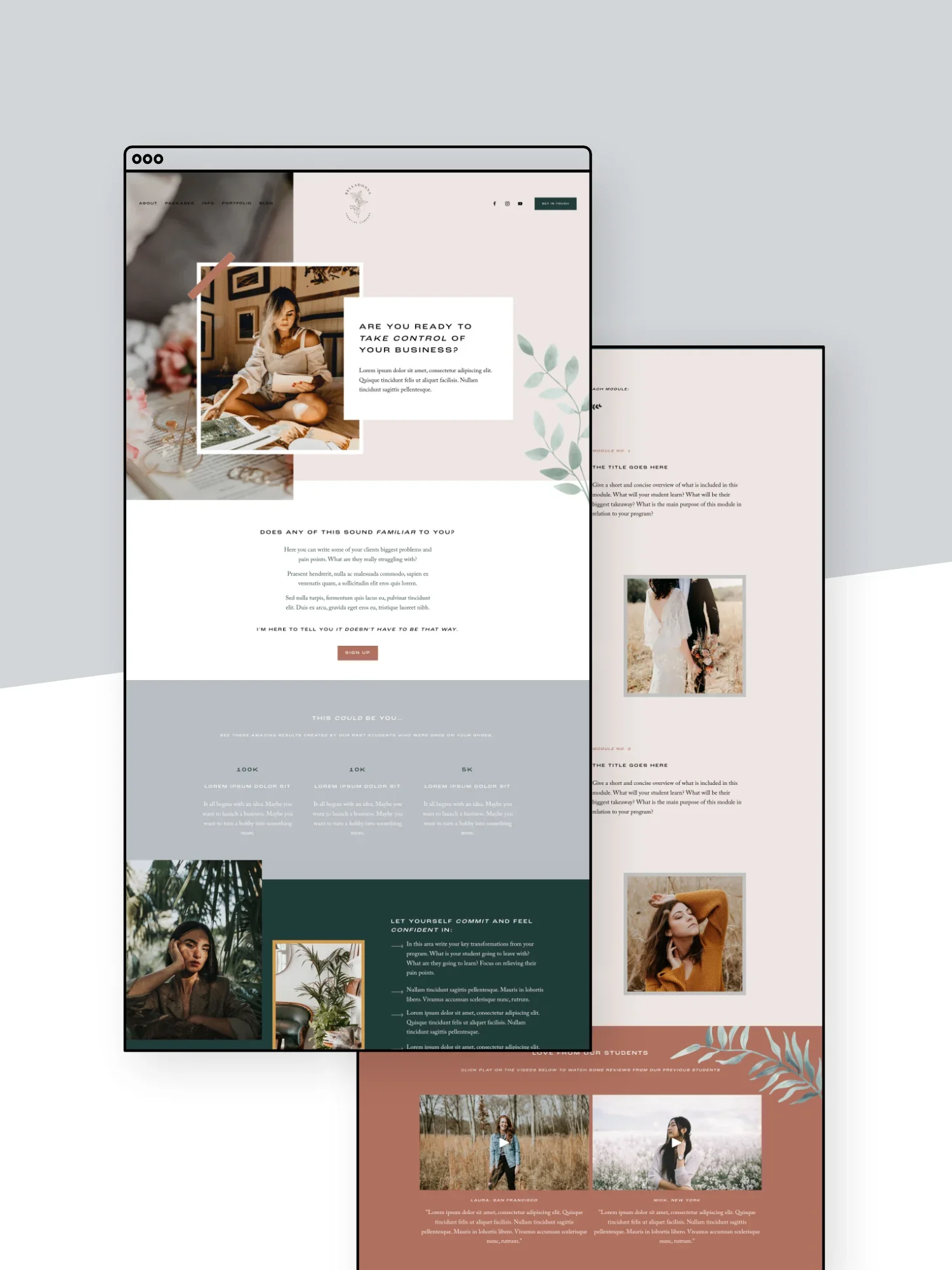
👉 How to Create a Sales Page or Landing Page in Squarespace and Save Money!
👉 The 5 Must-Haves on Your Sales Page
Lead
A lead is someone who is interested in your business. They’ve probably engaged with your business by maybe liking some of your posts on Instagram, signing up for your freebie, or booked a discovery call, but they haven’t officially become a customer yet.
Basically, they know you exist and there’s a pretty good chance they might buy from you down the track.
👉 How to Turn Blog Readers Into Email Subscribers, Leads & Customers
👉 Where to Promote Your Offers on Your Website (So They Actually Convert)
M
Meta-description
A meta-description is a short description that you can can (and should) add to each page on your website to explain what the page is about.
This is helpful for SEO as it lets search engines like Google know what your site and business is all about but it’s also the description that will appear in Google search results so you want to make it quite enticing to click on.
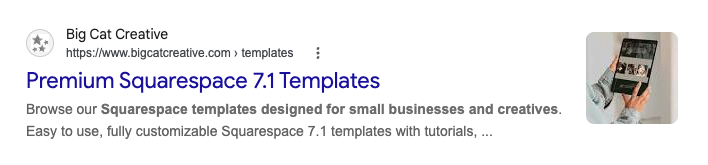
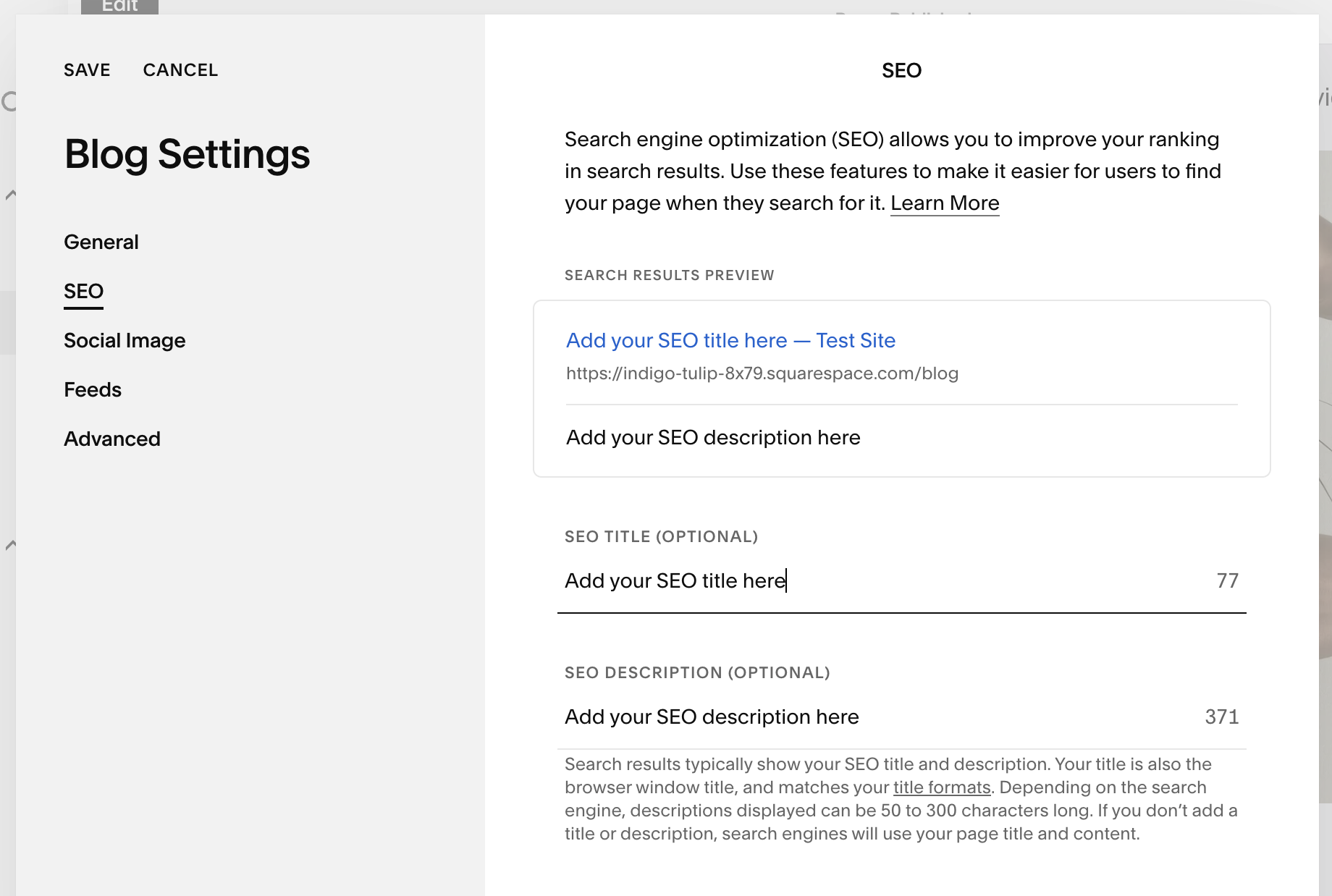
In Squarespace, you can easily add a meta-description by navigating to the page settings (hover over the page name in your Pages panel and click the cog icon). In the pop-up, go to the SEO tab and enter an SEO page title and meta-description:
Mobile Optimization
With so many people browsing websites directly from their phones these days, it is crucial that your site works just as well on a mobile screen as a desktop screen. This process is called mobile optimization and includes making sure that all text is easy to read, buttons are easy to tap, and images are cropped correctly.
A really great Squarespace feature is that it allows you to customize the mobile version of your site almost entirely independently, meaning that you can create a mobile layout that is truly optimized for smaller screens without it affecting the desktop version!
👉 Mobile Optimization: Creating Responsive Squarespace Sites
👉 How to Customize Your Mobile Design in Squarespace 7.1 With the New Fluid Engine Editor
👉 Hacks to Make Mobile Editing in Squarespace Fluid Engine Faster
N
Niche
This word lends itself to a lot of different definitions, but for online businesses, niching means sticking to a certain theme, product, or general idea instead of spreading yourself over a bunch of different products or categories.
For example, if you’re in the blogging world you would often have a “niche” like travel or food.
If you’re a service based business you may have a “niche” like web design or copywriting. You can get even more specific by specifically working with clients in the wellness or weddings industries for example.
O
Opt In
The term opt-in is used pretty loosely to describe the point where someone actively gives you their details, like their email address, giving you permission to contact them.
Most of the time, this relates to signing up to your newsletter, often through a form offering a freebie, discount, or other useful resource (in exchange for their email address).
Where it gets a little confusing is that “opt-in” can refer to both the form itself and the action of filling it out.
For example:
“You should place an opt-in on your website.”
Translation: Add a signup form where people can join your email list.
“They opted in to my email list.”
Translation: They filled out the form and gave permission to receive your emails.
Basically, whether you’re talking about the form or the action, the important part is that the person is actively choosing to sign up.
And yes, people should actually opt in. Adding random email addresses to your newsletter list is very much not the vibe.
👉 How to add an Email Sign-up Form to your Squarespace Website
P
Pop-up
A pop-up is a little box or message that appears on top of a website. It’s a great spot to promote something important like a sale, launch, or to get someone to sign up for a freebie, discount, or just your email newsletter.
The key is timing. A pop-up appearing a few seconds/minutes after landing on your website? Great. A pop-up appearing every seven seconds while someone is desperately trying to read your website? Not so great.
R
Redirect
A redirect automatically sends someone from one URL to another.
Setting up a redirect is particularly helpful if you are updating or deleting an old page which means the original URL no longer works (and results in a much dreaded broken link!). By adding a redirect, anyone who lands on the old URL, will be automatically redirected to a new link of your choosing (instead of hitting a dead end).
👉 Why URL Redirects are so Important and how to Create Them in Squarespace
S
SEO
SEO stands for Search Engine Optimization. It’s basically the process of helping search engines like Google understand what your website is about so the right people have a better chance of finding you online.
It includes things like your website copy, keywords, page titles, meta-descriptions, and image alt text. Basically anywhere that Google can gather information about your website!
👉 Squarespace SEO: Boosting Your Site's Visibility with our go-to SEO Checklist
👉 Is SEO Dead? A Candid Conversation on AI, Blogging & Squarespace with Henry from SEOSpace
Social Proof
Social proof is anything that helps show potential customers that other people already know you, trust you, and like your business.
This includes things like testimonials, reviews, case studies, client logo bars, customer photos, and any results that you can show from past clients.
Having some kind of social proof on your website is so important to build trust and can make a really big difference when someone is deciding whether to buy, book, or get in touch!
👉 How to add Google, Airbnb, and Facebook Reviews to Your Squarespace Site
👉 How to Create a Testimonial Slider in Squarespace (7.0 + 7.1)
👉 Creating an "as Featured in" Logo Bar on Squarespace
T
Templates
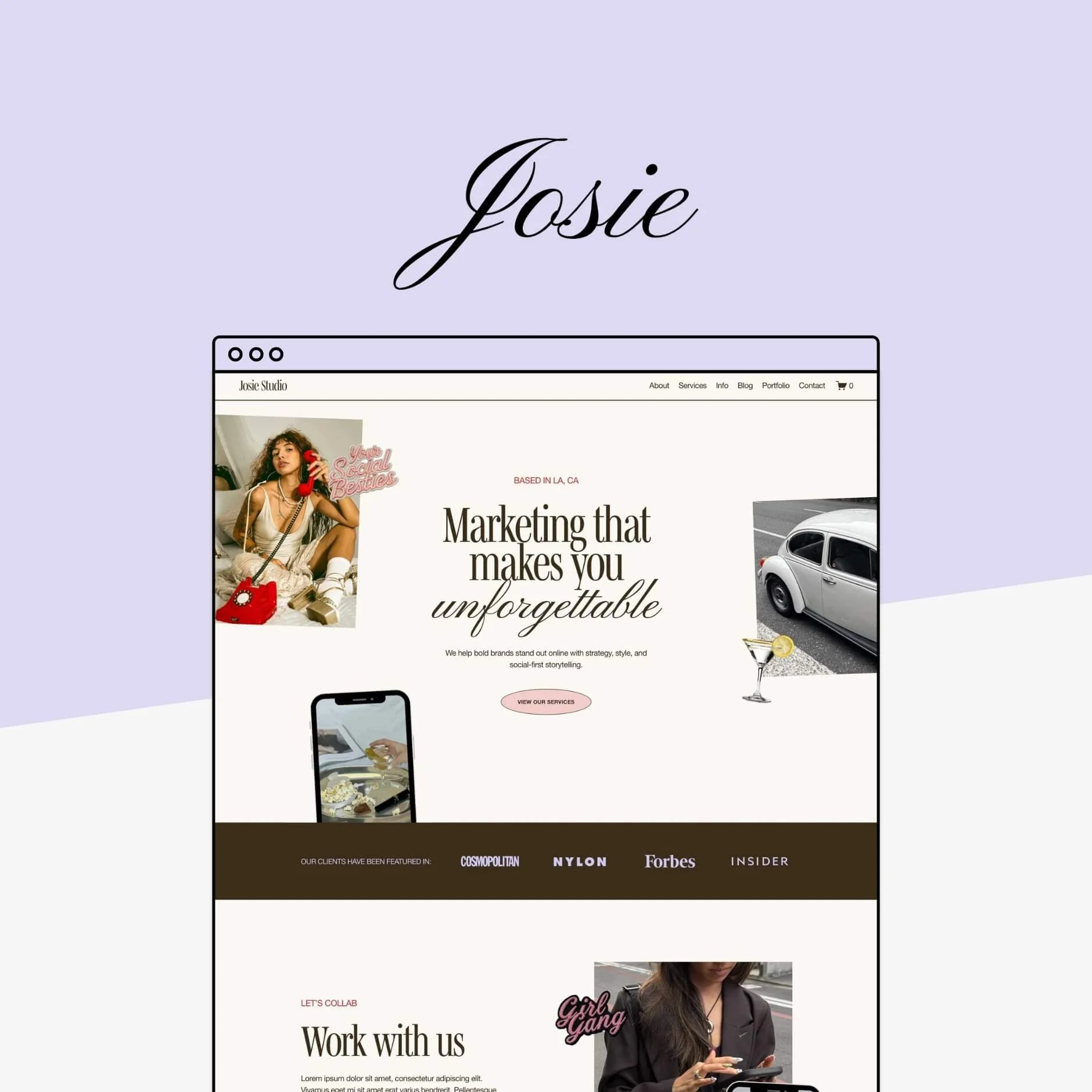
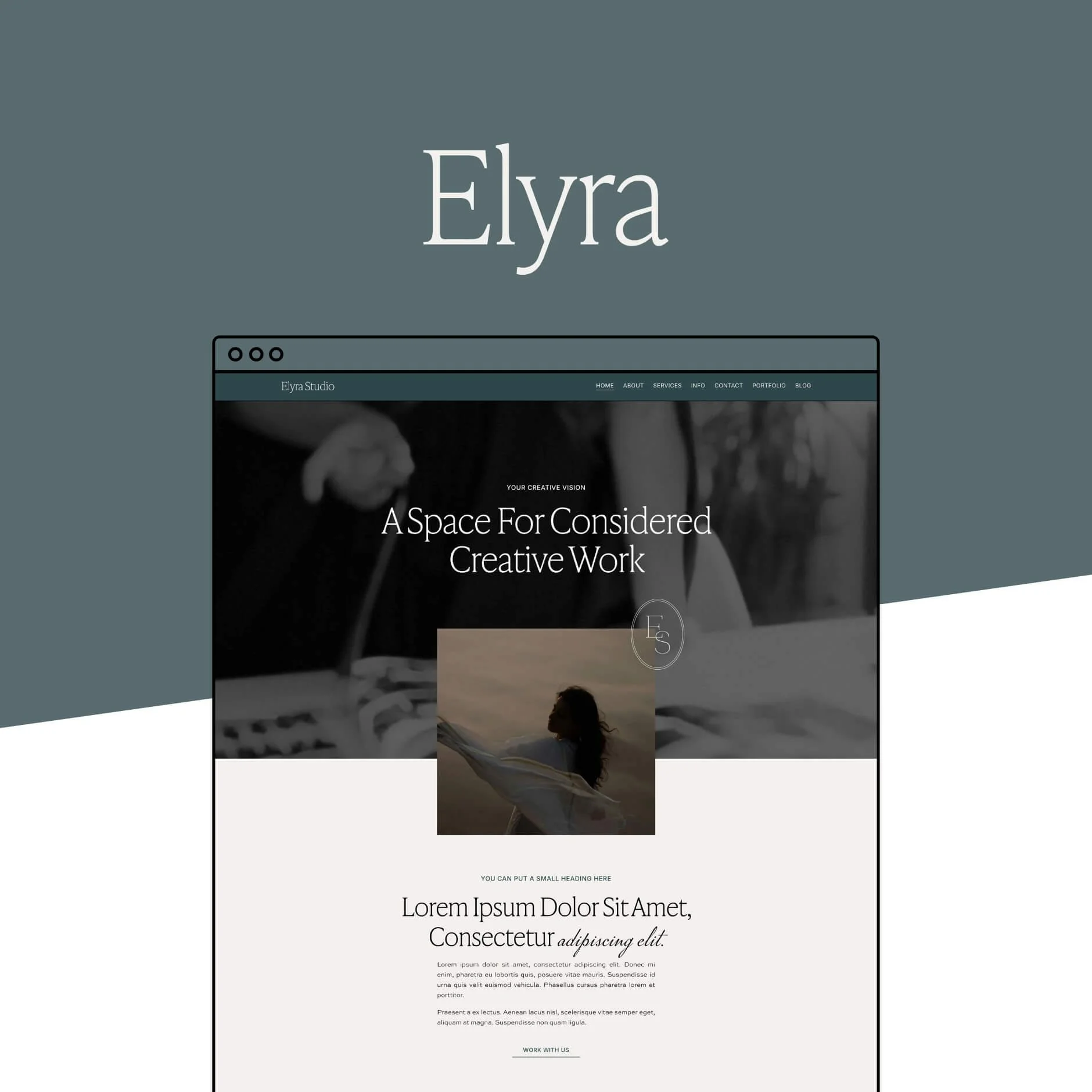
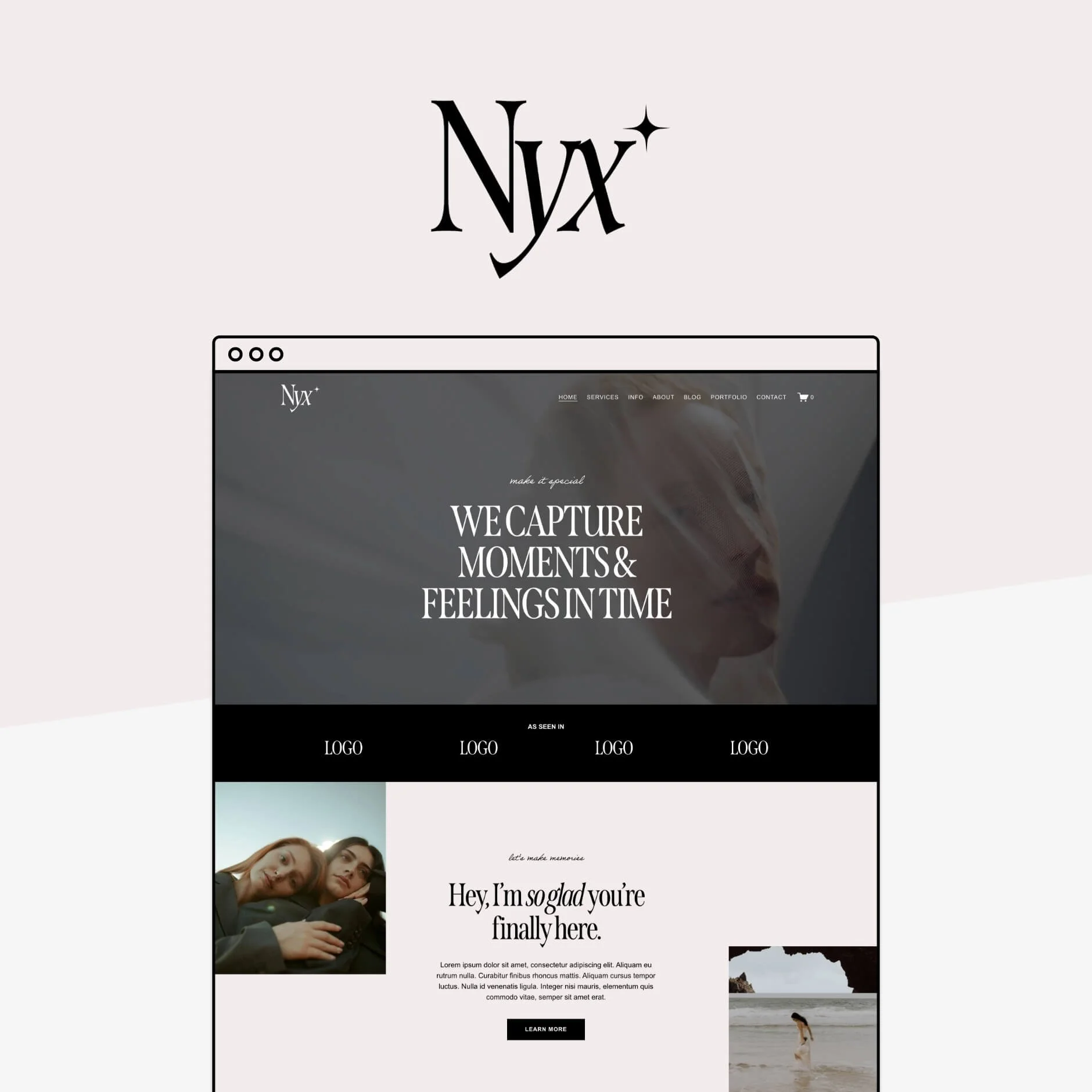
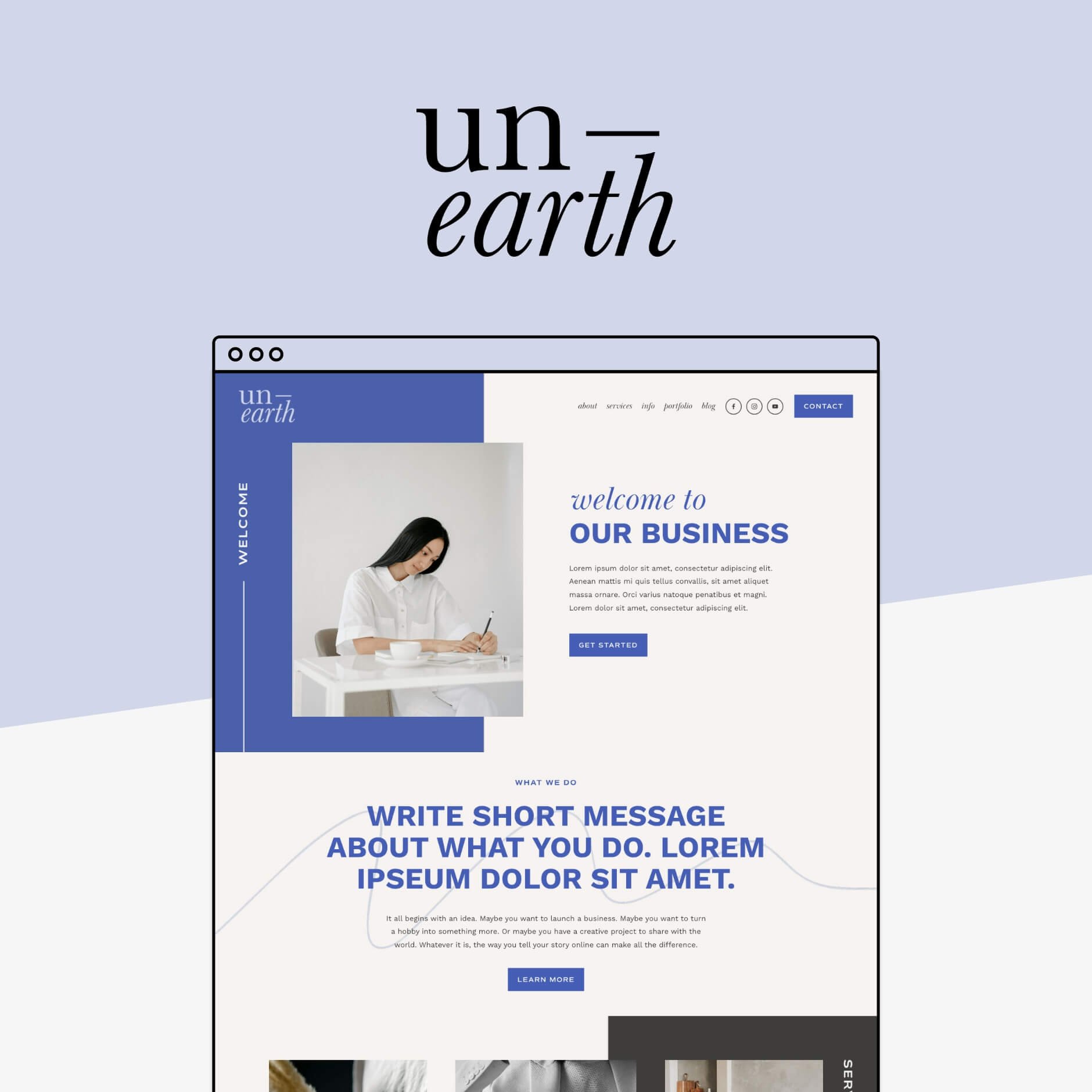
A template is a pre-designed starting point that you can customize with your own branding and content. Templates can be used for all kinds of things like websites, social media posts, emails, workbooks, or presentations, and are such a great option if you want something polished without creating everything from scratch!
We offer both professionally designed Squarespace Website Templates and matching Canva Social Media Templates to help speed up the whole process of getting your business online!


U
URL
As opposed to a domain which is the address of your whole website, a URL is the address of a specific page on your website.
For example:
bigcatcreative.com is our domain.
bigcatcreative.com/templates is a URL that takes you to one specific page on our website.
Every single page, blog post, and product on your website will have its own unique URL.
👉 Squarespace SEO Tip: How to optimize your URL slugs (& why you should)
And that’s your online business jargon cheat sheet!
There’s a lot to learn when you’re running a business online, but hopefully this makes some of those website, marketing and SEO terms feel a little less confusing.
Bookmark this page and come back whenever you stumble across a term that makes you think, wait… what does that actually mean?


Josie is a bold and personality-packed sales page, with playful layouts and polished design details. This template gives you a fun, strategic, and memorable way to showcase your offer and make sales.
View Full Demo